.png?width=180&height=32&name=NW%20Logo%20(2).png)
Services Config View - Files Tab
The Files tab appears in the Services Config view for Archivers, Brokers, Concentrators, Log Decoders, and Network Decoders.
In the Files tab, you can edit service configuration files as text files. The files you can edit vary depending upon the type of service you are configuring. The following files are common to all Core services.
- The NetWitness file (netwitness)
- The service index file (index-
) - The scheduler file (scheduler)
- The crash reporter file (crashreporter)
- The feed definitions file (feed-definitions)
In addition, the Decoder has files that configure parsers, feed definitions, and a wireless LAN adapter.
Note: The default values in the configuration files cover most common situations. You may need to edit configuration parameters and values for optional services, such as the crash reporter or scheduler. Do not change these values in the Files tab unless you understand networks and the factors that affect the way services collect and parse data.
More detail on the service configuration parameters is available in the Service Configuration Settings.
Workflow
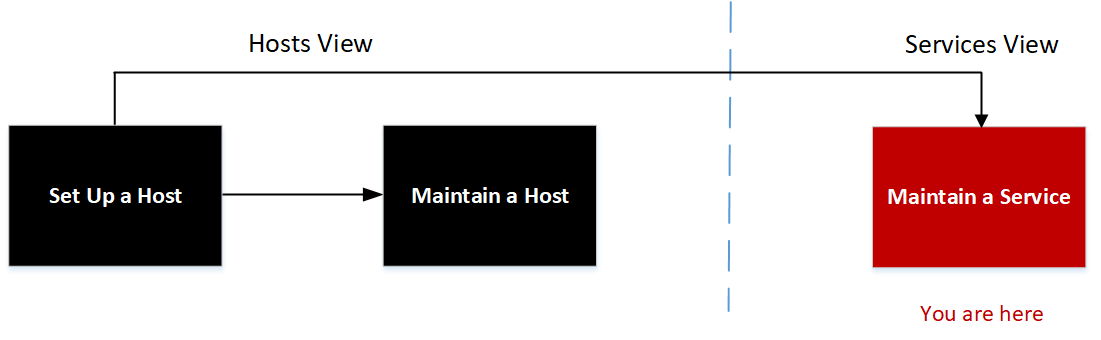
What do you want to do?
Related Topics
- Services Config View - Data Retention Scheduler Tab
- Services Config View - Data Retention Scheduler Tab
- Services Config View
Quick Look
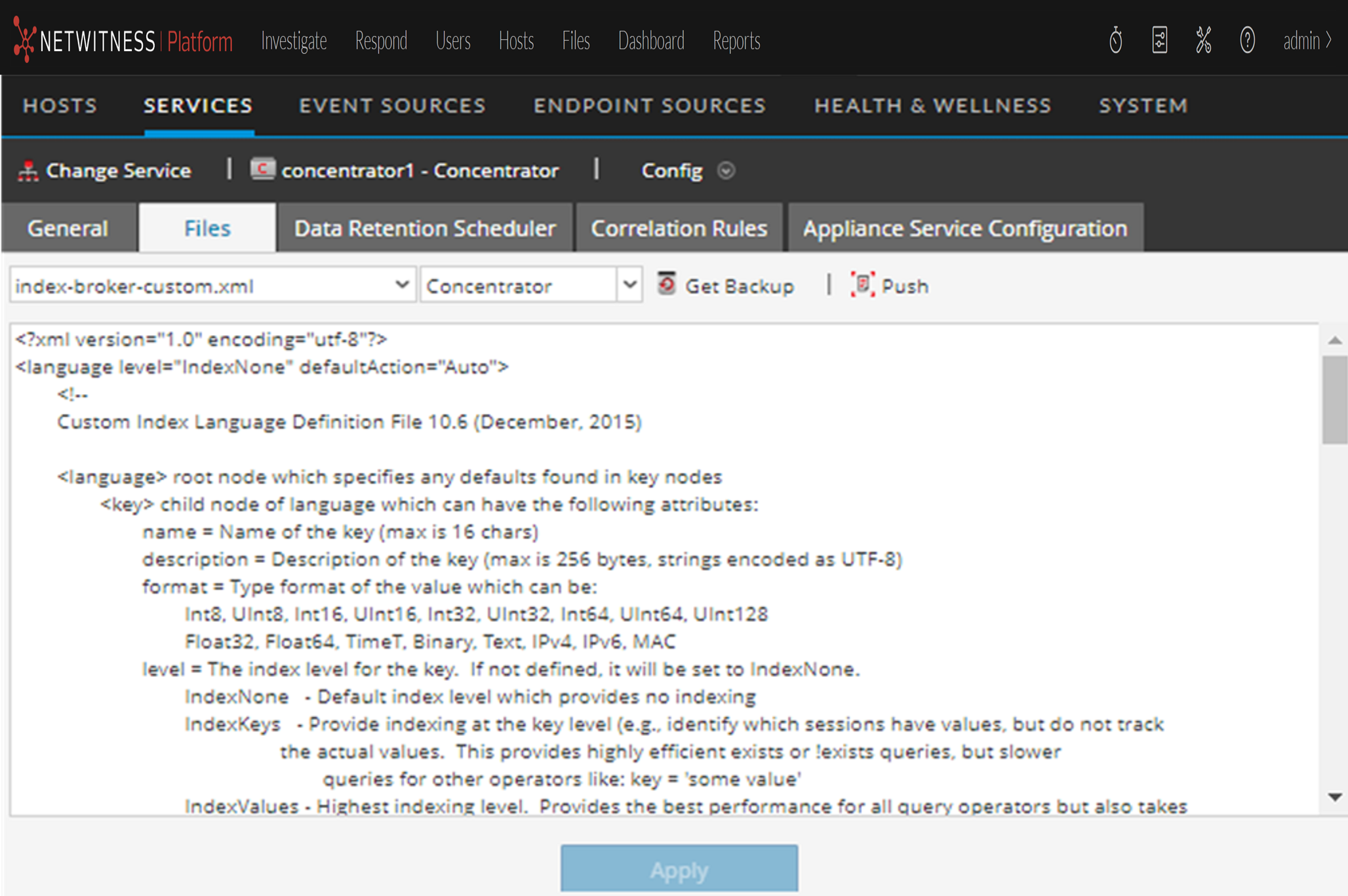
This is an example of the Files tab.
Files Tab Toolbar
The Files tab has a toolbar and an edit window. This is an example of the toolbar.

These are the features of the Files tab toolbar.