.png?width=180&height=32&name=NW%20Logo%20(2).png)
Deploy ESA Services DialogDeploy ESA Services Dialog
The Deploy ESA Services dialog displays all ESA services available to be added to an ESA rule deployment.
What do you want to do?What do you want to do?
Related TopicsRelated Topics
Quick LookQuick Look
To access this dialog:
- Go to
 (Configure) > ESA Rules.
The Rules tab opens by default. - In the options panel, under the Deployment section, select or add a deployment.
- In the ESA Services panel, click
 .
.
The Deploy ESA Services dialog is displayed.
The following figure is an example of this dialog.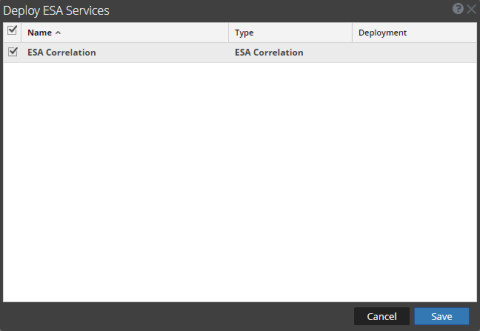
The following table describes the parameters of the Deploy ESA Services dialog.