.png?width=180&height=32&name=NW%20Logo%20(2).png)
Alarms Tab
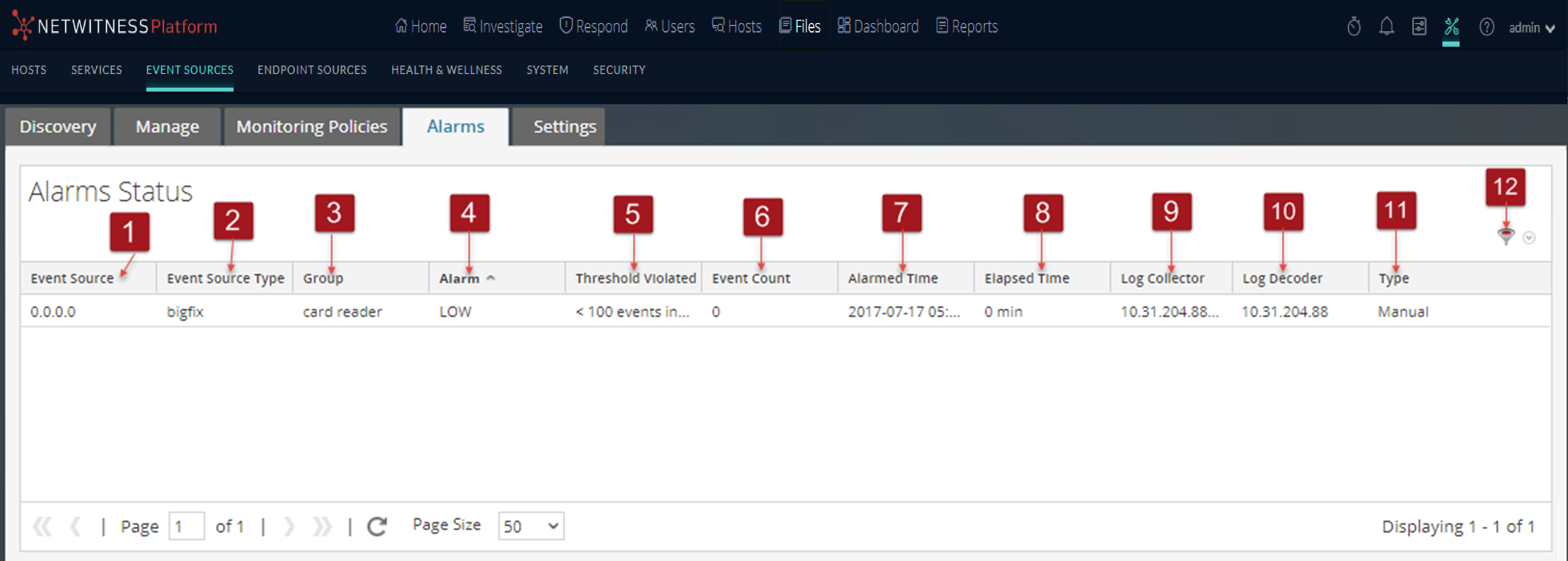
From the Alarms tab you can view details of the alarms that have been generated.
The Alarms tab has one panel that displays Alarm status.
To access this tab, go to  (Admin) > Event Sources > Alarms.
Workflow
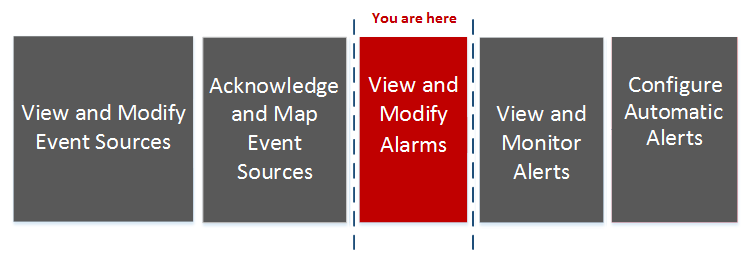
This workflow shows the overall process for configuring event sources. It also shows where configuring alarms and alerts settings are located in the process.
What do you want to do?
*You can perform this task here.
Related Topics
Configuring Automatic Alerting
Quick Look
The Alarms tab presents the details for Event Sources that are currently in violation of a policy and threshold. Only Event Sources in violation of a policy appear in the list. After the event source returns to a normal state, the corresponding alarm disappears from the list.