.png?width=180&height=32&name=NW%20Logo%20(2).png)
Alert Details ViewAlert Details View
In the Alert Details view (Respond > Alerts > click on a row in the Alerts List), you can view the overview of an alert, such as the source of the alert, the number of events within the alert, Incident ID, if it is part of an incident. You can also view the raw alert that contains detailed information about the events.
WorkflowWorkflow
This workflow shows the high-level process that Analysts use to review alerts and create incidents.
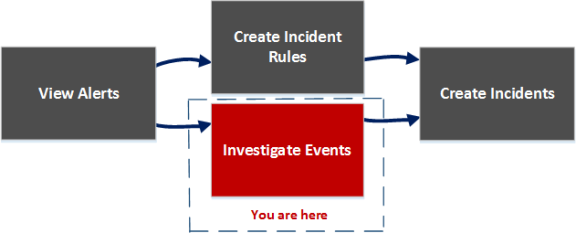
After reviewing the alerts list, you can investigate those alerts further and create incidents from the alerts, in the Alert Details view. In the Configure > Incident Rules view, you can create incident rules to create incidents.
Note: You can also use NetWitness Automated Threat Detection to create incidents without manually creating rules.
What do you want to do?What do you want to do?
*You can complete these tasks here (that is, in the Alerts Details view).
Related TopicsRelated Topics
Quick LookQuick Look
-
To access the Alert Details view, go to Respond > Alerts.
- In the Alerts list, choose an alert to view and then click the link in the Name column for that alert.
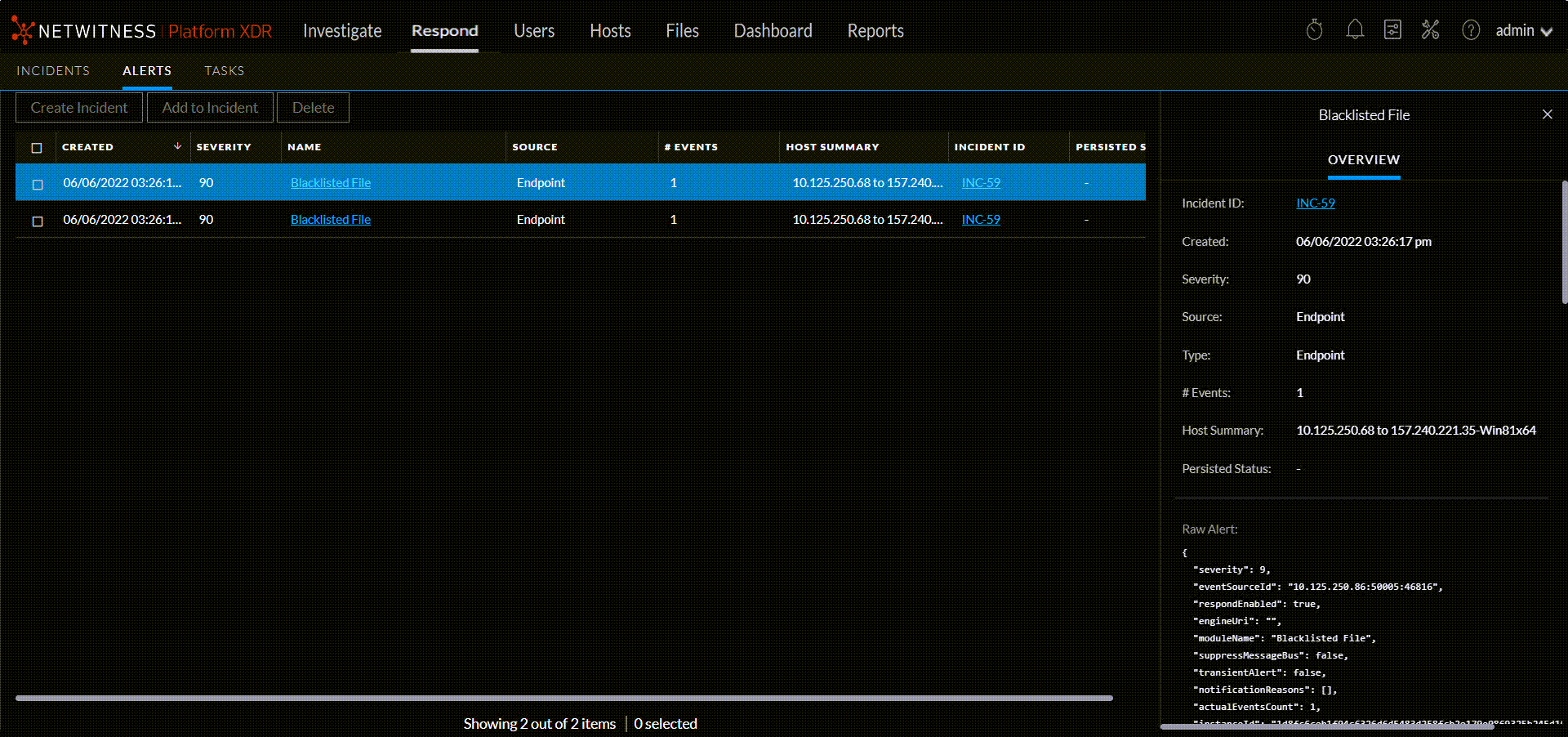
The Alert Details view has an Overview panel on the right. You can resize the panels to show more information as shown in the following figure.
Overview PanelOverview Panel
The Overview panel shows basic summary information about a selected alert. The Overview panel on the Alerts List view contains the same information. The Alerts List view Alert Overview Panel topic provides details.
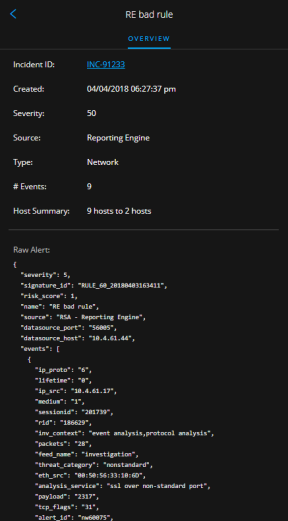
Events - Process Tree ViewEvents - Process Tree View
Click on an event name link to view the event details. The Process Tree Viewer opens and displays the process that caused the alerts and the processes it originated from.
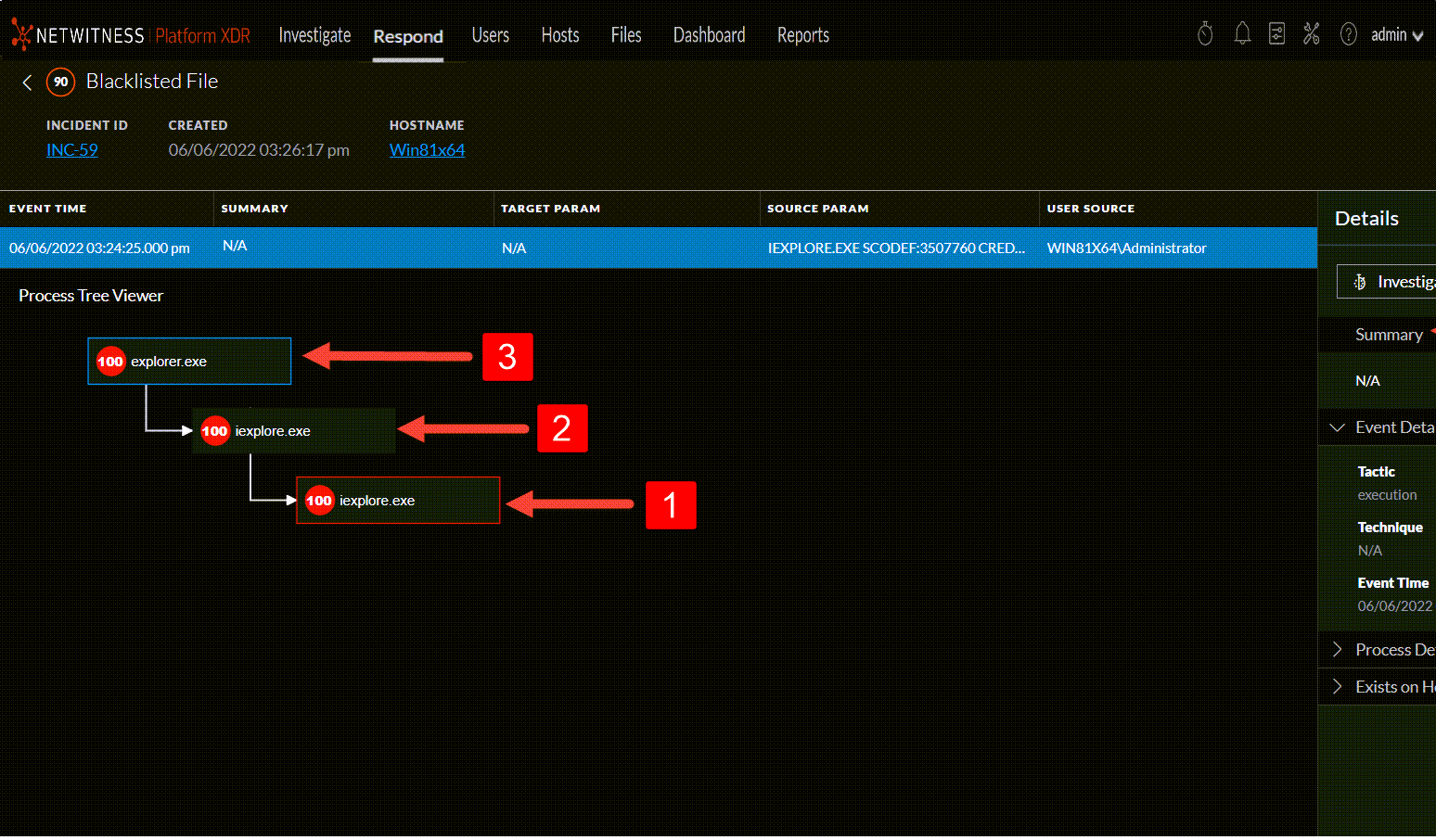
 -The process that caused the alert is highlighted with a red-colored outline.
 &
&  - The processes from which the highlighted process originated.
 - Summary of the alert.
 - Event Details section shows the tactics, techniques, and event time stamp.
 - Process Details section provides detailed insights about the selected process.
 - Shows the details of Network Connections established by the process; You can view the network connections that took place up to ten minutes before and after the alert triggered time. Network connections details are available only for the process that caused the alert.
 - Shows the name and a link to the host where the process exists.
Events ListEvents List
The Events List for a selected alert shows all of the events contained in that alert.
Event Details Event Details
The Event Details in the Events panel shows the event metadata for each event in the alert.
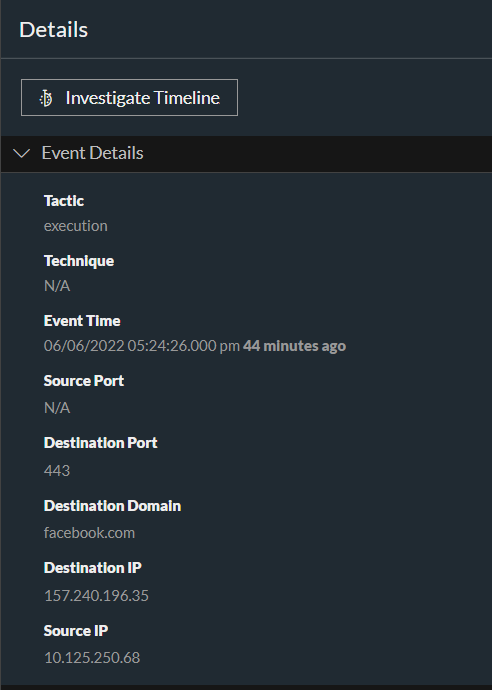
Event DetailsEvent Details
The following table lists some event details section and subsections shown in the Event Details. This is not an extensive list.
Event Source or Destination Device AttributesEvent Source or Destination Device Attributes
The following table lists attributes for an event source or destination device that can be shown in the Events Details.
Event Source or Destination User AttributesEvent Source or Destination User Attributes
The following table lists attributes for an an event source or destination user that can be shown in the Events Details.
Toolbar ActionsToolbar Actions
This table lists the toolbar actions available in the Alert Details view.