.png?width=180&height=32&name=NW%20Logo%20(2).png)
Tags: Documentation
Administrators and analysts can create charts based on the real-time data from the Investigate > Events page. This enhancement enables them to create various types of charts based on Event Count, Session Size, Packet Count, and Meta Key. It provides an all-in-one solution for tracking trends for analysts. Additionally, analysts can add these real-time charts to their Default dashboard, allowing them to track critical data seamlessly within the organization.
What do you want to do?
Related Topics
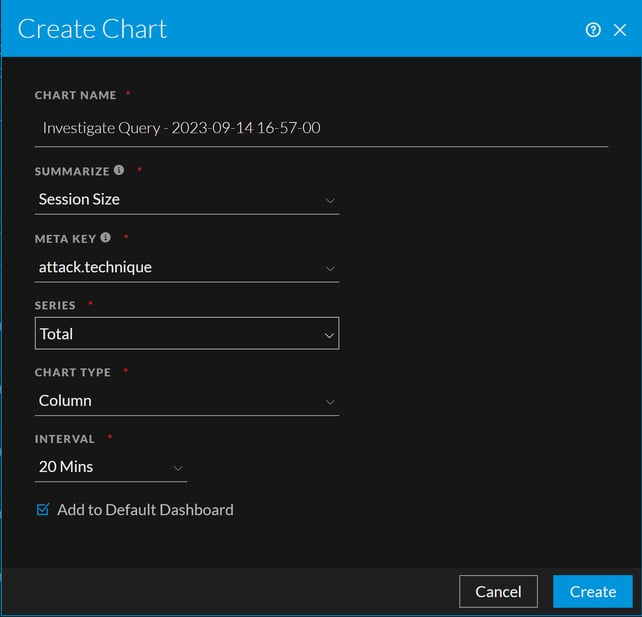
Quick Look - Create Chart Dialog from Events View
This is an example of the Create Chart Dialog from Events View