.png?width=180&height=32&name=NW%20Logo%20(2).png)
Tags: Documentation
Administrators and analysts can create search patterns to find sensitive data on their networks. These rules use keywords to identify patterns and they are matched based on an exact keyword string. Once a pattern is applied to a matched policy with services (Decoders), it will search for that pattern in the network traffic. Upon successful detection of a match, two important metadata will be generated (found and match). Analysts can use this metadata to investigate further and determine if the sensitive data is being used maliciously.
What do you want to do?
Related Topics
Quick Look - Create Search Pattern Dialog
This is an example of the Create Search Pattern Dialog
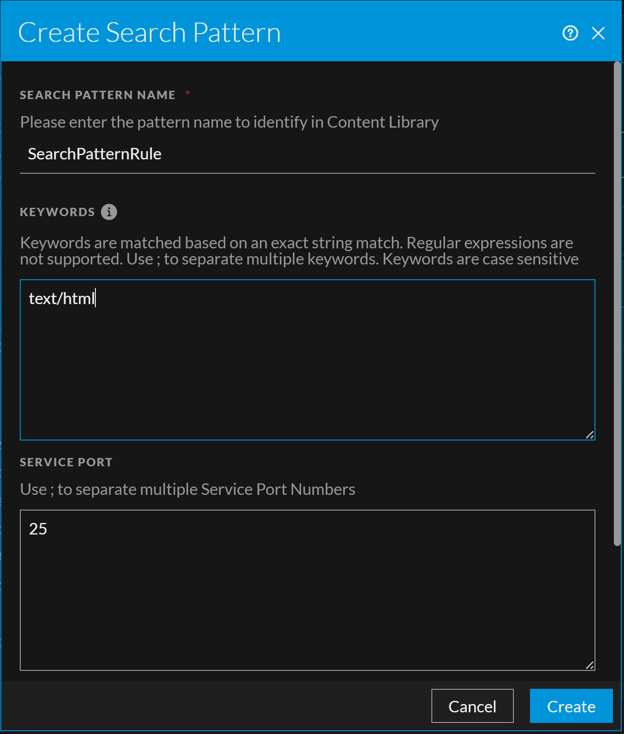
The following table describes the fields in the Create Search Pattern view.