.png?width=180&height=32&name=NW%20Logo%20(2).png)
Create an Incident Dialog
In the Create an Incident dialog, analysts can create an incident from selected events in the Events view. The incident is then available to incident responders working in Respond.
To access this dialog, while investigating a service in the Investigate > Events view, select Incidents > Create New Incident from the toolbar.
Workflow
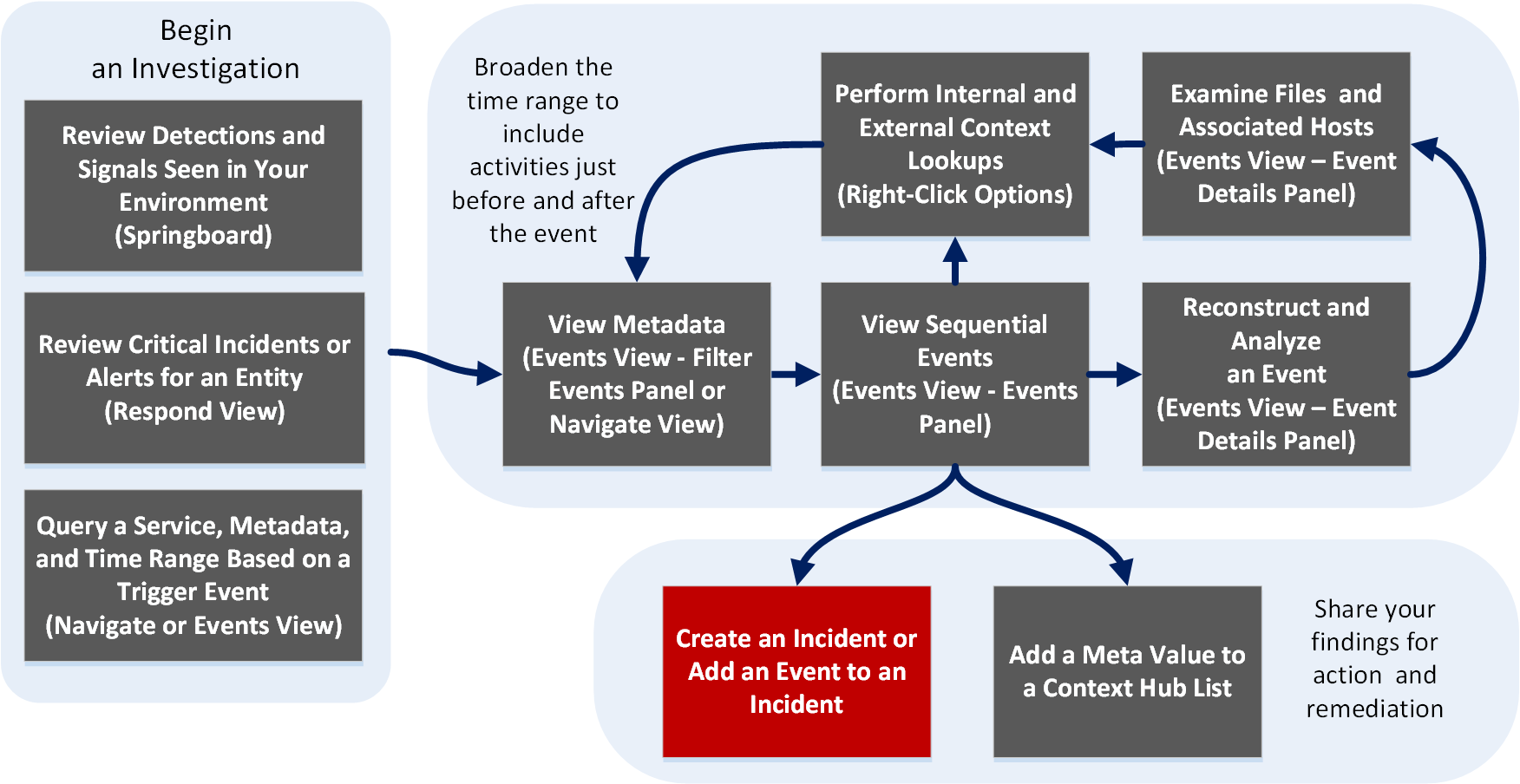
What do you want to do?
*You can perform this task in the current view.
Related Topics
Quick Look
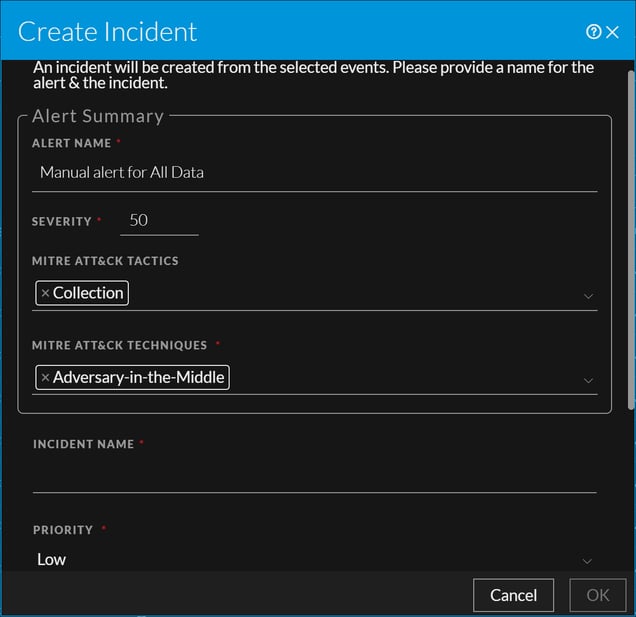
The following figure is an example of the Create an Incident Dialog, and the features are described in the table.
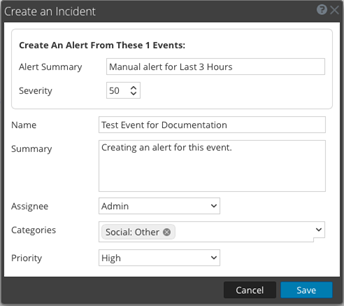
The following figure is an example of the Create an Incident Dialog in the Events view. The table describes the information and options in the Add to Incident dialog.