.png?width=180&height=32&name=NW%20Logo%20(2).png)
Details View
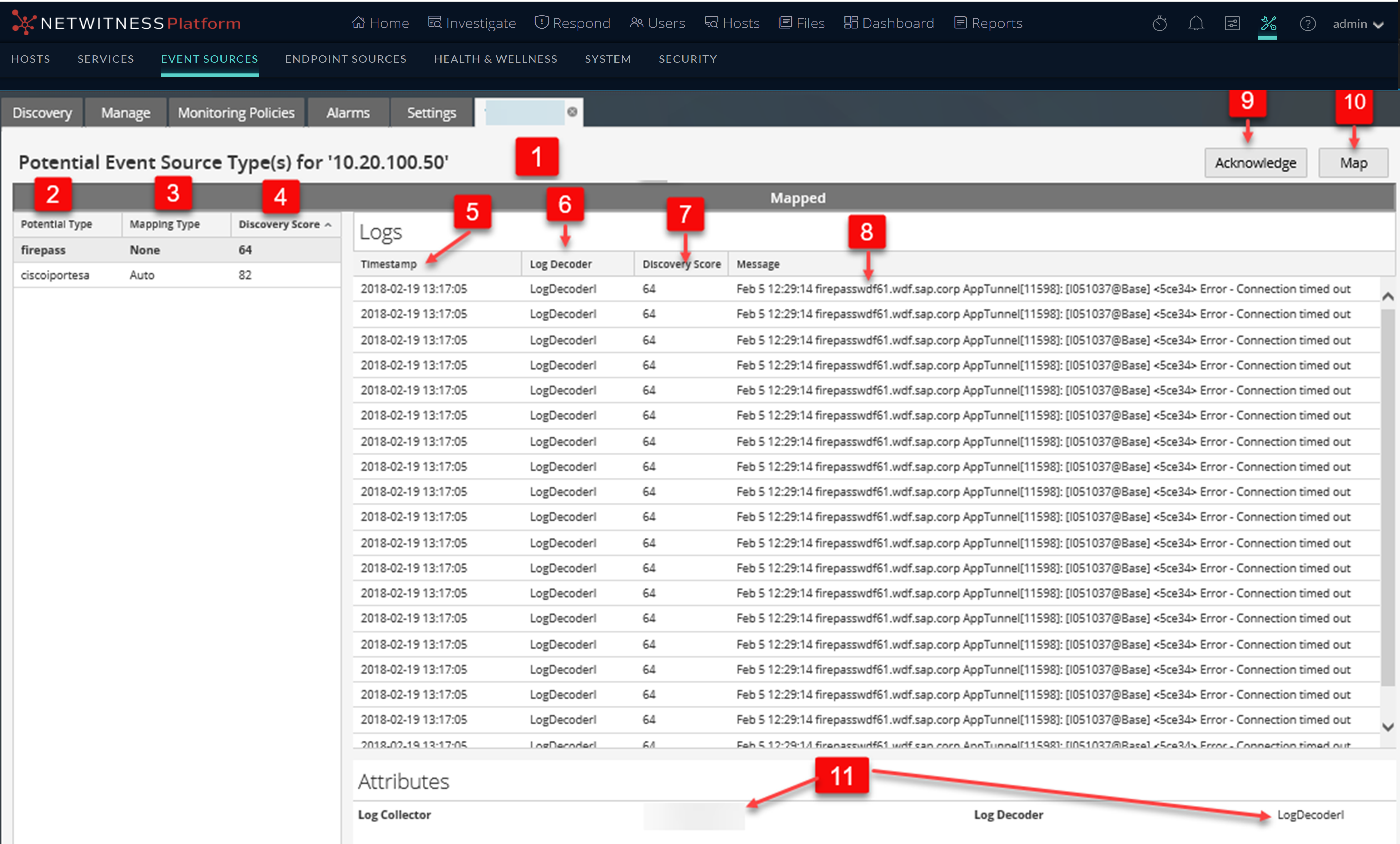
The Details view allows you to see details about the Event Source, as well as viewing a sample of the logs identified for each type in order to verify their accuracy.
You can access the Details view in a couple of ways.
- From the Toolbar, click the View Details button. Or, you can
- Double-click on the Event Source you selected.
Workflow
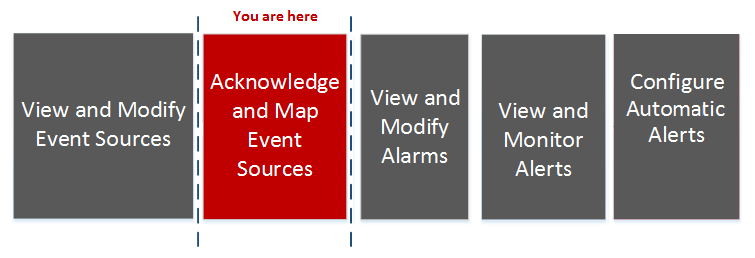
This workflow shows the overall process for configuring event sources.
What do you want to do?
*You can perform this task here.
Quick Look
The following example shows the discovery scores, event source types, logs, and attributes that correspond with the Event Source you selected in the Event Sources panel for a single Log Decoder.