.png?width=180&height=32&name=NW%20Logo%20(2).png)
Import Report DialogImport Report Dialog
In Import Report dialog, you can import groups containing subgroups and reports from other instances of NetWitness into Report Groups panel. Reports must be in a valid binary file that was exported from another NetWitness instance.
Workflow
This workflow shows the procedure to manage reports or report groups.
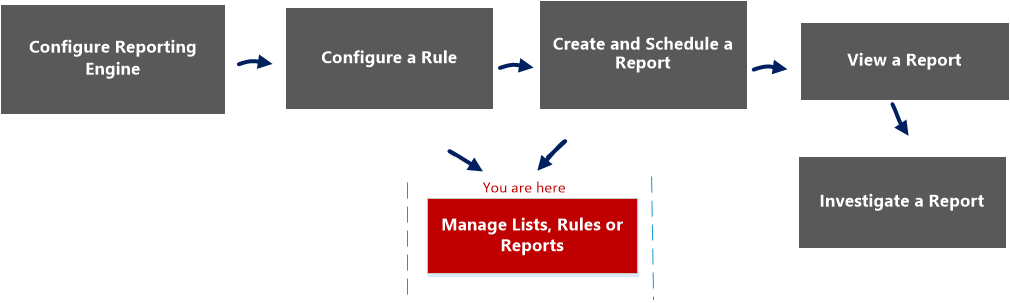
What do you want to do?
*You can complete these tasks here.
Related Topics
Quick View
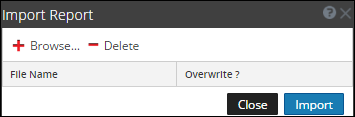
To access the Import Report dialog:
-
Go to Reports.
The Manage tab is displayed.
-
Click Reports.
The Report view is displayed.
- In the Reports Groups panel, select a folder to import the file.
-
Do one of the following:
- In the Reports Groups panel, click
 > Import to import a group.
 - In the Reports toolbar, click > Import to import a report.
- In the Reports Groups panel, click
The following table lists the features of the Import Report dialog.