.png?width=180&height=32&name=NW%20Logo%20(2).png)
Investigation Tab - User Preferences Panel
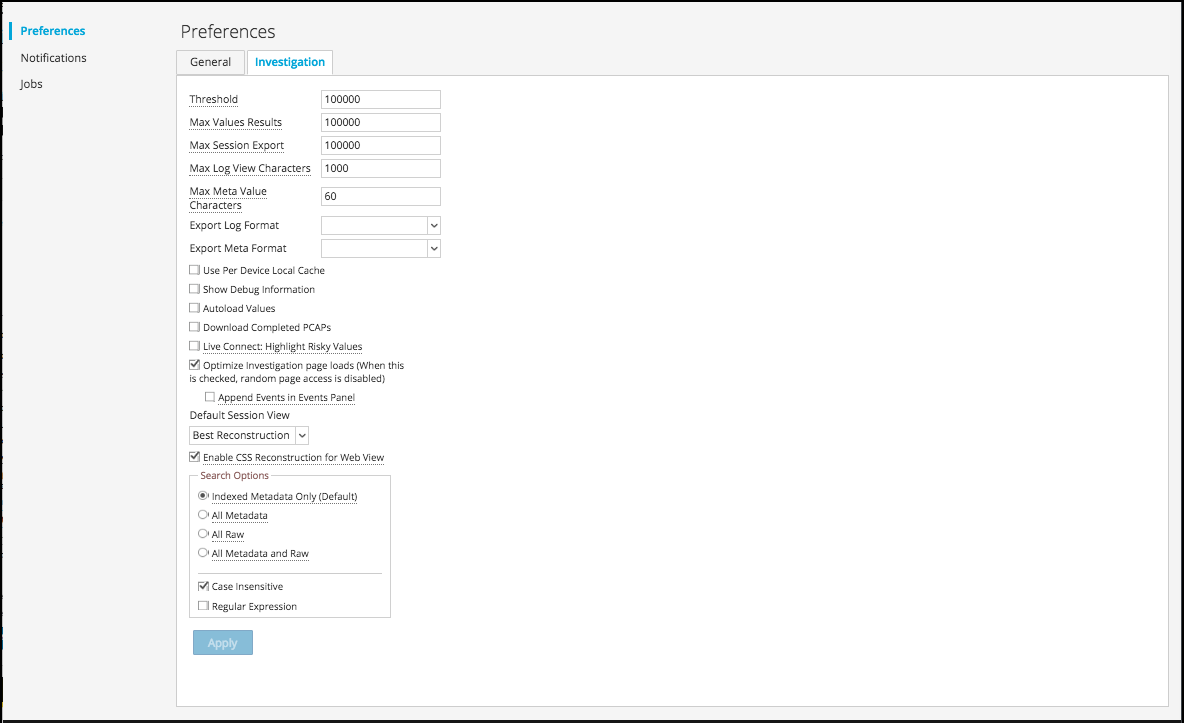
In the Profile view > Preferences panel > Investigation tab, users can set several preferences that affect the performance and behavior of NetWitness when analyzing data, viewing events, and reconstructing events in NetWitness Investigate. To access this tab, select  >
>  from the Navigate view or the Legacy Events view. When the Profile view is displayed, select Preferences > Investigation. You can change user preferences at any time when you are working in NetWitness.
Related Topics
Quick Look
This figure is an example of the Investigation tab, and the following table describes the preferences that affect Investigate. There are slight differences between the 11.1 search settings and later versions of the search settings and these are explained in Search for Text Patterns in the Navigate and Legacy Events Views.