.png?width=180&height=32&name=NW%20Logo%20(2).png)
Live Resource View
The Live Resource View shows a detailed view of a selected resource, and has the following options:
- Download the resource.
- Subscribe or unsubscribe the resource.
- Deploy the resource to services.
- Locate services on which the resource is deployed and remove the resource from services.
The required permission to access this view is View Live Resource Details.
To access this view, do one of the following:
- Go to
 (Configure) > LIVE CONTENT > Search Criteria.
 - In the Live Search view, Detailed Results, click the resource type icon or the resource name.
- In the Live Search view, Grid Results, double-click a resource or select a resource and click Details.
This is an example of the Resource view.
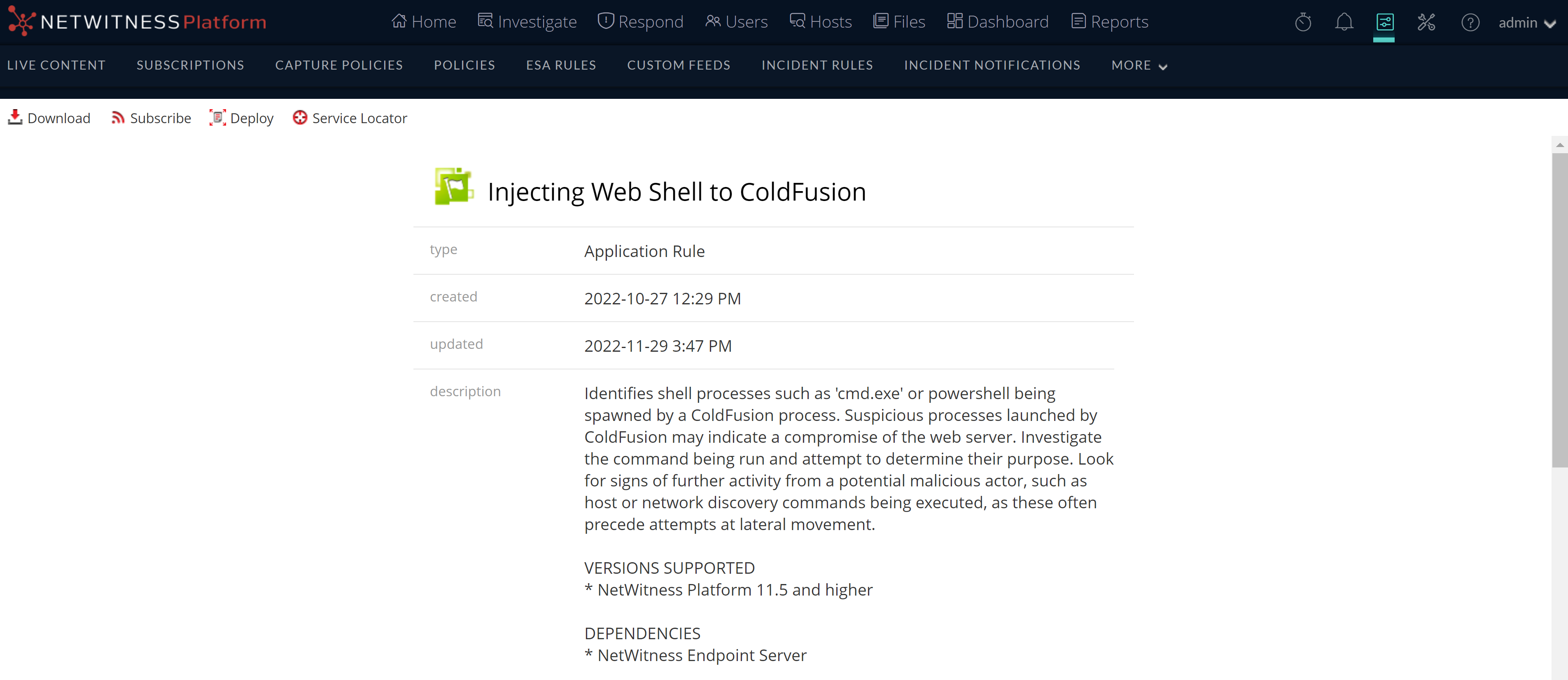
The Live Resource View has a detailed view of a single resource and a toolbar.
Resource Details
The following table describes the elements in the Resource Details section.
Resource View Toolbar
This table describes the Live Resource view toolbar options.