.png?width=180&height=32&name=NW%20Logo%20(2).png)
Malware Analysis Events List and Files List
The Malware Analysis Events List and Files List provide a detailed view of events or files. You can double-click on an event or file in either of the lists to display the Analysis Results view in a new browser tab.
To access this view, go to Investigate > Malware Analysis > Select a Malware Analysis Service dialog. Select a service from the left panel, then select a job from the right panel, and click View Scan. In the Summary of Events view do one of the following:
- In either the Total panel or the High Confidence panel, click the number in the Events Created section.
- If you want to view the Files List, click the number in the Files Processed section.
Workflow
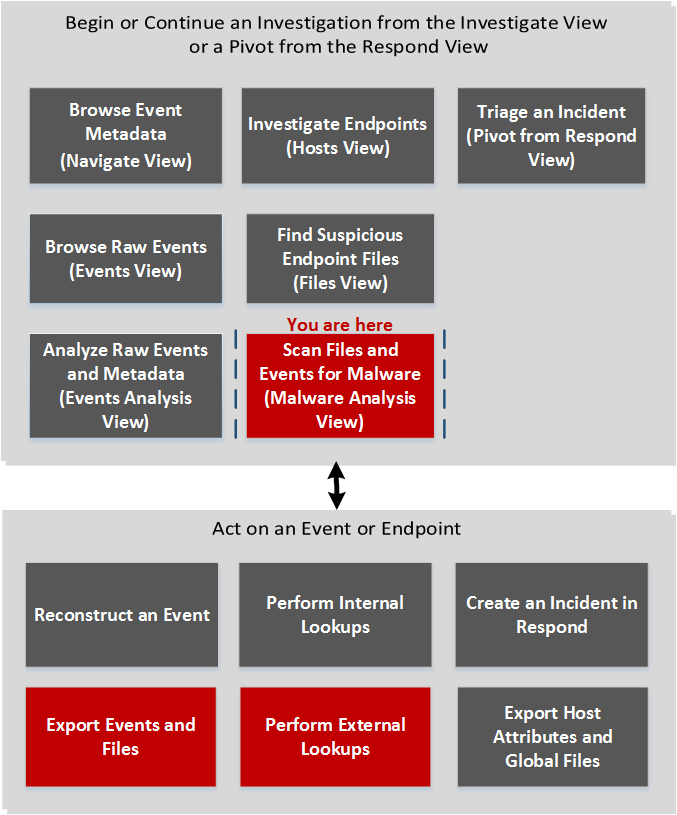
What do you want to do?
*You can perform this task in the current view.
Related Topics
- "How NetWitness Investigate Works" in the NetWitness Investigate User Guide
Quick Look
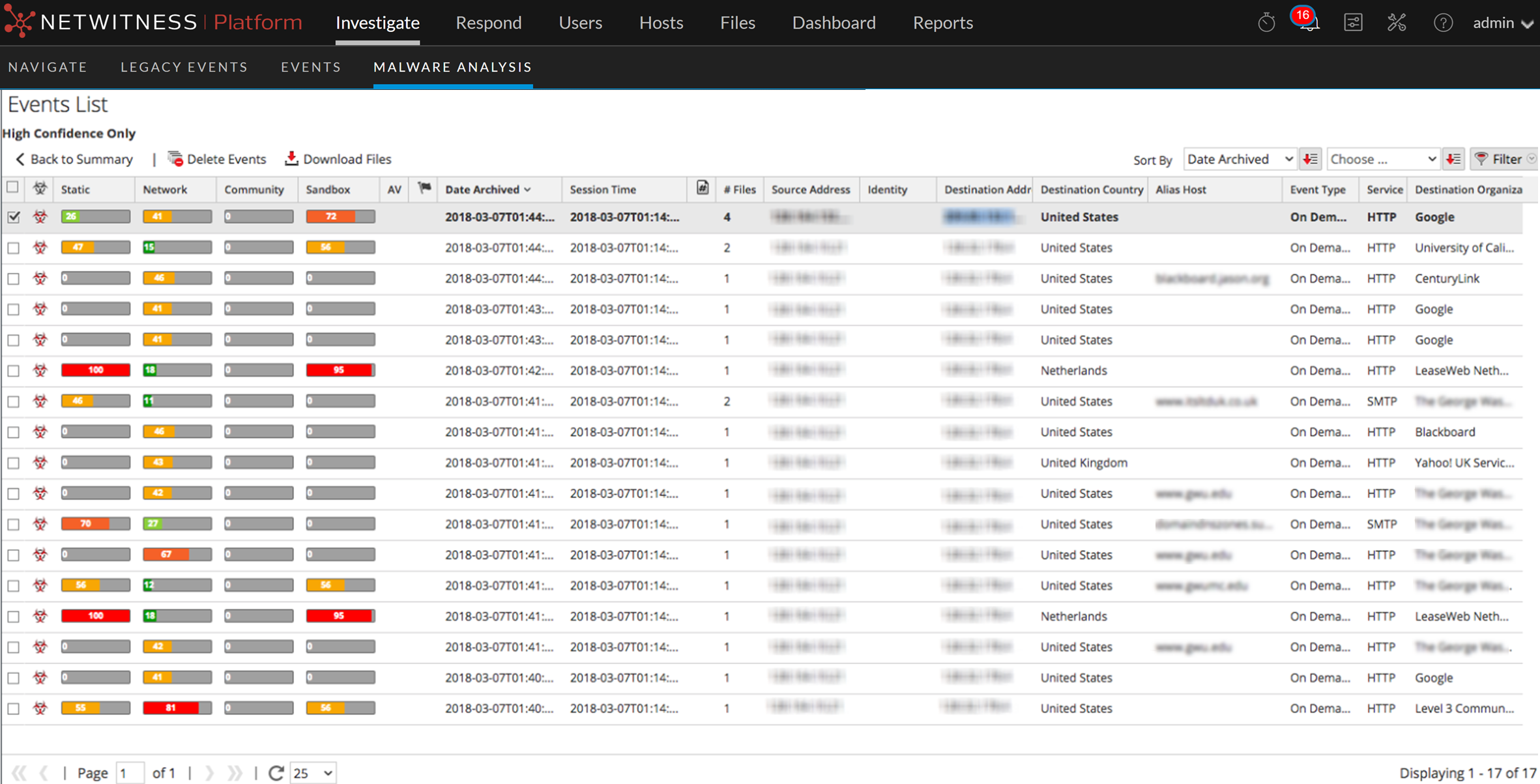
This is an example of the Events List view.
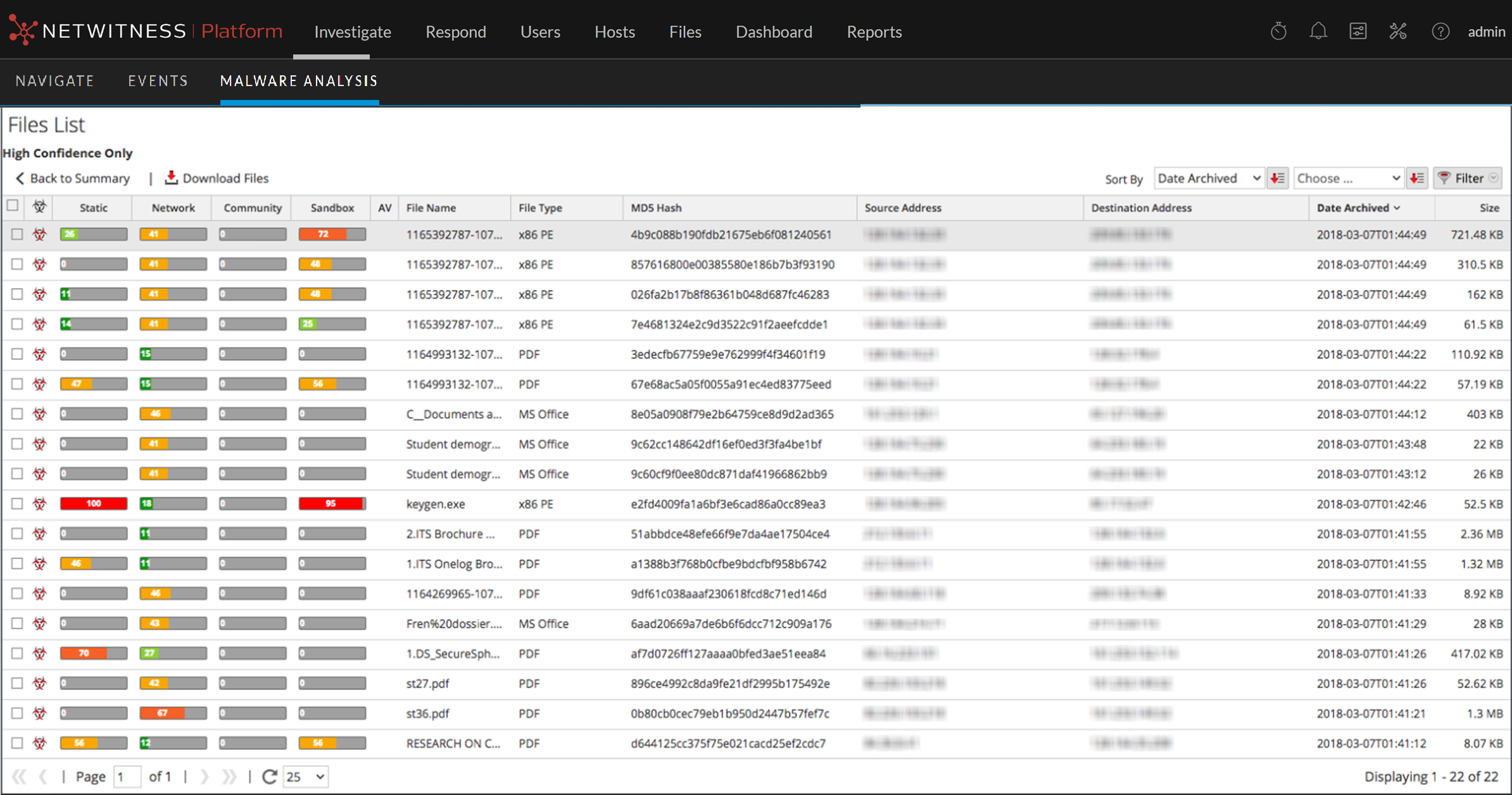
This is an example of the Files List view.
These are the features in the Events List toolbar, and the Files List toolbar is the same, except it has no option to delete events.

These are the features in the Events List.
These are the features in the Files List grid.