.png?width=180&height=32&name=NW%20Logo%20(2).png)
Query DialogQuery Dialog
In the Navigate view or Legacy Events view, you can create a query rather than clicking through the meta keys and values to drill down into the meta data. The dialogs for creating a query offer syntax help with drop-down lists of applicable meta keys and operators. To access this dialog in the Navigate or Legacy Events view toolbar, select Query.
What do you want to do?What do you want to do?
*You can perform this task in the current view.
Related TopicsRelated Topics
Quick LookQuick Look
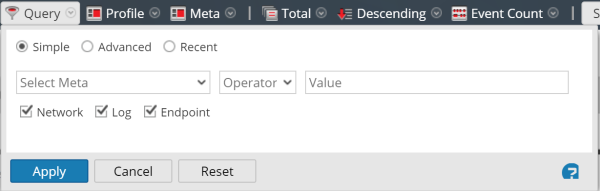
The Query dialog has three views:
- Simple
- Advanced
- Recent
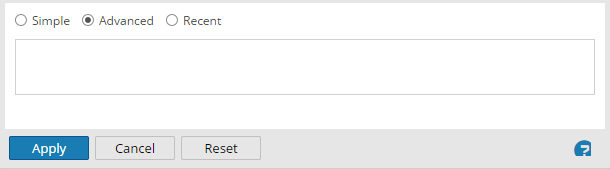
In the Simple view, you can create a query using the options displayed in the dialog. In the Advanced view, you can create a query without guidance. In the Recent view, you can select a query from a drop-down list of recent queries.
Simple ViewSimple View
Advanced ViewAdvanced View
Recent ViewRecent View
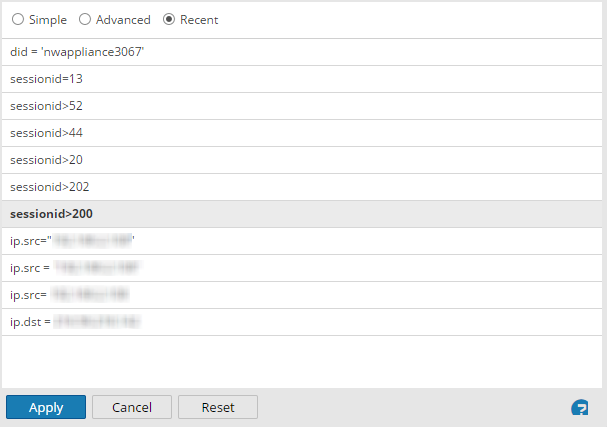
The following table describes features of the Query dialogs.