.png?width=180&height=32&name=NW%20Logo%20(2).png)
Reporting Engine Output Actions Tab
You can configure output actions for a Reporting Engine to determine the format you want the data to be presented to you based on your requirements. The service configuration parameters are available in the Output Actions tab of the Services Config view configured for a report or an alert execution. This tab consists of the following panels:
- NetWitness Configuration
- Simple Mail Transfer Protocol (SMTP)
- Simple Network Management Protocol (SNMP)
- Syslog
- Simple File Transfer Protocol (SFTP)
- Uniform Resource Locator (URL)
- Network Share
For instance, Syslog output action is used specifically for Reporting Engine Alerts, whereas, SFTP, URL, and Network Share output action is used specifically for Reporting Engine Reports.
You can configure the required permission to access this view in Manage Services.
You must ensure that the Reporting Engine is up and running and the data source from which you want to generate a report is configured in the NetWitness.
Workflow
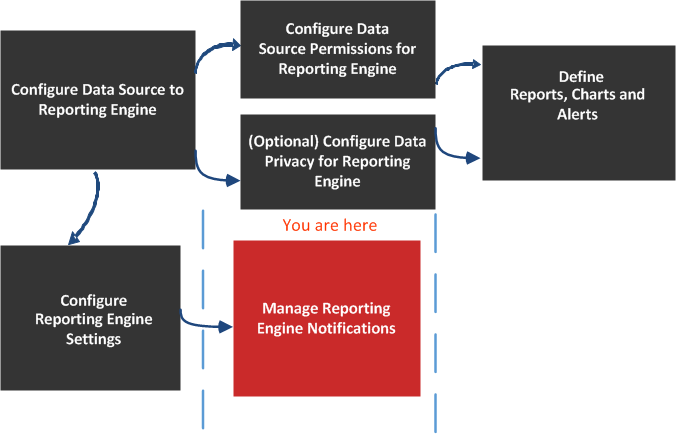
What do you want to do?
*You can complete these tasks here.
Related Topics
Quick Look
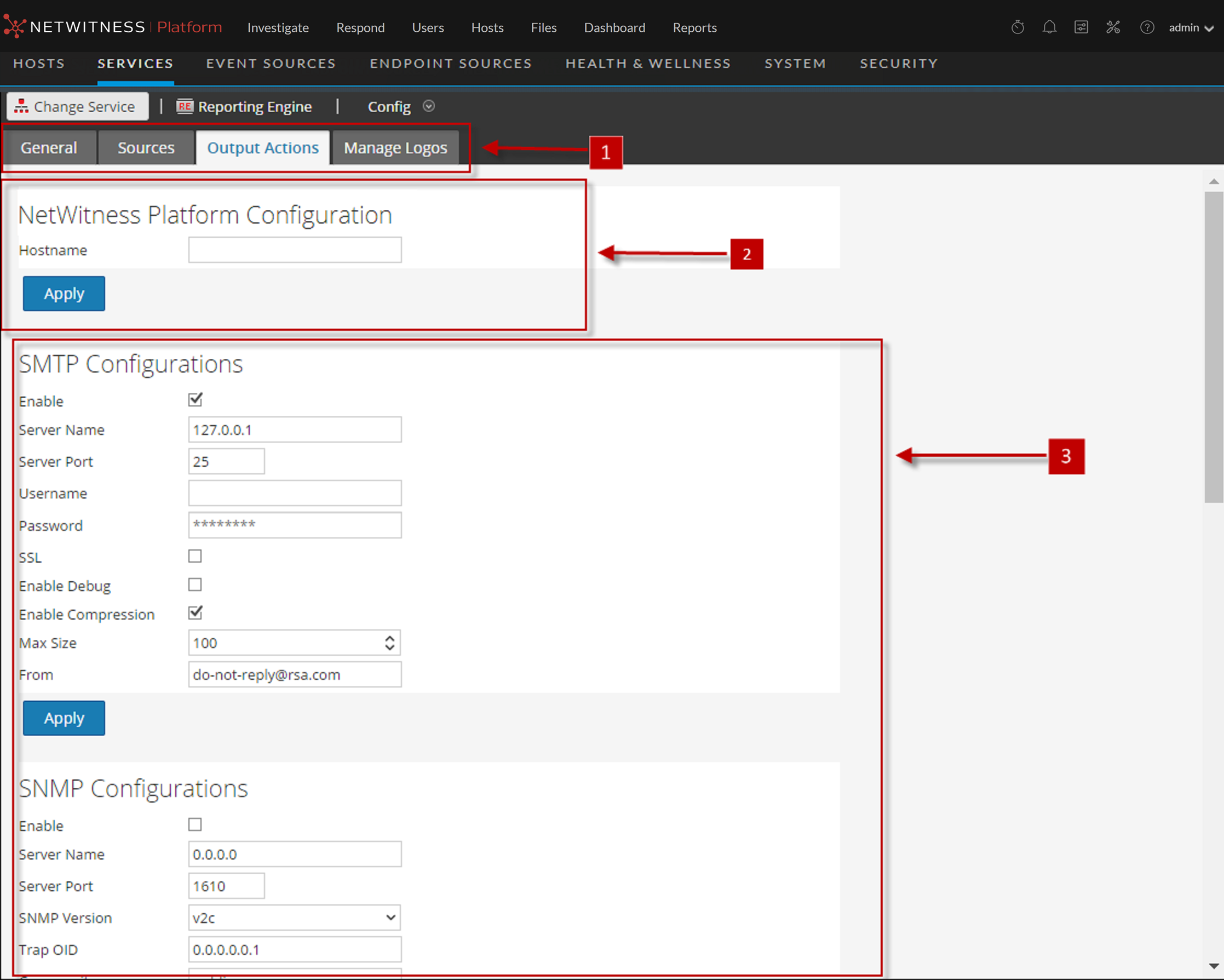
NetWitness Configuration
The following figure shows the NetWitness Configuration on the Output Actions Tab.
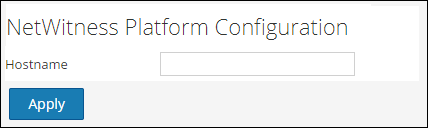
The following parameters identify the NetWitness host that is associated with the Reporting Engine.
SMTP
After an execution is completed, an email notification is sent to the user based on the SMTP configuration.
The following figure shows the SMTP Configuration on the Output Actions Tab.
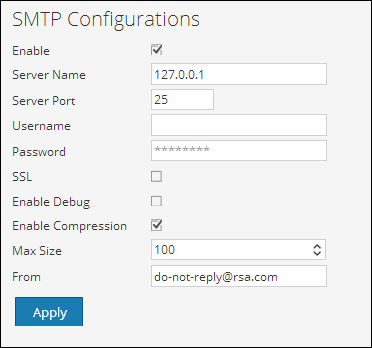
The following parameters manage SMTP (email) output action configuration for a Reporting Engine service. When you add a Reporting Engine service, default values are in effect. You must modify the Config Values of these parameters according to the requirements of your enterprise.
SNMP
After an execution is completed, a trap notification is sent to the user based on the SNMP configuration.
The following figure shows the SNMP Configuration on the Output Actions Tab.
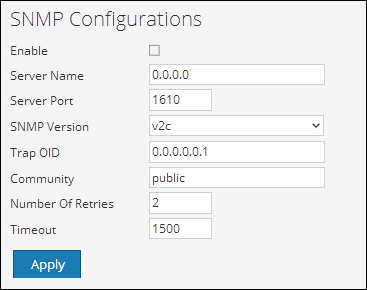
The following parameters manage SNMP (messages to network-attached services) output action configuration for a Reporting Engine service. When you add a Reporting Engine service, default values are in effect. You must modify the Config Values of these parameters according to the requirements of your enterprise.
Syslog
After an execution is completed, all notifications are sent via Syslog messages to a particular host based on the Syslog configuration. Multiple Syslog servers can be configured on the Syslog Configuration panel.
The following figure displays the Syslog Configuration on the Output Actions Tab.
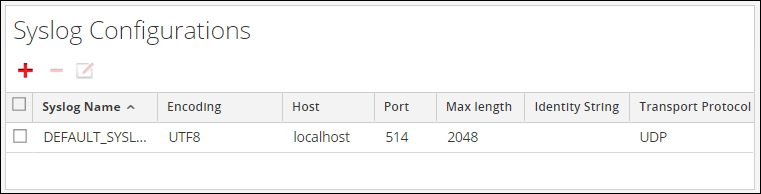
The following parameters manage syslog output action configuration for a Reporting Engine service. When you add a Reporting Engine service, you can define values for this output configuration, as no default values are available for this configuration. You must modify the Config Values of these parameters according to the requirements of your enterprise.
SFTP
After an execution is completed, you can send or transfer files to a remote location based on the SFTP configuration.
The following figure displays the SFTP Configuration on the Output Actions Tab.
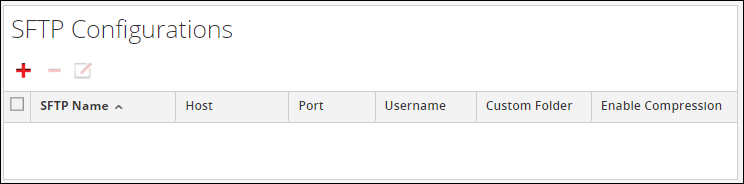
The following parameters manage SFTP (file transfer to a local drive) output action configuration for a Reporting Engine service. When you add a Reporting Engine service, you can define values for this output configuration, as no default values are available for this configuration. You must modify the Config Values of these parameters according to the requirements of your enterprise.