.png?width=180&height=32&name=NW%20Logo%20(2).png)
Reporting Engine Sources Tab
The services configuration parameters are available in the Sources tab of the Services Config view for the Reporting Engine. The Sources tab for the Reporting Engine service in the Services Config view controls that data sources associated with a Reporting Engine. The Source tab consists of a single panel with a toolbar and a grid that lists the data sources associated with the Reporting Engine.
Workflow
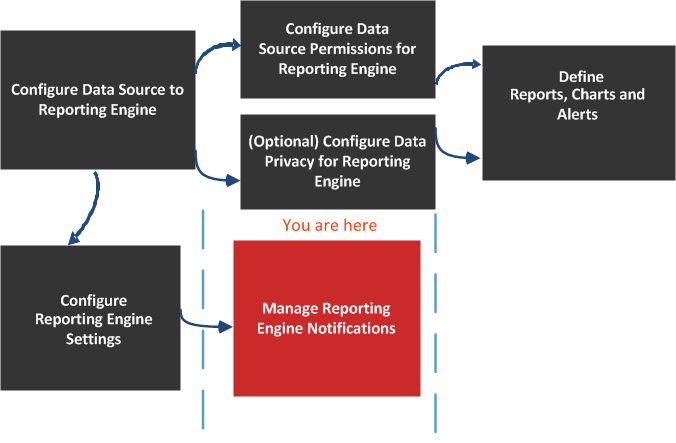
*You can complete these tasks here.
Related Topics
Quick Look
Here is example of the Sources tab where the available services are displayed.
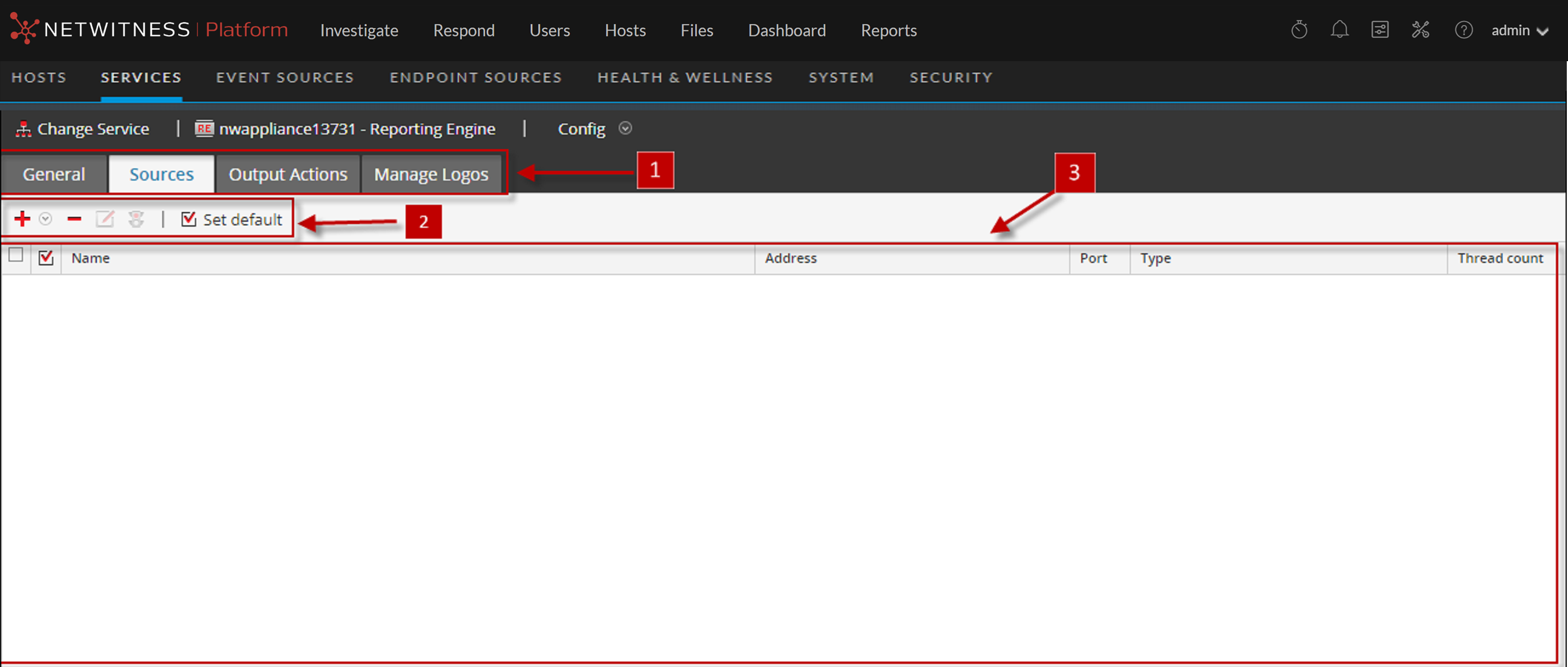
The data sources available to the Reporting Engine for which you are defining reports, charts and defining alerts are:
-
NWDB Data Sources - The NetWitness Database (NWDB) data sources are Decoders, Log Decoders, Brokers, Concentrators, Archiver, and Collection.
Note: When a data privacy plan has been implemented to limit access to sensitive data on a data source, you must configure different service accounts in Reporting Engine for privileged and non-privileged users. To configure different service accounts for data privacy, you can add more than one NWDB data source. This procedure is available under Configure Reporting Engine Settings.
IMPORTANT: If you change the admin password on a NetWitness service that is used as a Reporting Engine data source, you must remove and then re-add the service as a data source.
- Warehouse Data Sources - The Warehouse data sources are Horton Works and MapR.
- Respond Data Sources - Respond is used to generate reports on alerts and incidents. The Respond data sources are Reporting Engine, ESA, Malware, EndPoint, and Web Threat Detection. Respond is used to store the alerts and incidents reports.
If you set a source as the default data source, NetWitness uses that source when you create reports and alerts unless you choose to override it with one of the other sources listed in this tab.
Note: You can manage access control to NWDB and Warehouse Data Sources. For more information, see Configure Reporting Engine Settings.
Features
You can perform the following actions on the Sources tab:
The NetWitness data sources are listed under the different categories as follows:
- NWDB Data Sources category displays the NetWitness data sources.
- Warehouse Data Sources category displays the Warehouse data sources.