.png?width=180&height=32&name=NW%20Logo%20(2).png)
Roles Tab
Roles are assigned to all NetWitness users. Users receive the permissions the roles allow. In the Roles tab you can create, duplicate, edit and delete a role. You can also see a list of all roles and their respective permissions.
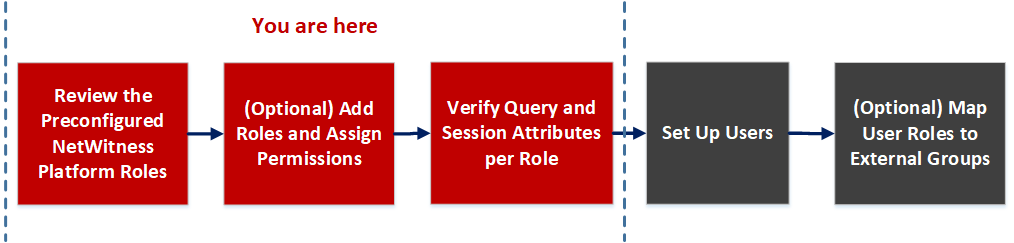
Workflow
Related Topics
What do you want to do?
Related Topics
Quick Look
To access Roles tab view, go to  (Admin) > Security and click the Roles tab.
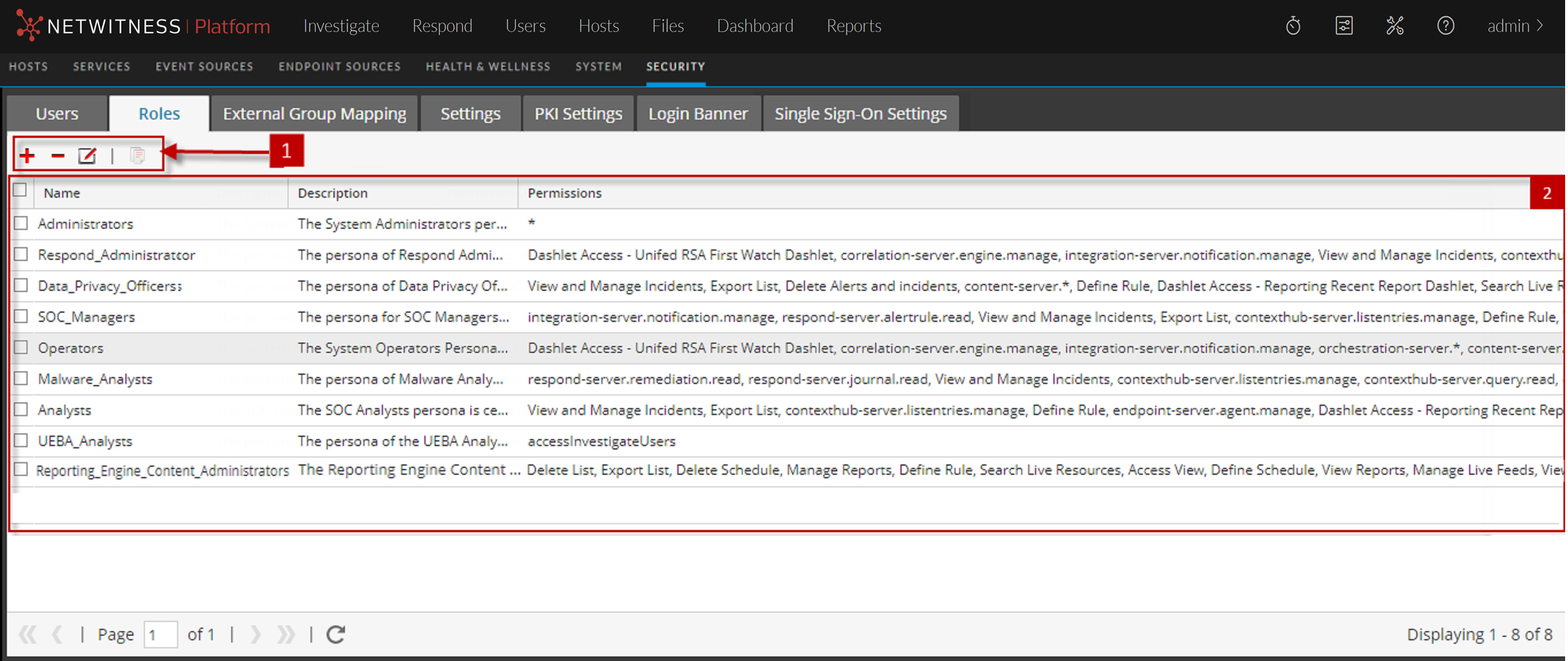
The Roles tab has the following sections.
Roles Toolbar
The following table describes the Roles toolbar.
Roles list
The following table describes the columns in the Roles list.