.png?width=180&height=32&name=NW%20Logo%20(2).png)
Services Config View - Collections Tab
The Collections tab for the Workbench service provides a way to manage workbench collections. To access the Collections tab, go to  (Admin) > Services > select a Workbench service, select View > Config and select the Collections tab.
Workflow
These are the basic steps for configuring and managing a Workbench service.
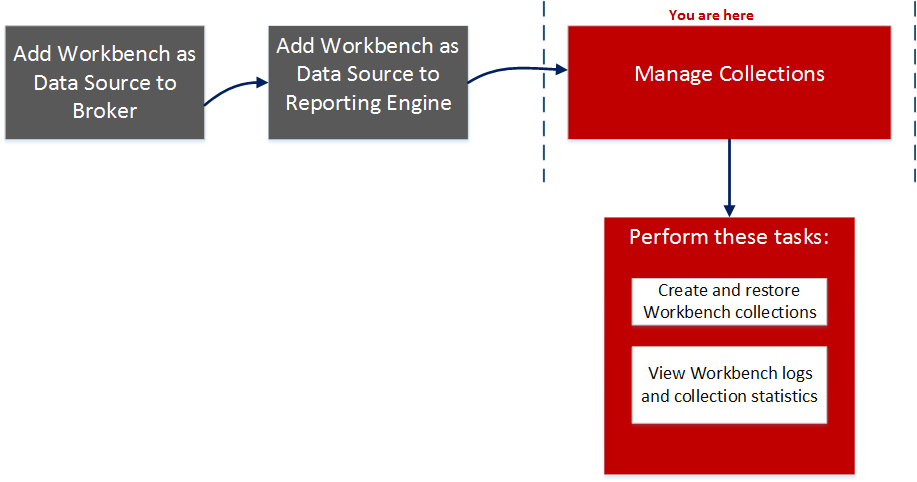
What do you want to do?
*You can perform this task here.
Related Topics
Quick Look
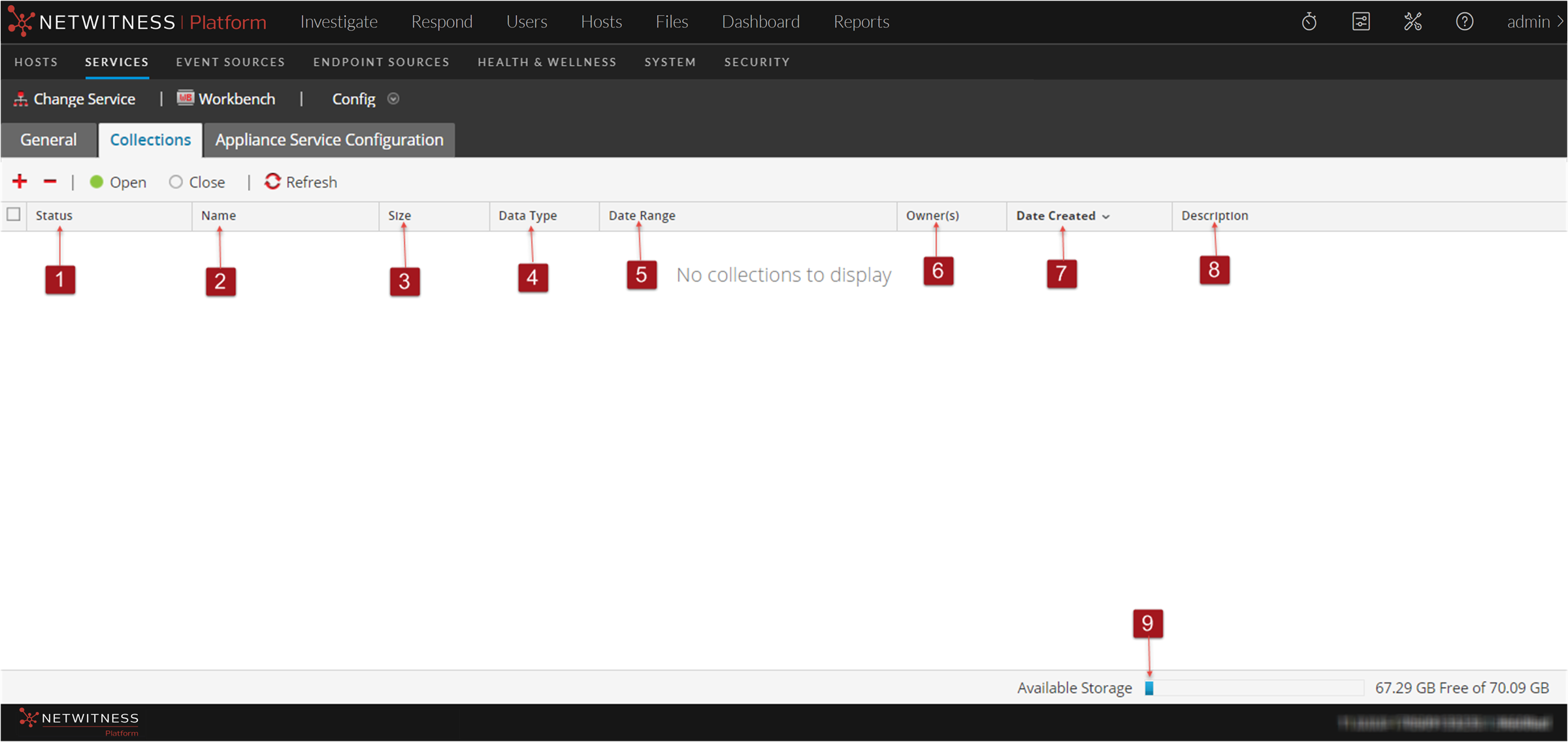
The Collections tab has a toolbar and a panel that lists relevant information about the Workbench collections.
The following figure is an example of the Collections panel.
ToolbarToolbar
These are the toolbar options.