.png?width=180&height=32&name=NW%20Logo%20(2).png)
Services Config View - General Tab
The General tab for the Workbench service provides a way to manage basic service configuration. To access the General tab, go to  (Admin) > Services > select a service and select
  > View > Config.
Workflow
These are the basic steps for configuring and managing a Workbench service.
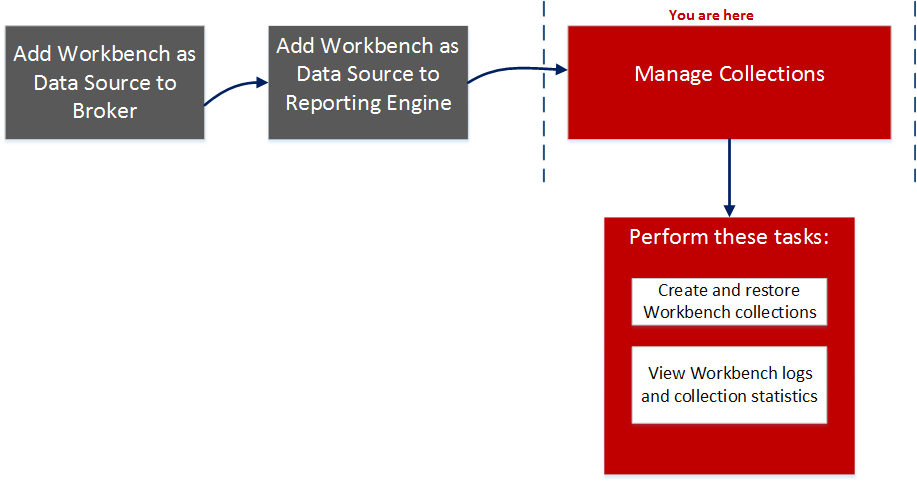
What do you want to do?
*You can perform this task here.
Related Topics
Quick Look
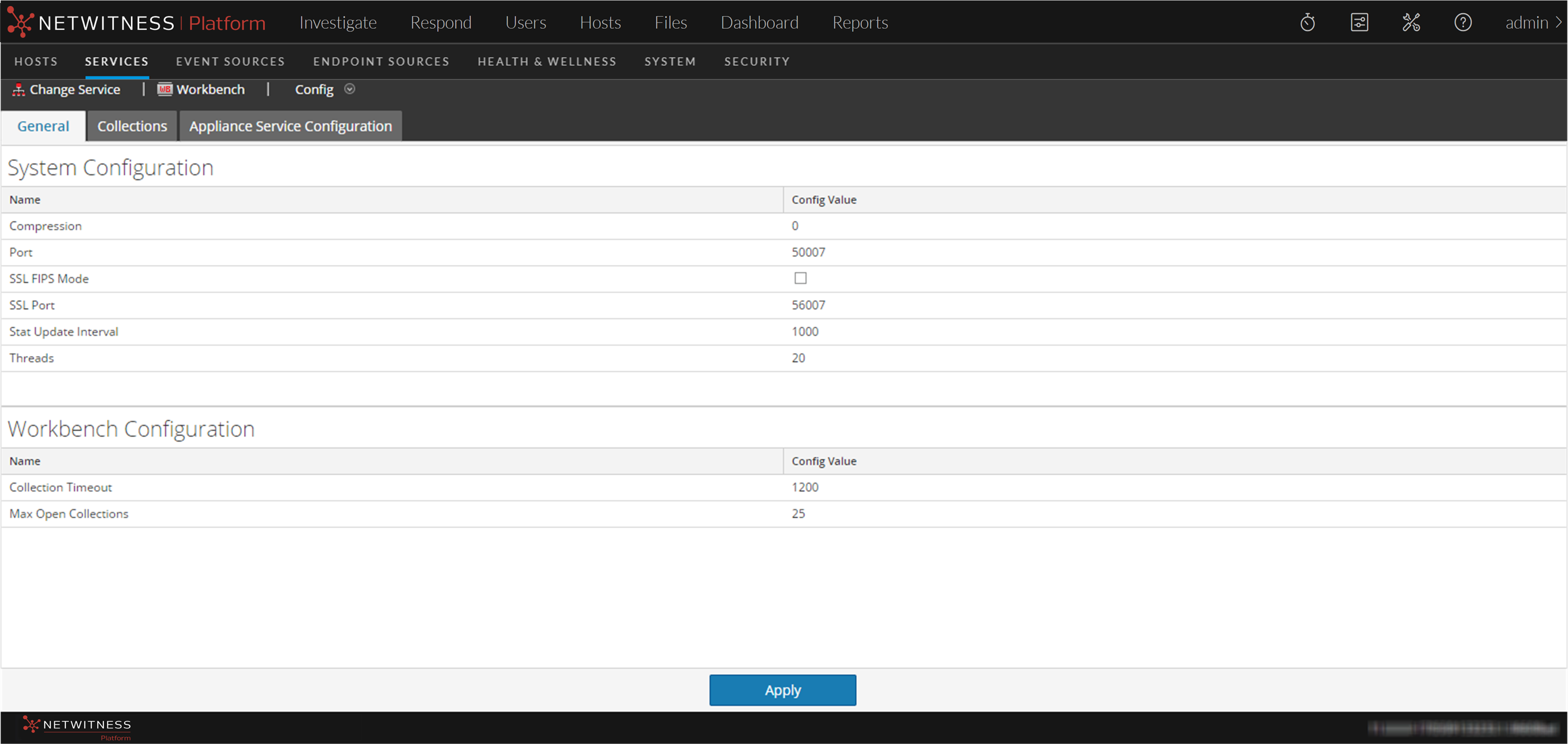
The General tab has two panels:
- System Configuration
- Workbench Configuration
The following figure is an example of the General tab.
System Configuration Panel
The System Configuration panel displays configuration parameters for the Workbench service. The following table describes the System Configuration panel features.
Workbench Configuration Panel
The Workbench Configuration panel displays configuration parameters for the Workbench collections. The following table describes the Workbench Configuration panel features.