.png?width=180&height=32&name=NW%20Logo%20(2).png)
Services Config View - Hash TabServices Config View - Hash Tab
This topic introduces the features and functions available in the Service Config view > Hash tab for Malware Analysis.
In this tab, you can manage hash filtering in Malware Analysis. The hash grid is initially empty; the grid lists filters that have been added to Malware Analysis. In this view, you can add a hash filter, delete a hash filter, mark a hash filter as trusted or untrusted, and save changes.
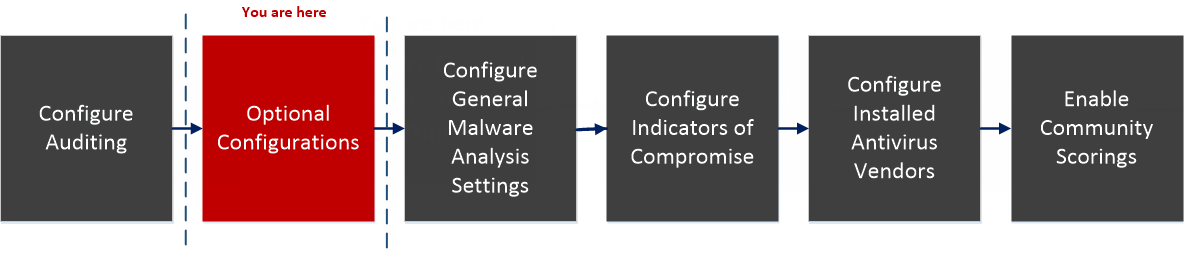
Workflow Workflow
What do you want to do?What do you want to do?
*You can perform this task in the current view
Related TopicRelated Topic
Quick LookQuick Look
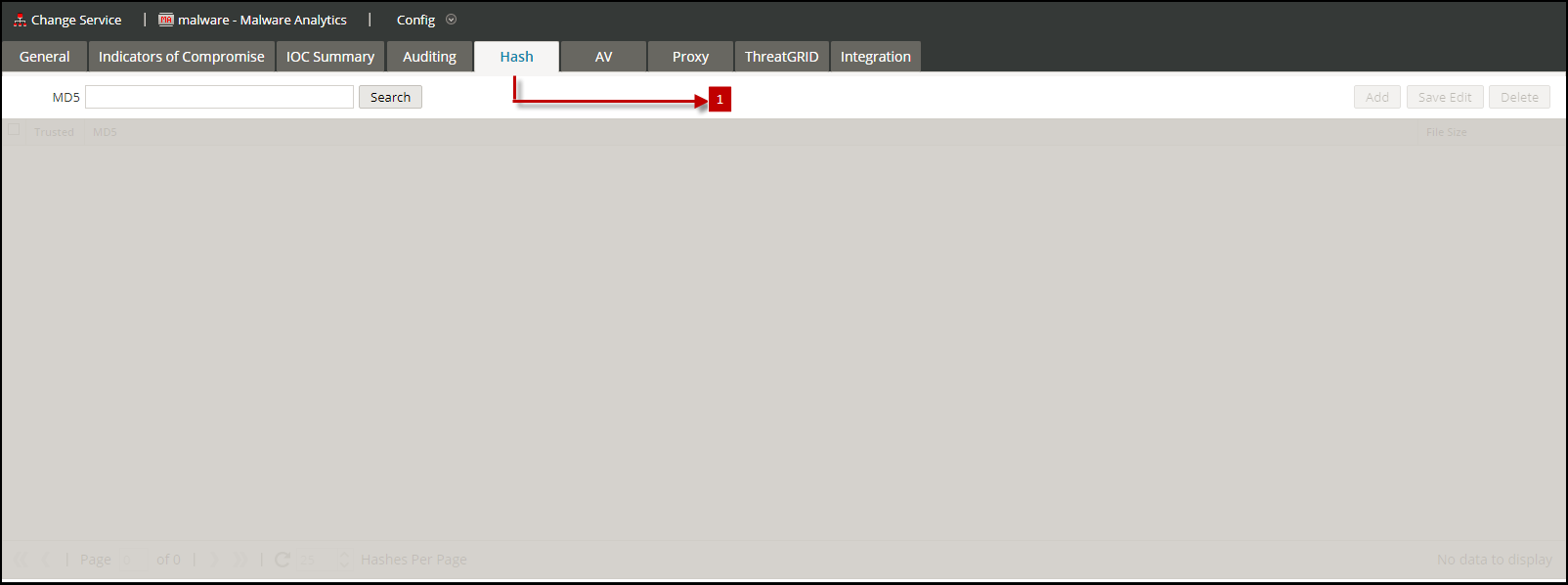
This is an example of the Hash tab.
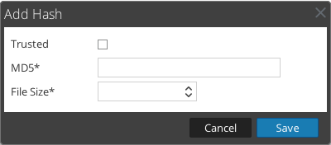
This is an example of the Add Hash dialog.
Features
The Hash tab consists of a toolbar and a pageable hash grid.
This table describes the Hash tab toolbar.
This table describes the Hash grid columns.