.png?width=180&height=32&name=NW%20Logo%20(2).png)
Services Config View - IOC Summary Tab
This topic introduces the features and functions available in the Service Config view > IOC Summary tab. This tab provides a way to view summary information for any IOC. A grid for each scoring module lists the configured IOCs along with statistics associated with that IOC of a specific range of time. The statistics include:
- The number of events for a network session or the number of files for a static, community, or sandbox event that were flagged with the IOC.
- The current score configured for the IOC in the Indicators of Compromise tab.
- The scores returned by each of the scoring modules.
When you select an event, you can show the Malware Events view or Malware Files view for the IOC. You can also open the selected IOC in the Indicators of Compromise tab to edit the Current Score.
Workflow
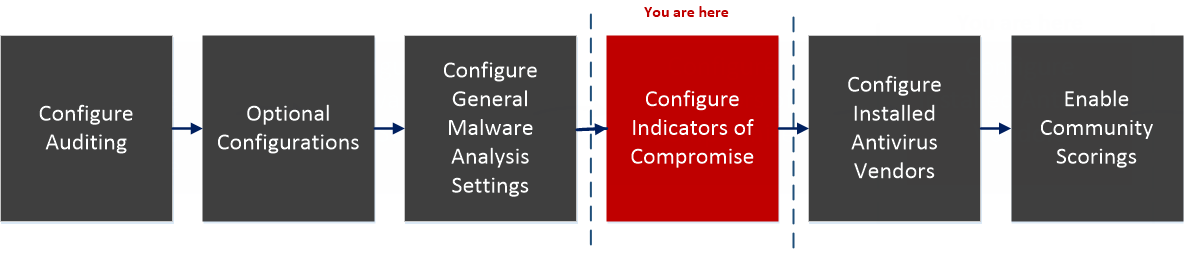
What do you want to do?
*You can perform this task in the current view
Related Topic
Quick Look
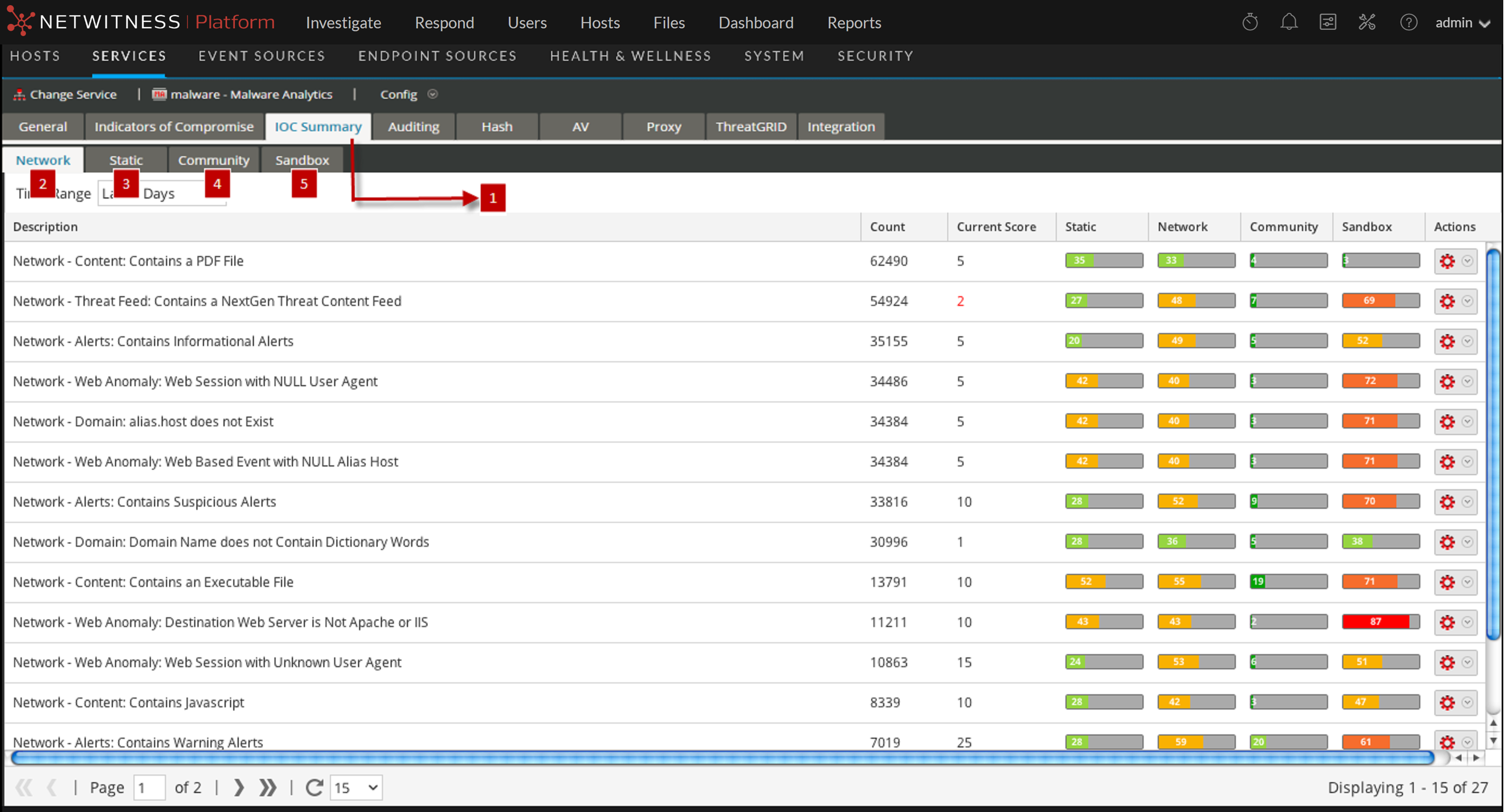
This is an example of the IOC Summary tab for the Network scoring module.
Features
The IOC Summary consists of four tabs, one for each scoring module: Network, Static, Community, and Sandbox. Each tab has the same form and same information with a toolbar and page-able grid.
This table describes the features of each tab.