.png?width=180&height=32&name=NW%20Logo%20(2).png)
Upload Feeds DialogUpload Feeds Dialog
This topic describes the features of the Upload Feeds dialog in the Services Config view > Feeds tab.
The Upload option in the Services Config view > Feeds tab displays the Upload Feeds Dialog, in which you can manage the uploading of feeds to a Decoder or Log Decoder.
What do you want to do?
Related Topics
Quick Look
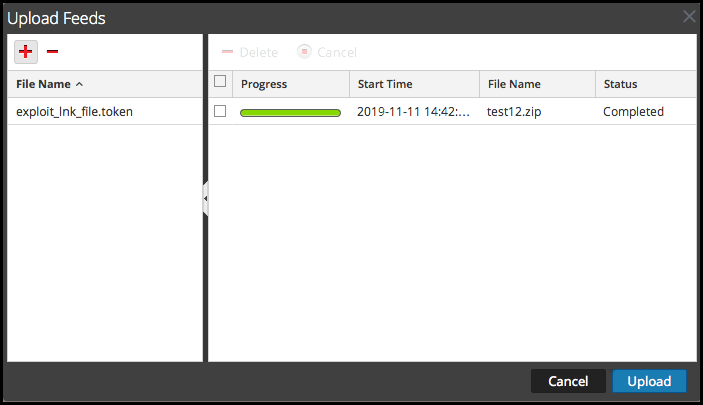
This is an example of the Upload Feeds dialog.
File List
The File list is the place to prepare a list of feeds for uploading. You can add files from a directory structure, and delete files from the list if you decide that you don't want to upload a particular file. When the list is ready, clicking Upload starts the upload process.
Upload Job List
The Upload Job list provides a view of upload jobs started by clicking Upload.
Upload Feeds Dialog Buttons