.png?width=180&height=32&name=NW%20Logo%20(2).png)
Services Stats View - Chart Stats Tray
In the Services Stats view, the Chart Stats Tray provides a way to customize the monitored statistics for individual services. The Chart Stats Tray lists all available statistics for the service. The number of statistics varies according to the type of service being monitored. Any statistic in the Chart Stats Tray can be displayed in a gauge or a timeline chart. Only statistics for session size, sessions, and packets are viewable in historical timeline charts.
Workflow
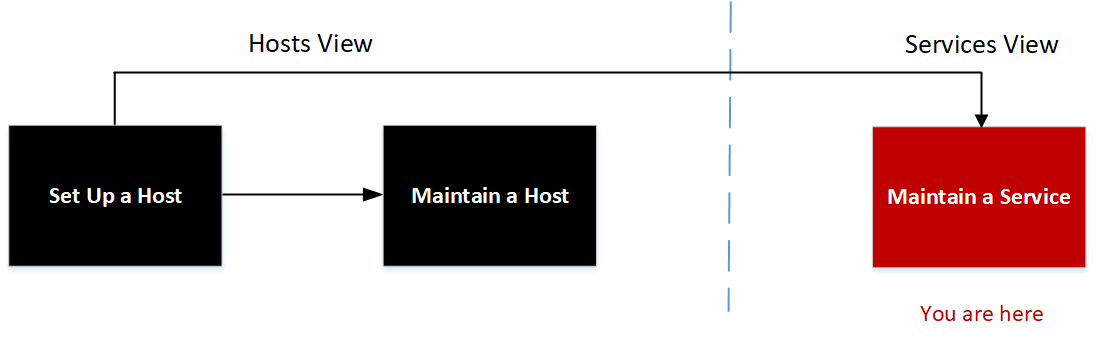
What do you want to do?
* You can perform these tasks in the current view.
Related Topics
Quick Look
The following example shows the Services Stats view for a Network Decoder. The Chart Stats Tray is collapsed.
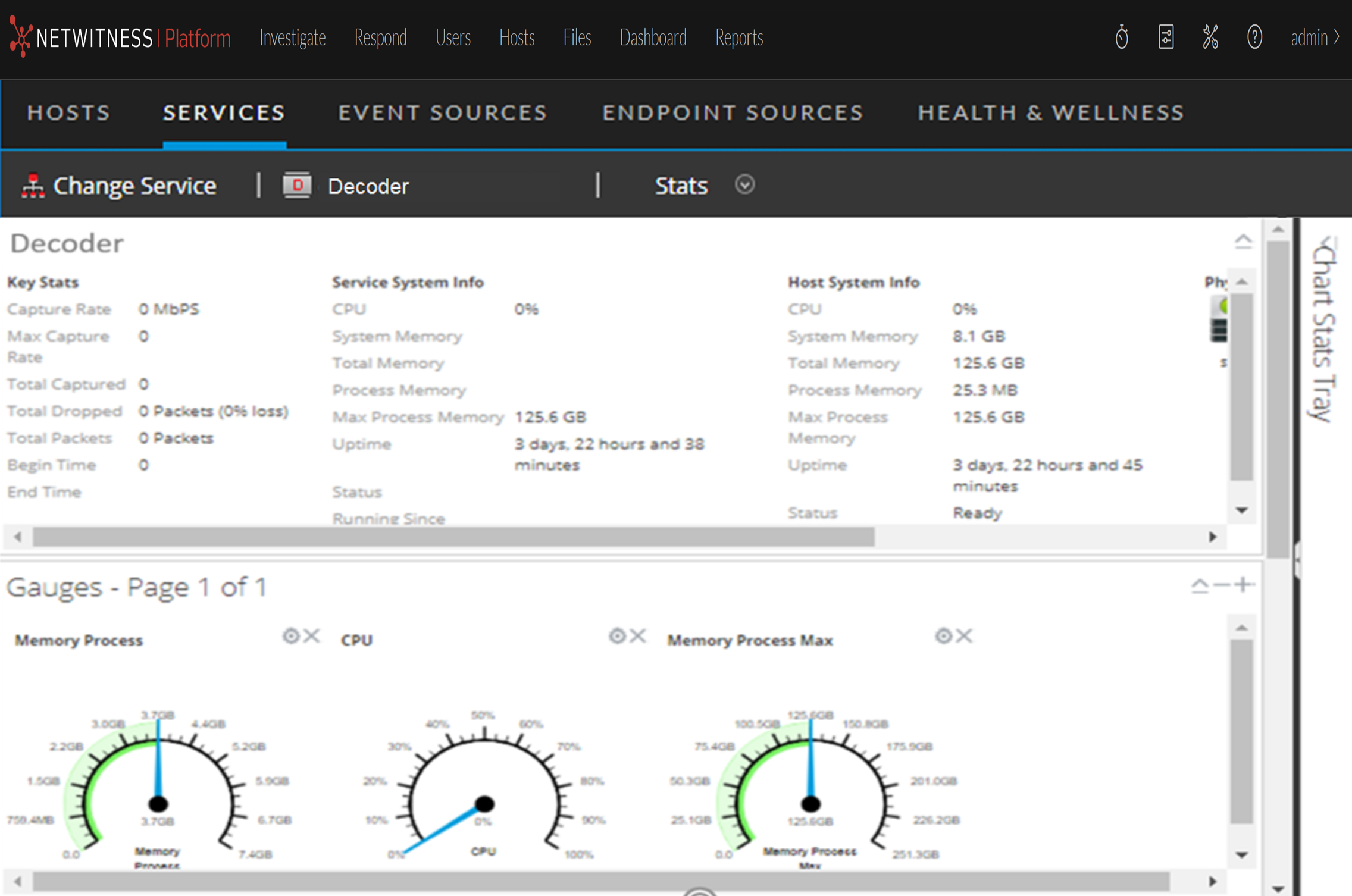
To view the Chart Stats Tray, click on the  to expand the Chart Stats Tray.
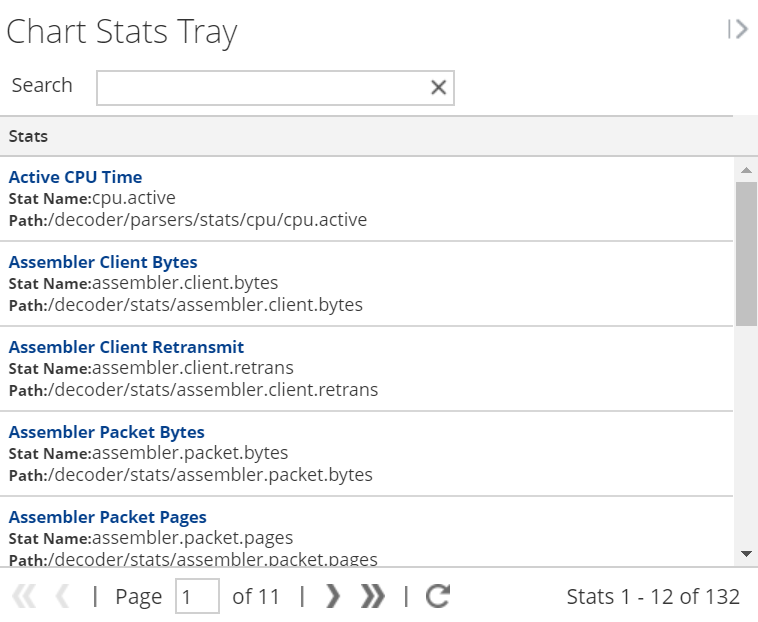
The Chart Stats Tray has different statistics for different types of services. In the example above, 132 statistics are available for the Network Decoder. The following table describes features of the Chart Stats Tray.