.png?width=180&height=32&name=NW%20Logo%20(2).png)
Services System View - DecodersServices System View - Decoders
A Log Decoder is a special type of Decoder, and is configured and managed in a similar way to a Decoder. Therefore, most of the information in this section refers to both types of Decoders. Differences for Log Decoders are noted.
To reach the Services System view, go to  (Admin) > Services > select a Decoder or Log Decoder >
  > View > System.
Workflow
The following figure depicts the workflow for common Decoder configuration tasks with the steps you can complete in this view highlighted.

What do you want to do?
*You can complete these tasks here.
Related Topics
Go to the NetWitness All Versions Documents page and find NetWitness Platform guides to troubleshoot issues.
- Decoder and Log Decoder Quick Setup
- Configure Common Settings on a Decoder
- "Services System View" in the Hosts and Services Getting Started Guide
Quick Look
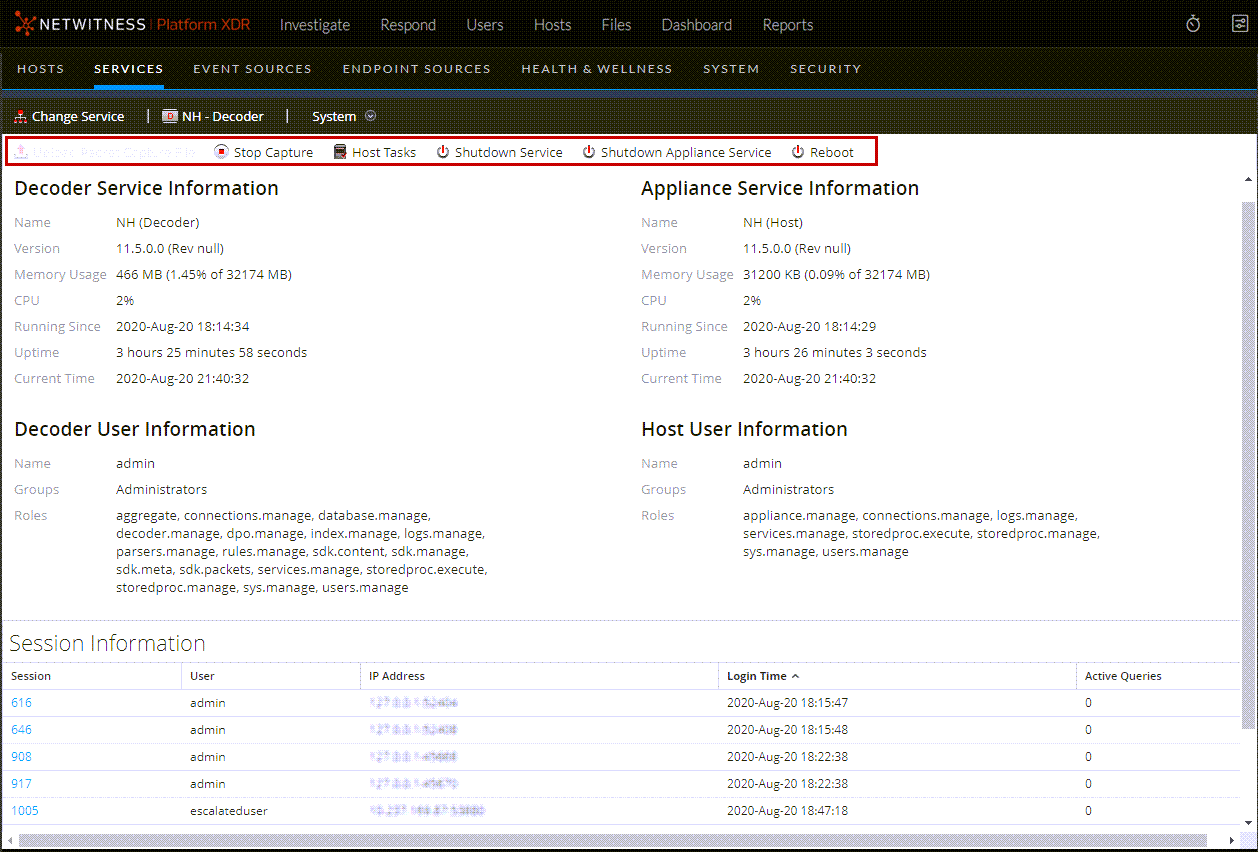
This is an example of the Services System view for a Decoder.
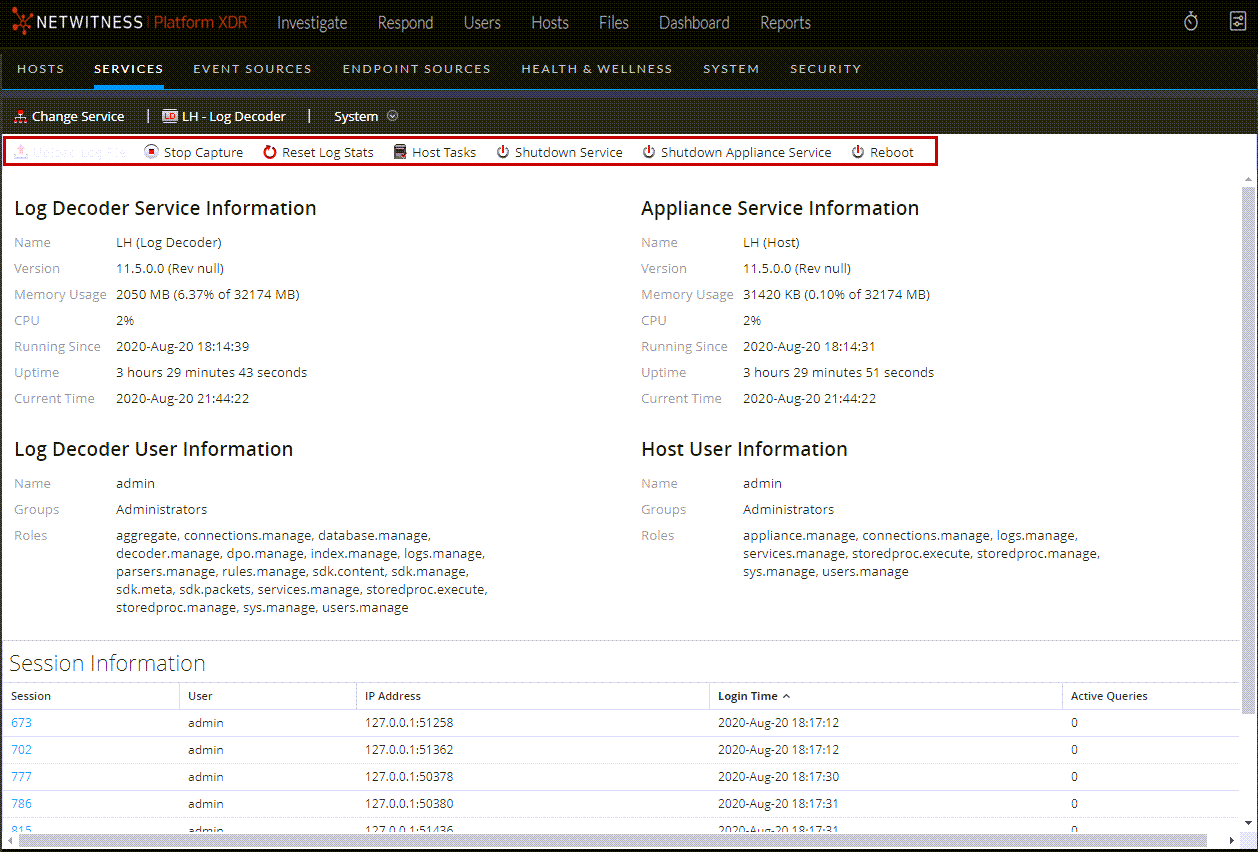
This is an example of the Services System view for a Log Decoder.
Service Info Toolbar
These two toolbars illustrate the options specific to Decoders and Log Decoders.
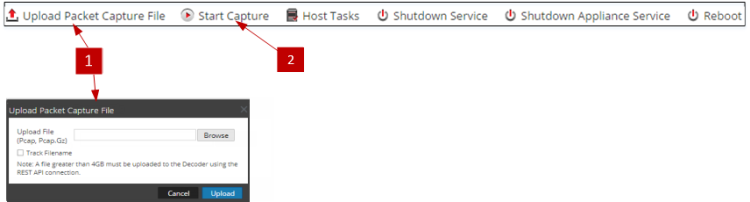

In addition to the common options in the Services System view toolbar, you can start and stop capture of packets or logs. The upload file options are different for the standard Decoder (packet capture file) and the Log Decoder (log file).