.png?width=180&height=32&name=NW%20Logo%20(2).png)
Users Tab
The Users tab in the Admin Security view allows you to set up user accounts. Each NetWitness user must have a user account. In the Users tab, you can create, edit, delete, enable, disable, and unlock a user account.
Workflow
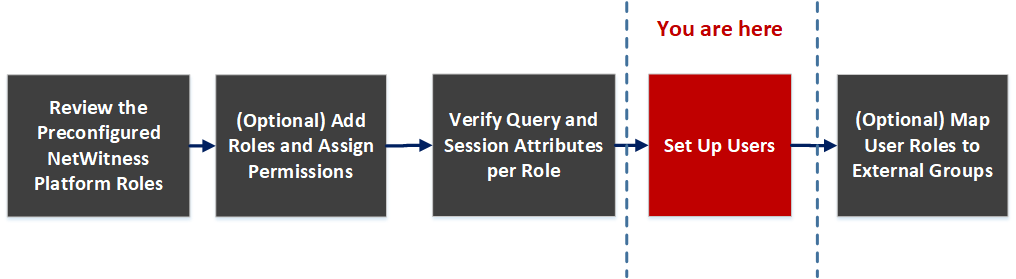
What do you want to do?
Related Topics
Quick Look
To access this view, go to  (Admin) > Security. The Security view displayed with Users tab open.
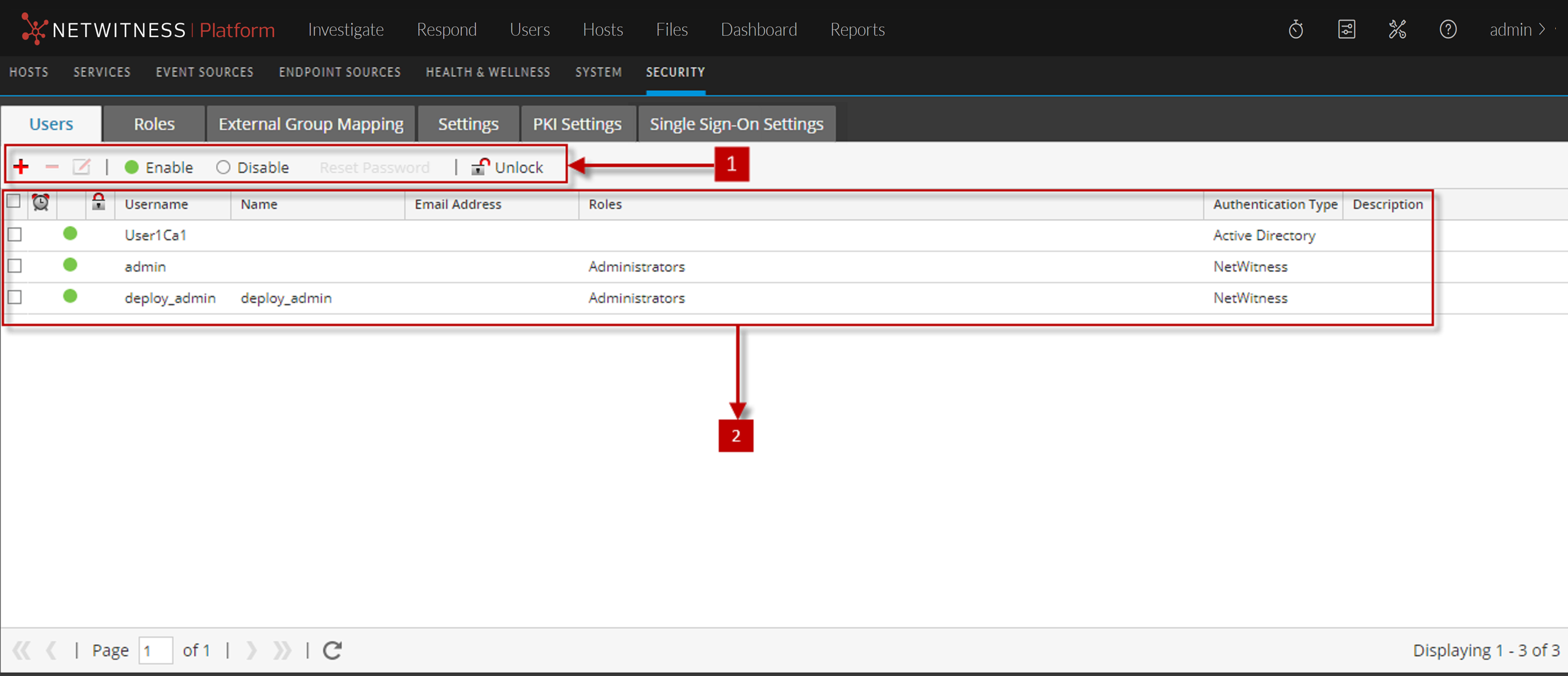
The Users tab includes the following panels.
Users Toolbar
The following table describes the Users toolbar.
Users List
The following table describes the columns in the Users list.