.png?width=180&height=32&name=NW%20Logo%20(2).png)
-
SSH into node-z (Admin Server). Identify the new model and update model_name, additional_storage attribute values in /root/.sase/sase-deployment-models.yml and save the changes.
The below screen shot shows the updated storage configuration in /root/.sase/sase-deployment-models.yml: model_name: c1r12m60, additional_storage: true. Additional storage disks are created for the updated model_name only when additional_storage is set to true.

-
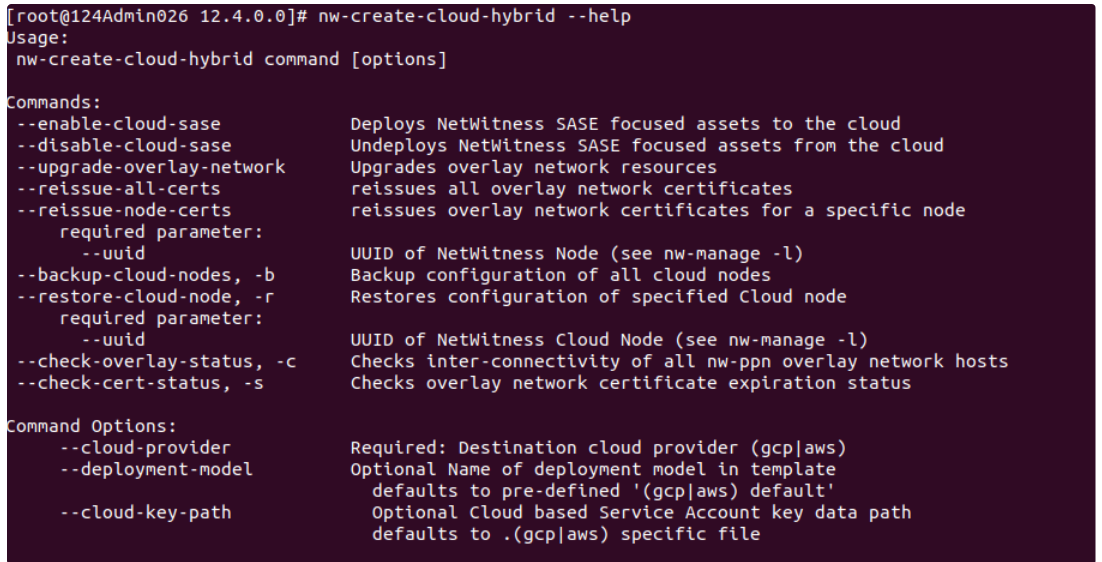
Run the nw-create-cloud-hybrid script on node-z.
nw-create-cloud-hybrid --enable-cloud-sase
-
Login to Admin Server or UI. To list the all the block devices, Navigate to Hosts -> Select the Decoder node -> Services -> Actions -> View -> Explore -> deviceappliance -> appliance -> Right Click -> Properties drop-down -> Select devlist -> Click Send.
-
In this case, the model c1r12m60 defines four disks for decoder service: decoder, decodersmall, decoder0 and decodersmall0.
-
The response output for devlist returns both configured and unconfigured block devices. 'used=1' indicate that the devices are configured. 'used=0' indicates that the device(s) are unconfigured. No changes are required for configured blockdevice(s).
-
All existing configuration is preserved. When extending storage, existing disks as defined in host-models.yml (in this case decoder and decodersmall) are not recreated. Only new disks (decoder0 and decodersmall0) are created.
-
-
Repeat steps 2 through 6 from Appendix B - Sample Scenario for Configuring SASE Decoder Storagesection to complete configuration of the unused (used=0) block devices.