.png?width=180&height=32&name=NW%20Logo%20(2).png)
Tags: Documentation
In the
Use Case #1: Managing Response Action and taking Quick Action for the supported meta in Respond view in
Response Actions and Quick Actions Use Case Examples, you can observe that the fields or options appearing in the
Quick Actions window are the values entered while configuring the Response Action. For example, refer the following figures.
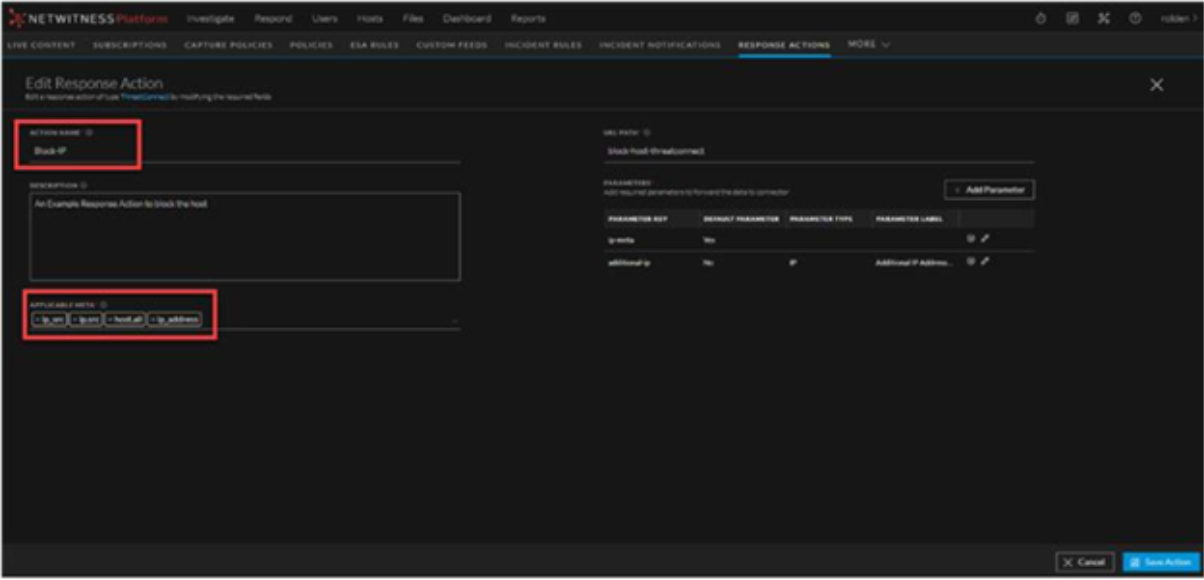
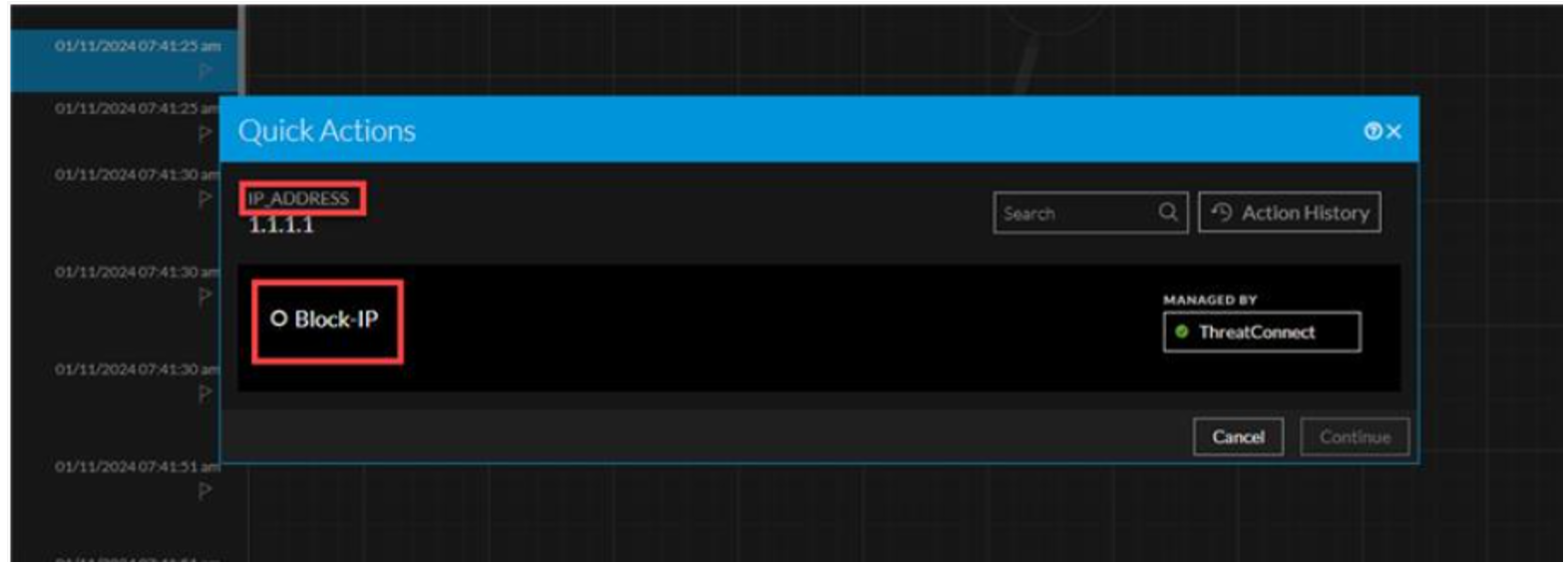
In the above example, if you observe, the Action Name Block-IP entered while configuring the Response Action is now appearing as an option below the supported meta key with value 1.1.1.1 in the Quick Actions window.
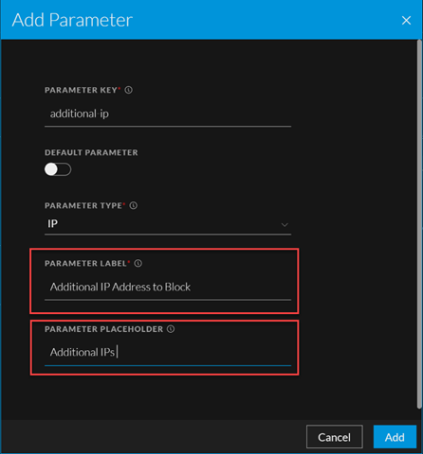
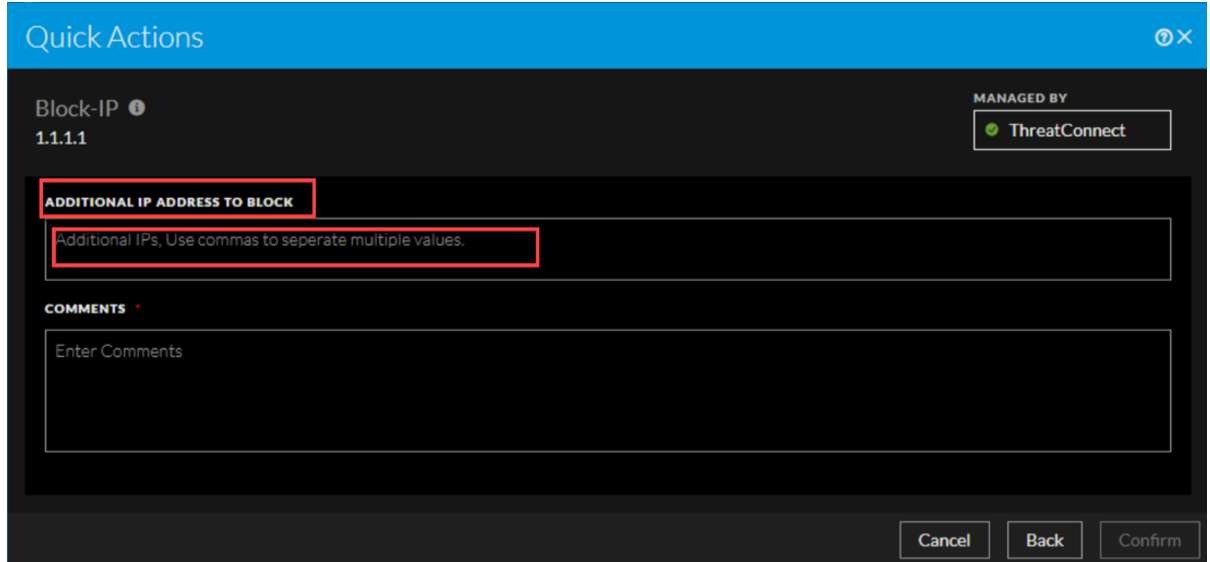
Similarly, the value of the Parameter Label entered in the Add Parameter window while configuring the Response Action, appears as the field below the Response Action name in the Quick Actions window, and the Parameter Placeholder value entered in the Add Parameter window while configuring the Response Action, appears as the placeholder text under the Parameter Label value field in the Quick Actions window. Refer the following figures.