.png?width=180&height=32&name=NW%20Logo%20(2).png)
Data Data Retention Scheduler TabRetention Scheduler Tab
In the Data Retention Scheduler tab, you can configure data retention, inactive agents, and downloaded data retention policies for multiple endpoint servers. To access this view:
- Go to
 (Admin) > Services.
 - In the Services view, select Endpoint Server.
- Click
 and select > View > Config.
 - Click the Data Retention Scheduler tab.
Repeat the above steps to configure data retention settings for multiple endpoint servers.
Workflow
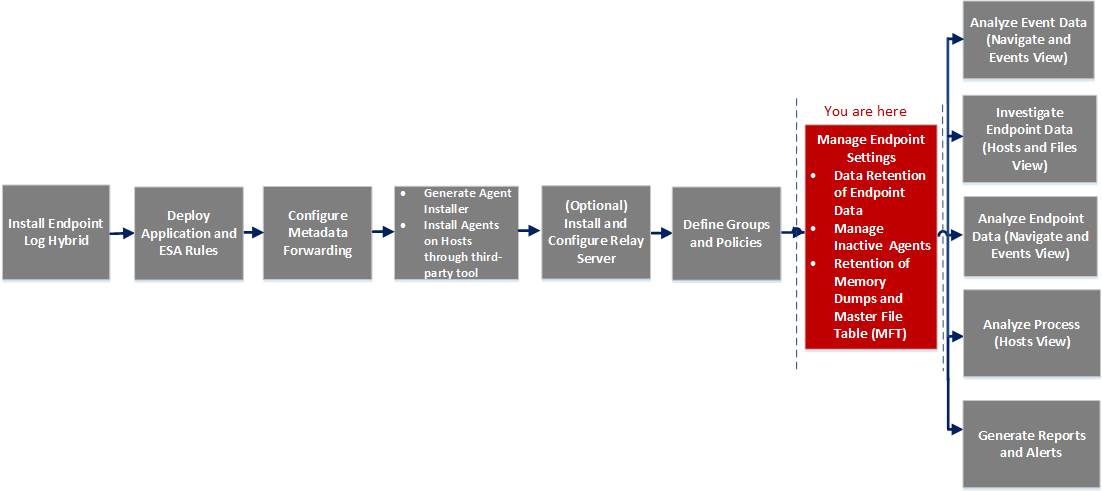
What do you want to do?
*You can perform this task in the current view
Quick Look
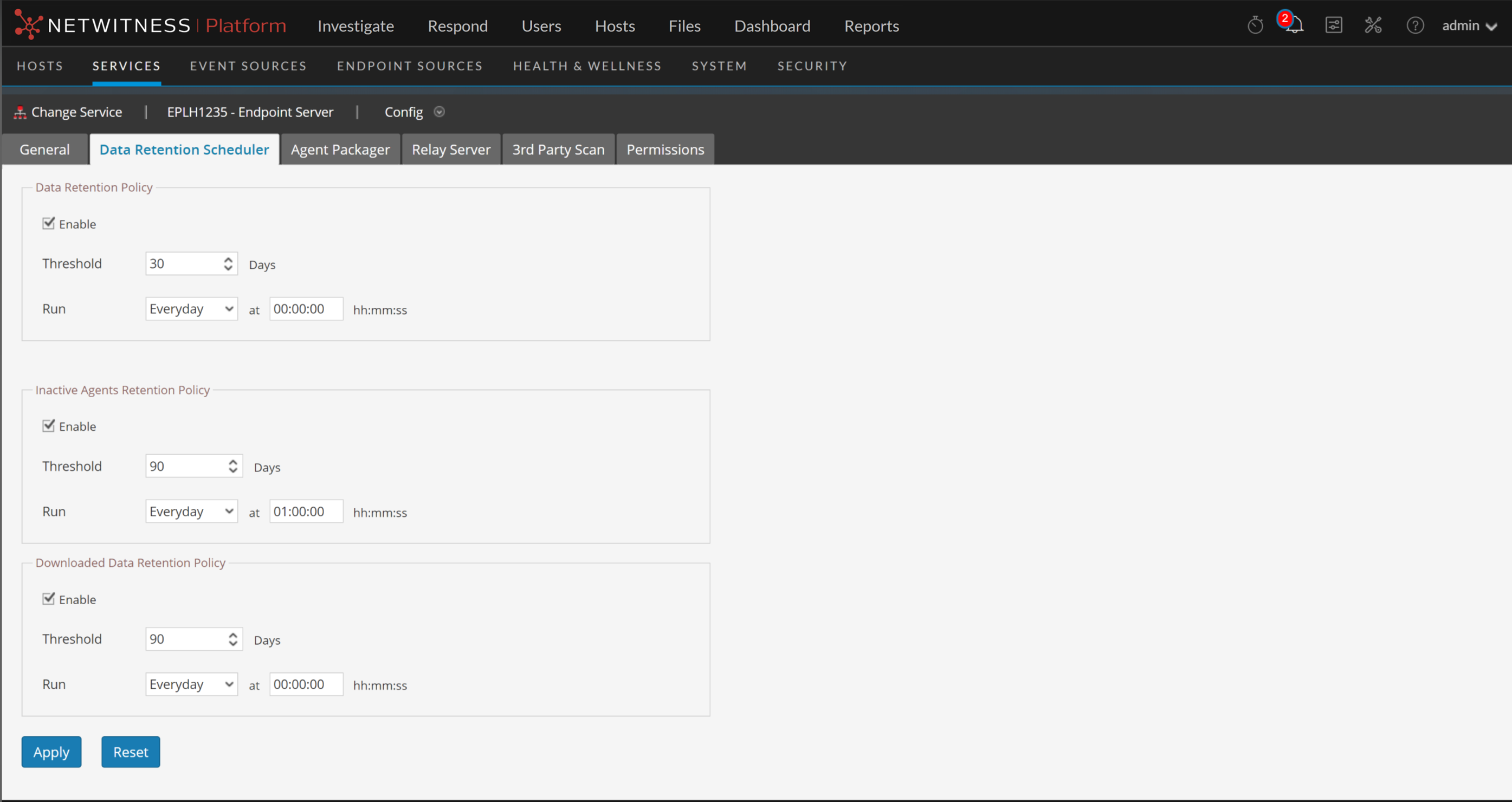
The following figure is an example of the Data Retention Scheduler tab.
Features
The following table lists the fields for Data Retention Policy.
The following table lists the fields for Inactive Agents Retention Policy.
The following table lists the fields for Downloaded Data Retention Policy.