.png?width=180&height=32&name=NW%20Logo%20(2).png)
Deployments Tab
The Deployments tab provides a user interface in the Live Configure view for:
- Viewing subscribed resources that are selected for deployment on services in a service group.
- Selecting subscribed resources to deploy to services in a service group.
- Removing resources that are selected for deployment on services in a service group.
The resources listed here are not deployed immediately after adding to a service group. Instead, the subscribed resources are pushed to the services when NetWitness synchronizes with RSA NetWitness Live. The synchronization schedule is configured in the Live Configuration panel. Additionally, you can synchronize immediately in the  (Configure) > Subscriptions > Deployments tab.
Likewise, resources deleted from the Deployments panel are not deleted from service where they have been deployed. To delete resources from services, delete them in the Live Resource View.
The required permission to access this view is Manage Live Resources.
To access this view:
-
Go to
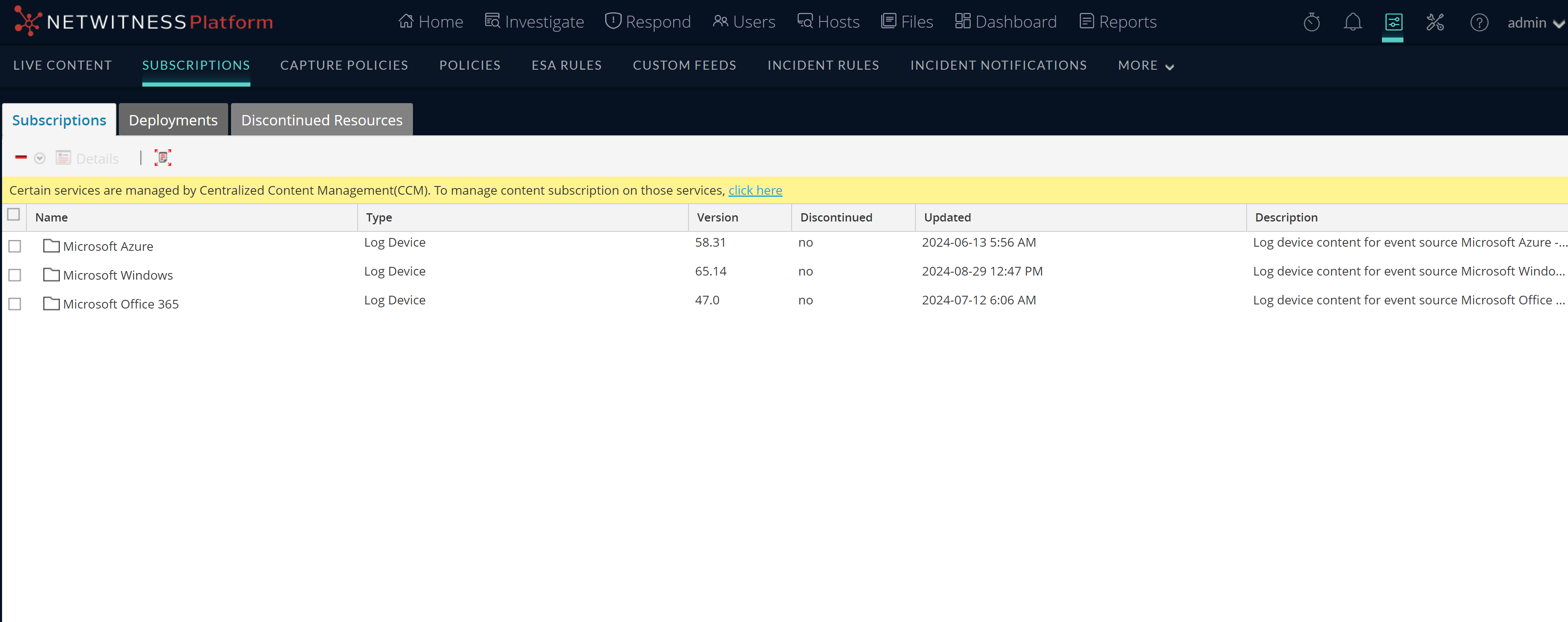
(Configure) > Subscriptions.The Subscriptions tab is displayed.
-
Click the Deployments tab.
The Deployments tab has two panels: Groups and Subscriptions.
Groups Panel
The Groups panel is a static display of configured service groups that were created in the Administration Services view. Selecting a group in the Groups panel populates the Subscriptions panel with a list of subscriptions that are selected for deployment on the services in the service group.
Subscriptions Panel
The following table describes the features in the Subscriptions panel.