.png?width=180&height=32&name=NW%20Logo%20(2).png)
Issue
You may face the issue that the "Appliance Service Configuration" tab from "Admin > SERVICES > Broker > Actions > View > Config" on Broker service v12.1 has disappeared like the following screen shot.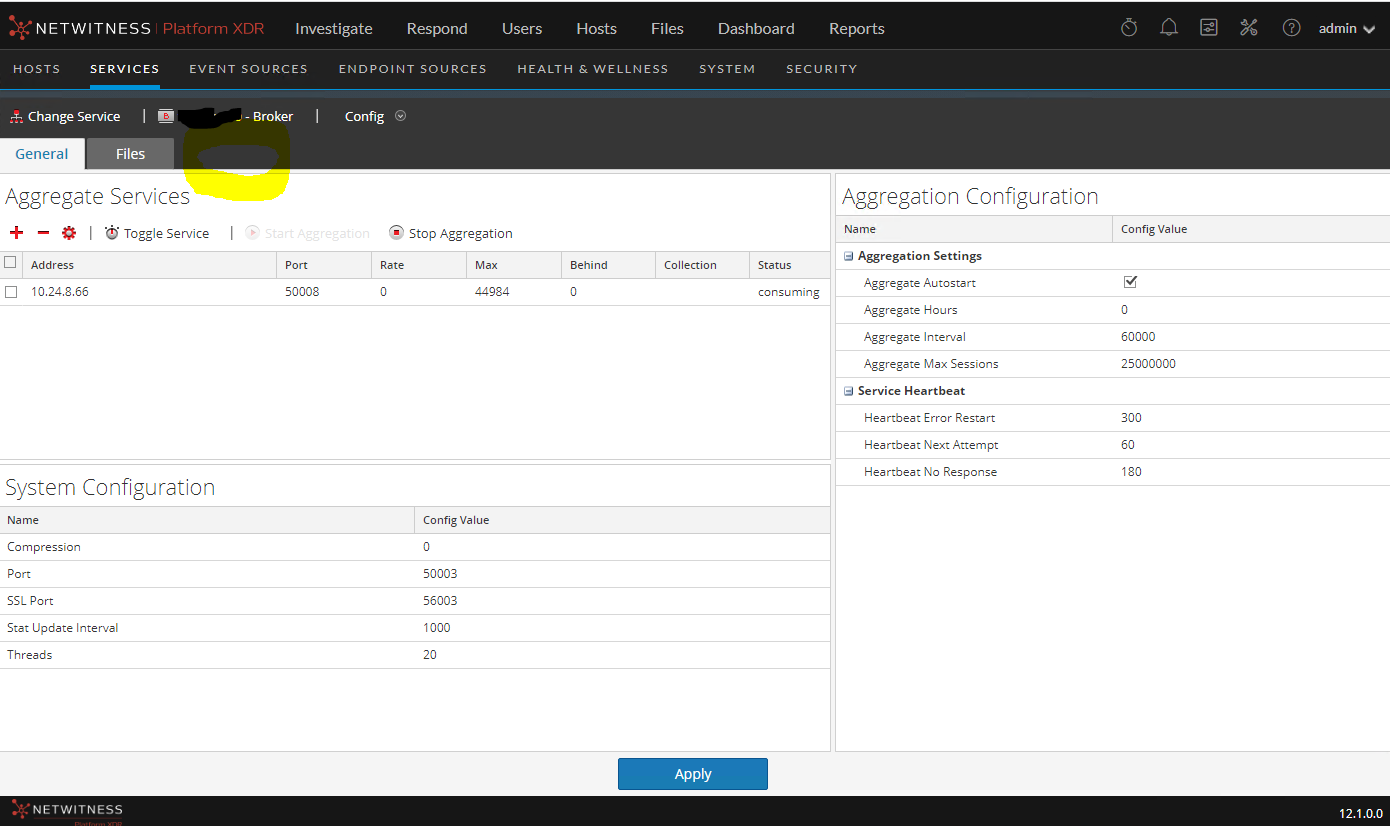
Customer upgraded from v12.0 as freshly installed and found "Appliance Service Configuration" tab was existed like the following screen shot.
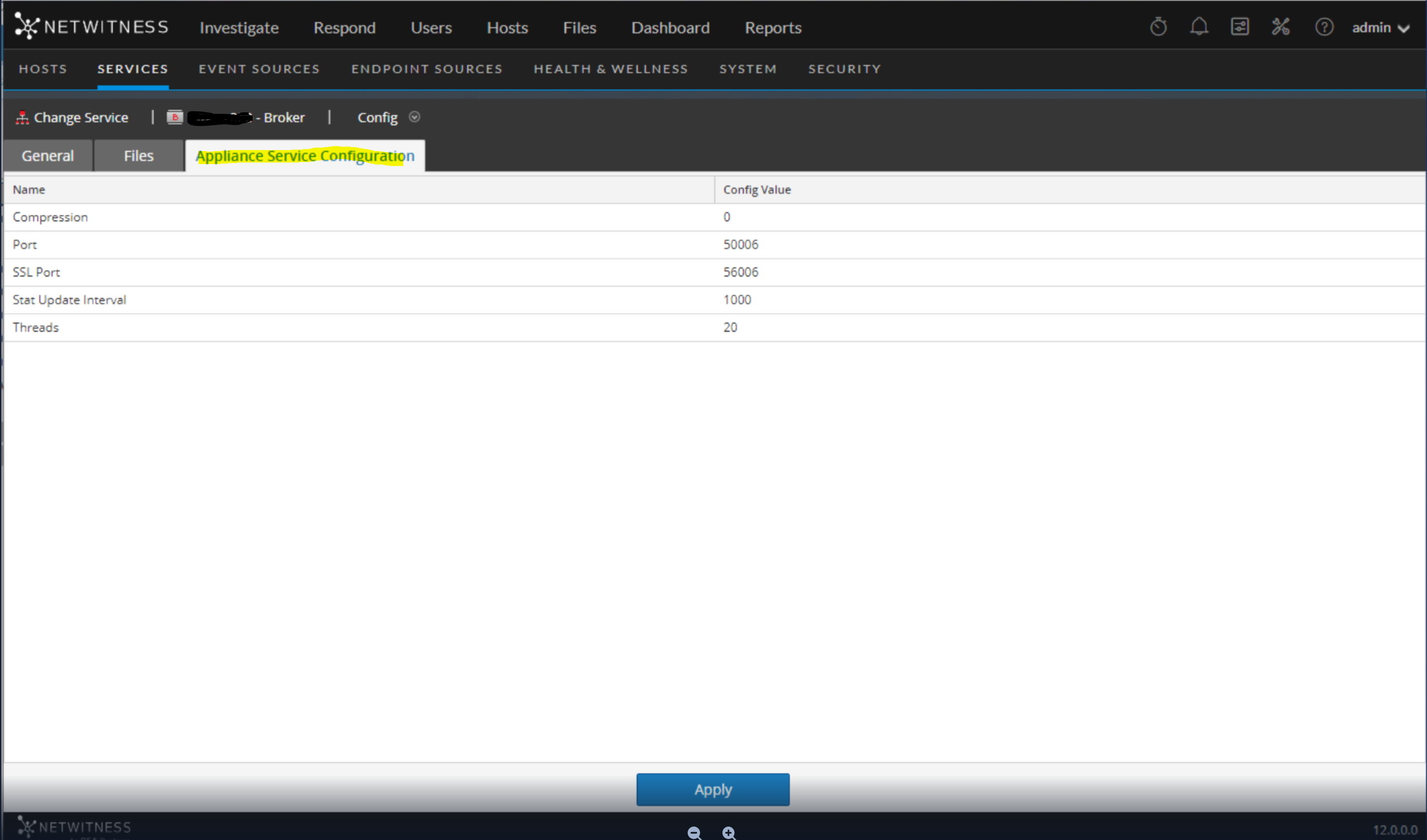
Resolution
Sometimes the nwappliance service just fails to load. it's a glitch that might have happened during the installation or upgrade.Running the following workaround is resolved this issue.
1. Running the chef recipe command. After this, we were able to see the "Appliance Service Configuration" tab.
# chef-client -r "recipe[nw-appliance]" --config /var/lib/netwitness/config-management/client.rb --json-attributes /etc/netwitness/config-management/node.json
2. However, If the "Appliance Service Configuration" tab is still not available, try doing a jetty restart using "systemctl restart jetty" command and restart nwappliance service using "systemctl restart nwappliance" command.
Product Details
RSA Product Set: NetWitness Log and NetworkRSA Product/Service Type: Broker
RSA Version/Condition:12.1
Approval Reviewer Queue
Technical approval queue