.png?width=180&height=32&name=NW%20Logo%20(2).png)
This topic describes the steps to enable or disable CCM for individual Decoder Services.
To enable or disable CCM for individual Decoder Service
- Go to
 (CONFIGURE) > Policies.
 - In the policies panel, click Content.
- In the left panel, click Services. The list of services are displayed.
- Select the service(s) for which you want to enable or disable CCM and click Manage Service Content.
The Manage Content for Decoder Services pop-up window is displayed.
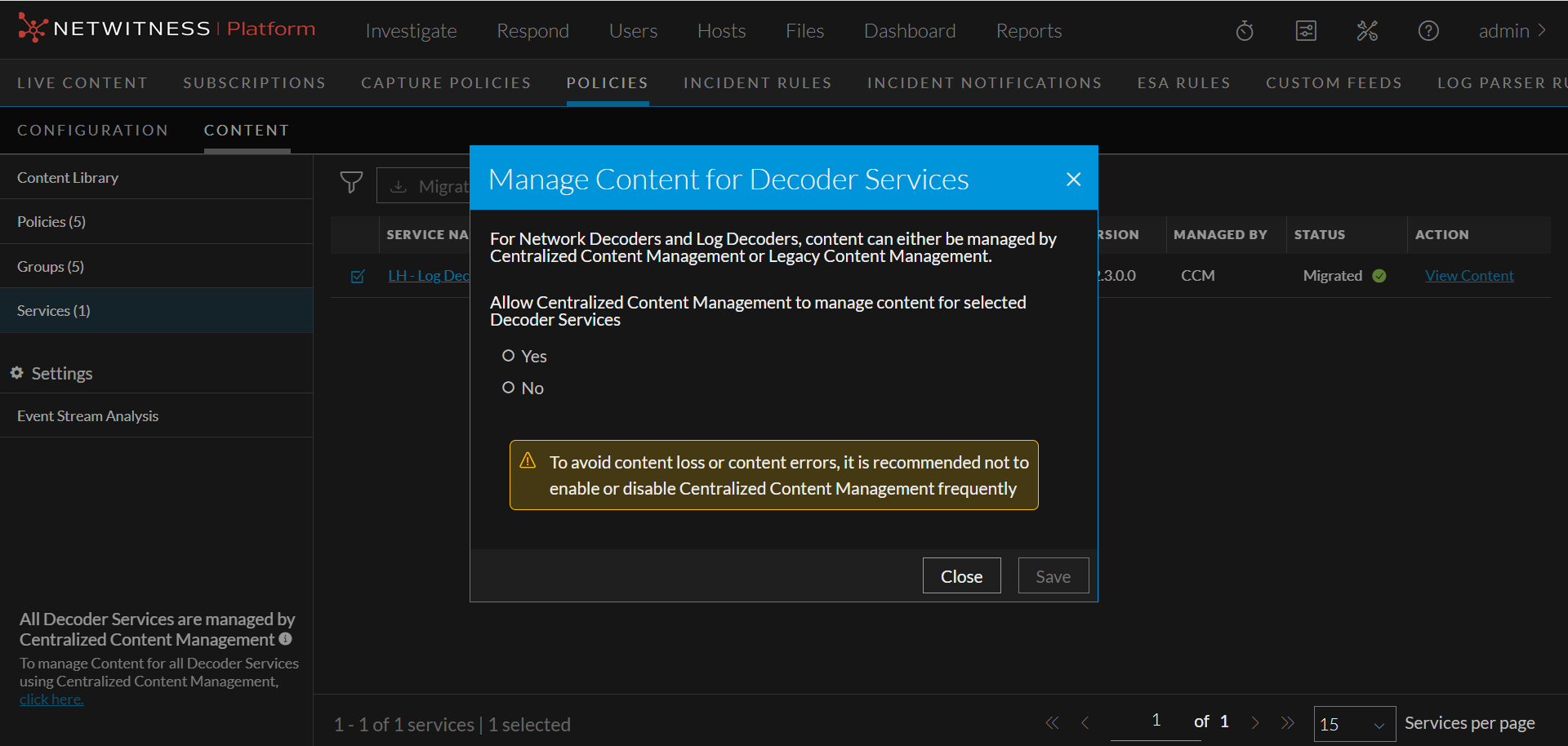
- In the pop-up window, select Yes for Allow Centralized Content Management to Manage Content for Selected Decoder Services to enable CCM for the selected service. Select No to disable CCM for the selected service.
- Click Save to save the changes.