.png?width=180&height=32&name=NW%20Logo%20(2).png)
Issue
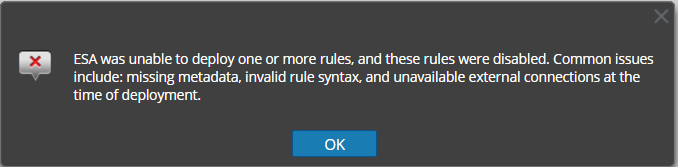
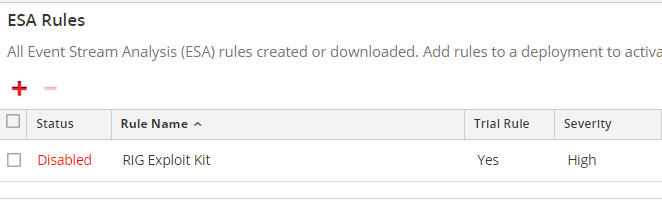
An ESA rule is disabled after being deployed to the ESA service and reports the error below.
ESA was unable to deploy one or more rules, and these rules were disabled. Common issues include: missing metadata, invalid rule syntax, and unavailable external connections at the time of deployment.
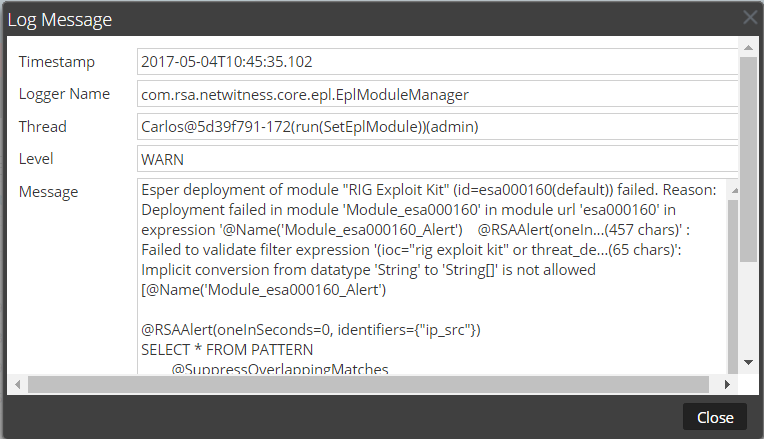
The ESA log level WARN contains the following message:
Implicit conversion from datatype 'String' to 'String[]' is not allowed
Cause
Within the ESA service the hunting and investigation meta keys were changed from a string type to a multi-valued type.The following meta keys are affected:
- ioc
- eoc
- boc
- analysis.service
- analysis.session
- analysis.file
Resolution
Version 10.6.2.1 and Above
To deploy custom ESA rules using these meta keys the rules must be updated to use array syntax and redeployed. For example:Version 10.6.2 and Below
To deploy RSA Live ESA rules using these keys the meta keys must be added to the ESA service using the multi-valued type.In addition, any custom ESA rules using these meta keys must be updated to use array syntax.
The steps below explain how to add the meta keys to the ESA service with the multi-valued type.
- In the RSA Security Analytics UI, navigate to Administration > Services > ESA > Explore > Workflow > Source > nextgenAggregationSource > ArrayFieldNames.
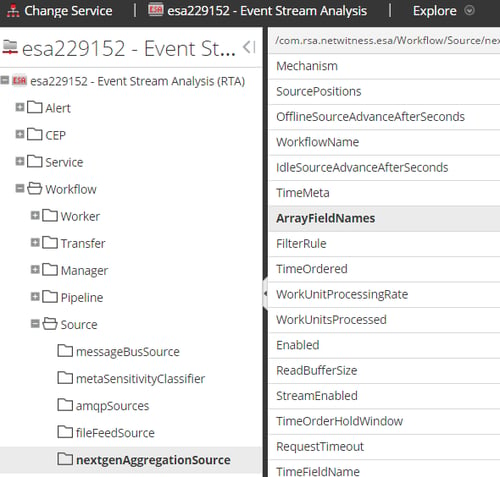
- In the ArrayFieldNames property, enter the meta keys separated by commas. Be sure to use underscores for multi-word meta keys.

- Restart the ESA service.
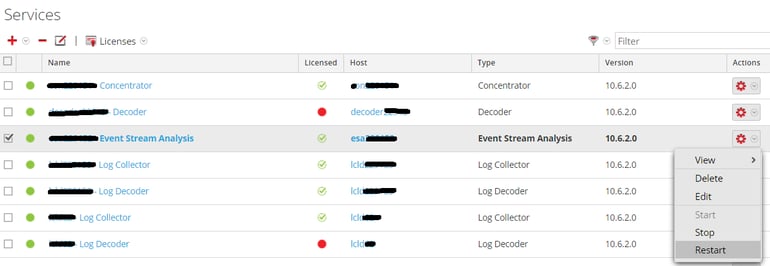
- Update custom ESA rules using these meta keys to change them from string syntax to array syntax. For example:
- Redeploy each updated ESA rule.
Product Details
RSA Product Set: Security Analytics, NetWitness Logs and PacketsRSA Product/Service Type: Event Stream Analysis (ESA)
RSA Version/Condition: 10.3, 10.4, 10.5, 10.6
Platform: CentOS
O/S Version: EL6
Approval Reviewer Queue
RSA NetWitness Suite Approval Queue