Skip to content
  • There are no suggestions because the search field is empty.

Event Sources View

Event Sources View

The Event Source Attributes panel has the following tabs.

To access this panel, go to netwitness_adminicon_25x22.png (Admin) > Event Sources.

Workflow

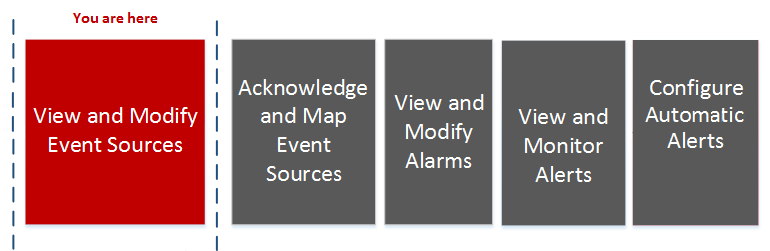
This workflow shows the end-to-process for modifying, acknowledging, mapping, and configuring event sources, along with viewing and configuring event source alarms and alerts.
netwitness_111_01viewmodessimple.png

What do you want to do?


Related Topics

Managing Event Source Groups

Creating Event Source Groups

Editing or Deleting Event Source Groups

Creating an Event Source and Editing Attributes

Quick Look

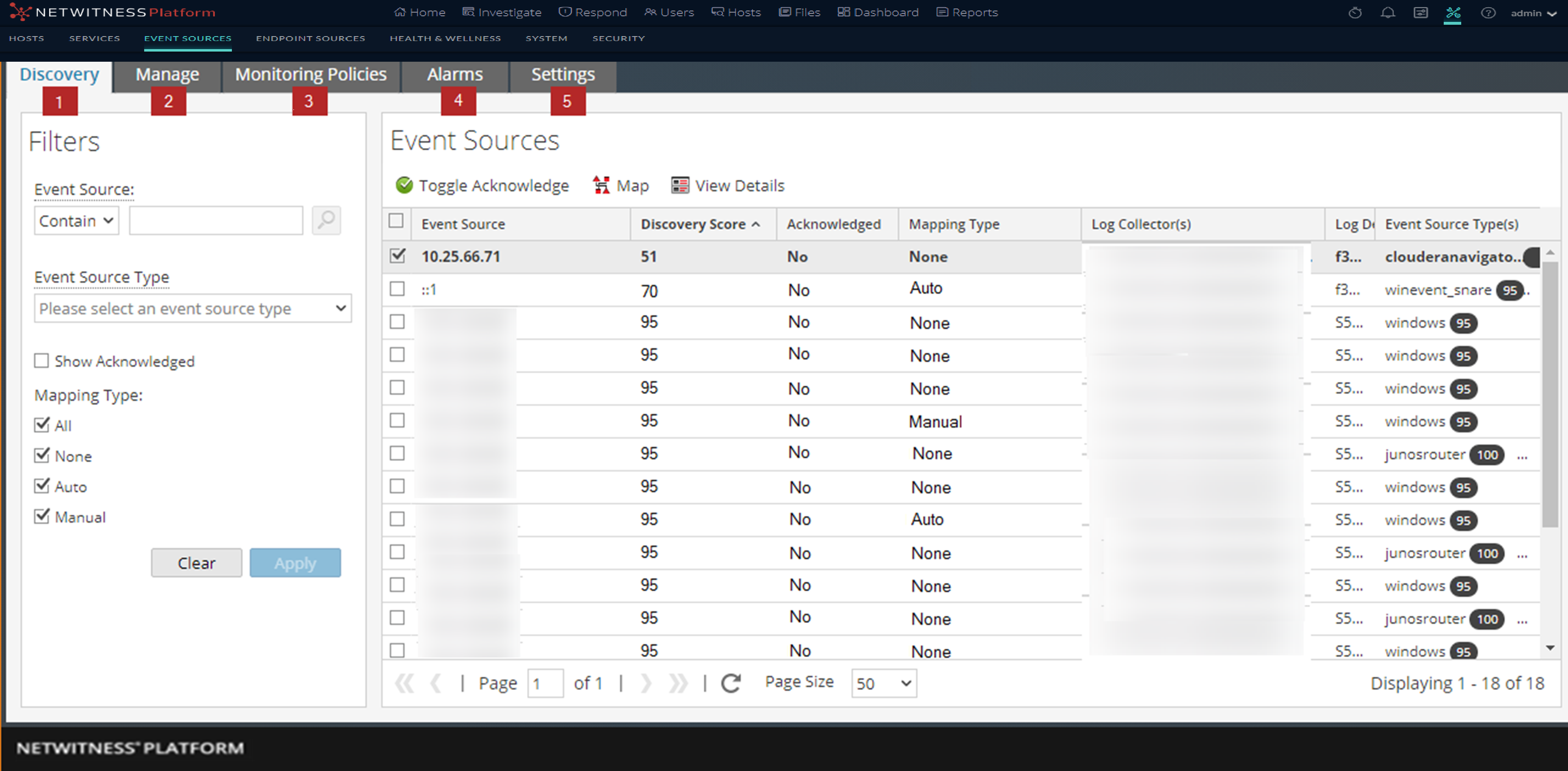
The Event Sources view presents the details for Event Sources that are discovered, acknowledged, or mapped by NetWitness.
12.1_EsView_1122.png

  • Column 1: 1
  • Column 2: Discovery Tab

    Use this tab to review the event source types that NetWitness has discovered for each address and the system’s confidence of how likely it is that they were identified accurately.


  • Column 1: 2
  • Column 2:

    Manage Tab

    Use this tab to create, edit, and delete Event Source Groups. It presents a customizable, searchable view of all of your event sources and groups.


  • Column 1: 4
  • Column 2:

    Alarms Tab

    Use this tab to see the details of the alarms that have been generated.


  • Column 1: 5
  • Column 2:

    Settings Tab

    Use this tab to view or change the behavior for automatic (baseline) alerts.