.png?width=180&height=32&name=NW%20Logo%20(2).png)
Issue
From Security Analytics Investigation, navigating to a broker or a concentrator returns the message 'Failed to retrieve meta keys.' when using a user account with a custom role as shown below.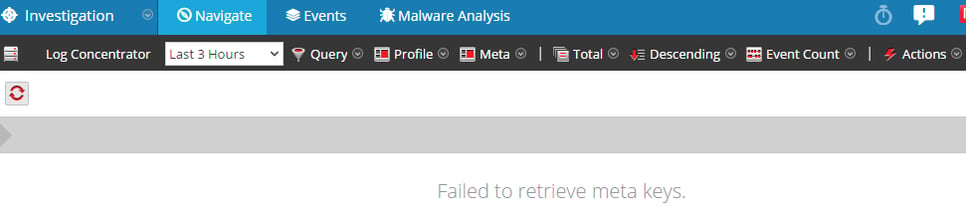
User accounts with default roles (Administrator or Analyst) have no problem displaying the meta data.
Cause
The error message is returned if the custom role to which the user is assigned does not exist in the downstream services (i.e. brokers or concentrators).
Resolution
Create a custom role under the Security page for the core services (i.e. brokers and concentrators) matching the custom role name in Security Analytics UI (Administration-System-Security-Roles) following the instructions on the Add a Service User Role page in the Security Analytics 10.4 User Guide.Refer to the page entitled Duplicate or Replicate a Service Role in the Security Analytics 10.4 User Guide in order to replicate the custom role to multiple appliances.
Note: The user may need to log out and log in again to see the change.
Product Details
RSA Product Set: Security AnalyticsRSA Product/Service Type: Security Analytics UI, Broker, Concentrator
RSA Version/Condition: 10.4.x
Approval Reviewer Queue
ASOC Approval Group