.png?width=180&height=32&name=NW%20Logo%20(2).png)
Health and Wellness Settings View - Warehouse Connector
Configuring the Warehouse Connector monitoring enables you to automatically generate notification when critical thresholds concerning Warehouse Connector and storage have been met.
Access the Warehouse Connector Monitoring view
- Go to
 (Admin) > Health & Wellness.
 -
Select Settings > Warehouse Connector.
What do you want to do?
Related topics Related topics
Quick Look
The Warehouse Connector Monitoring view is displayed.
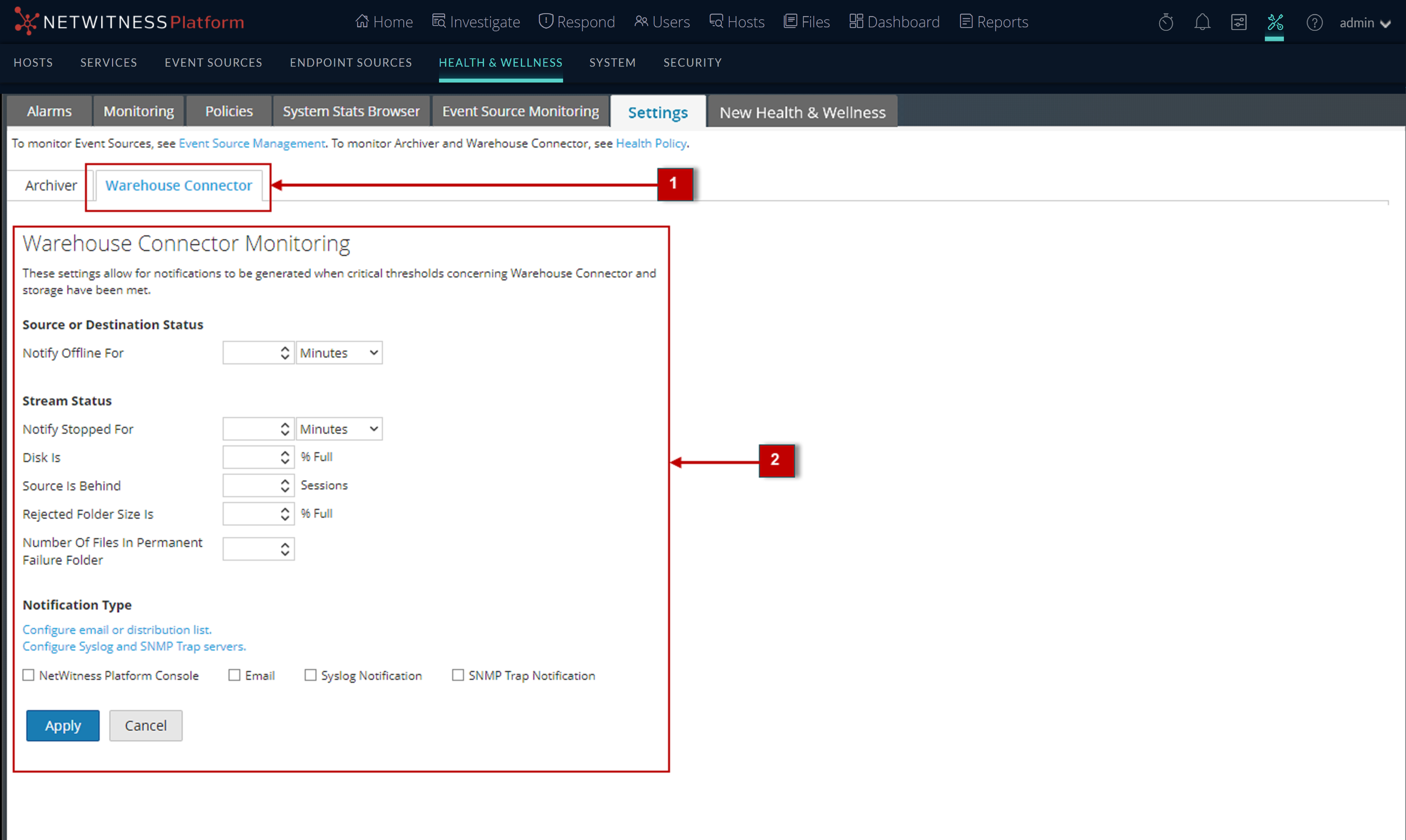
Warehouse Connector Monitoring parameters
The following table lists the parameters required to configure the Warehouse Connector to automatically generate notification when critical thresholds are reached.