.png?width=180&height=32&name=NW%20Logo%20(2).png)
Hosts View
You set up and maintain the physical or virtual machine on which NetWitness services run in the Hosts view.
IMPORTANT: For help with resolving errors you receive during version installation and update, see Troubleshooting Version Installations and Updates .
A service performs a unique function, such as collecting logs or archiving data. Each service runs on a dedicated port and is modeled as a plug-in to enable or disable, according to the function of the host. You must configure the Core services first. You must configure hosts and services to communicate with the network and each other so they can perform their functions such as storing or capturing data.
Workflow
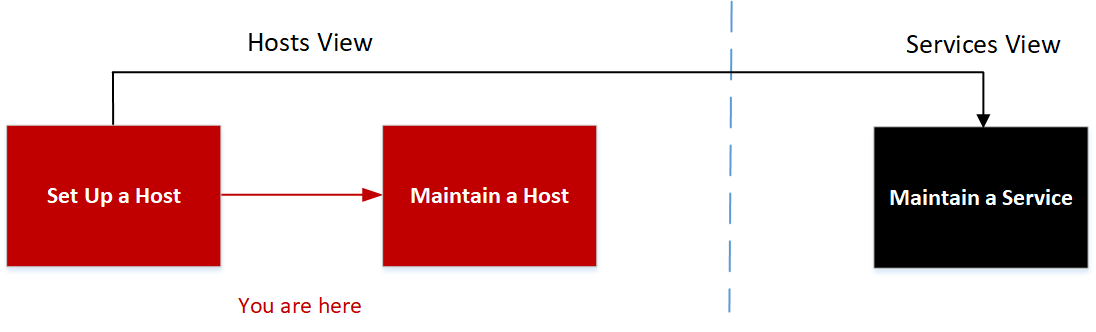
This workflow shows the procedures you complete to set up a host, maintain a host, and update the host with new NetWitness versions. Setting up a host is the first task in this workflow.The hosts with Core services are set up out-of-the-box. After that, you can set up additional hosts to enhance your NetWitness deployment. The other two tasks, maintaining a host and updating versions for a host, are performed when required and do not have a specific order of completion.
What do you want to do?
* You can perform these tasks in the current view.
Related Topics:
Quick Look
This is an example of the Hosts view.
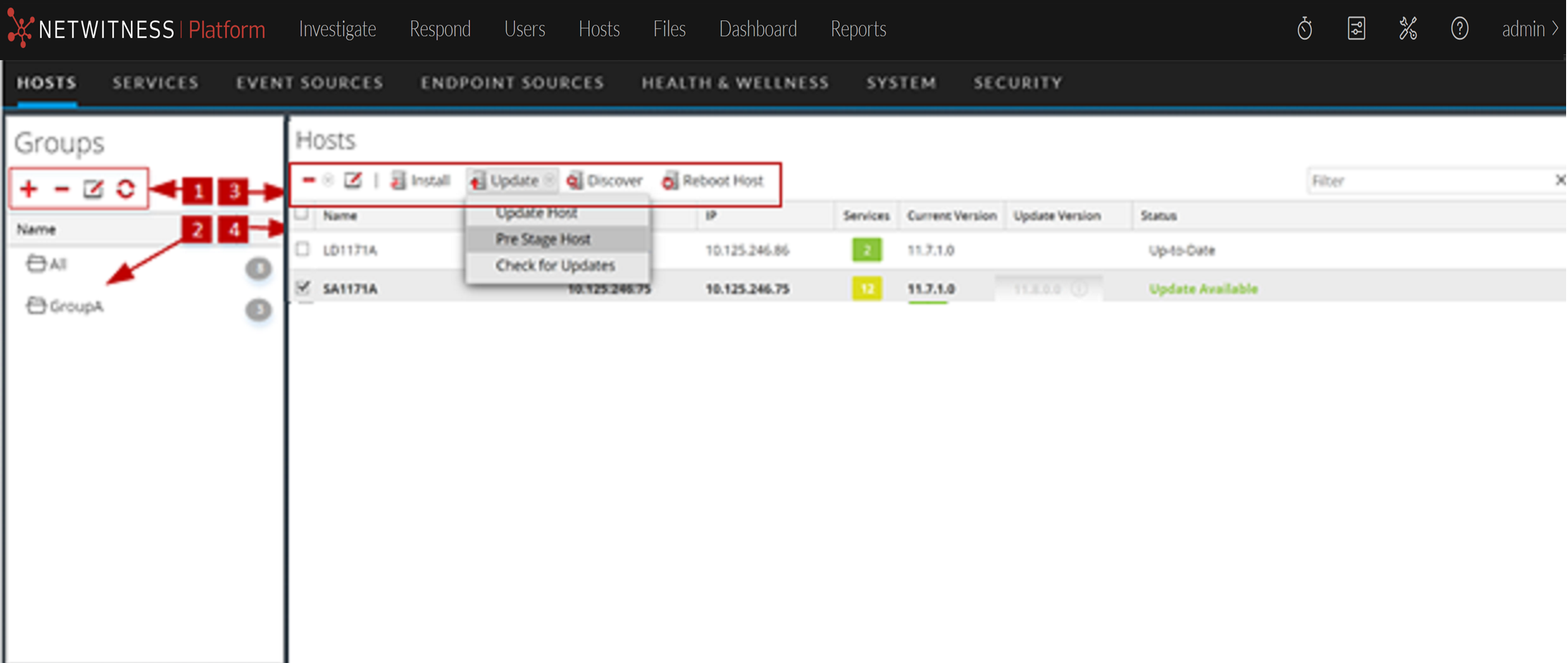
Groups Panel Toolbar
Groups Panel
The Groups panel provides a logical way to organize hosts, such as by function, geography, or project. Once hosts are grouped, it is easier to perform operations on multiple hosts by interacting with each host in a group rather than individual hosts from an non-grouped list. You can drag a host from the Hosts list to add it to a group. A host may belong to more than one group.
Note: In NetWitness Live, groups can subscribe to resources while individual hosts cannot.
Hosts List Toolbar
The Hosts list toolbar contains the tools that you use to maintain the hosts in your NetWitness deployment.
Hosts List