.png?width=180&height=32&name=NW%20Logo%20(2).png)
Issue
I cannot remember my password for NetWitness Community and am therefore unable to log in.
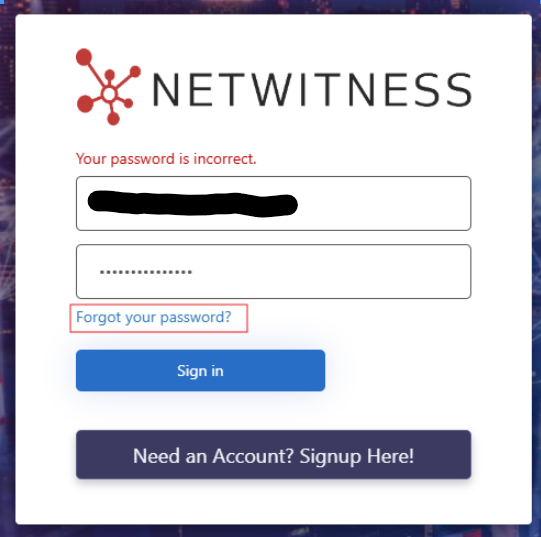
Attempting to log in to NetWitness Community generates the error message below:
Resolution
To reset the password for an existing account, follow these steps:
- Click the "Forgot your Password?" link at the authentication rejection prompt and follow the steps listed there:
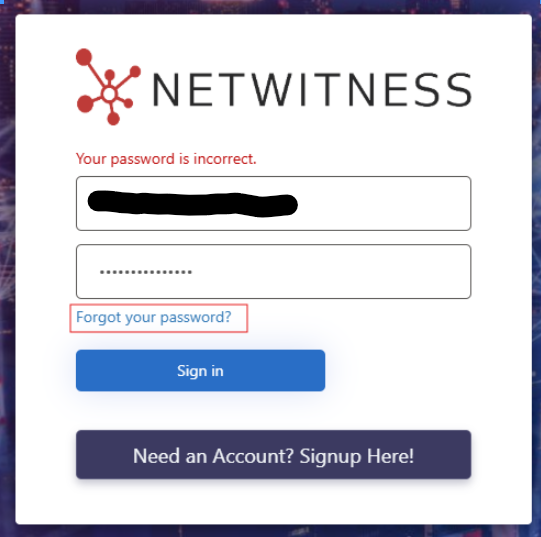
- It will ask for your email address you used to register and send you a verification code to that email address that you'll need to input back into the form to reset. The email will come from "Microsoft on behalf of NWExternalAuth
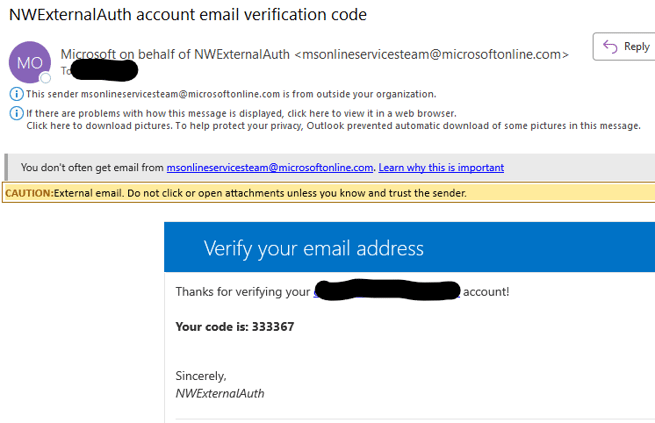
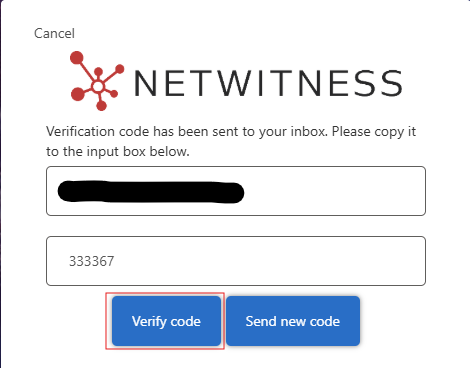
- After receiving the code, input it back into the form and click "Verify Code":
- Follow the wizard for the steps to reset your password
If you experience any issues with these steps, please contact NetWitness Customer Support.
Notes
For NEW user registrations, please follow this guide: Registering for a NetWitness Community Account
Product Details
This article applies to NetWitness Community users who already have an account but need to reset their password.
Approval Reviewer Queue
Technical approval queue