.png?width=180&height=32&name=NW%20Logo%20(2).png)
Issue
How to remove all alerts/incidents from mongo db level in NW 11.x.
Resolution
To clear all alerts/incidents from mongo db level, follow the steps below.* We recommend to set a retention period for Alerts and Incidents as described below(page 47~48).
https://community.rsa.com/docs/DOC-96278
- SSH to ESA appliance and connect to mongo db as follows. # mongo admin -u deploy_admin -p netwitness
> use respond-server
> db.alert.find().pretty()
> db.incident.find().pretty()
- Disable or deactivate current deployed ESA/Report rules in NW GUI before clearing all alerts/incidents.
- Remove all alerts/incidents and then reindex db as follows. * Do not use ".drop" because it removes collections as well. Instead use ".remove" .
> db.alert.remove({"receivedTime":{$lte: new Date(new Date().setDate(new Date().getDate()))}})
> db.incident.remove({"created":{$lte: new Date(new Date().setDate(new Date().getDate()))}})
> db.alert.reIndex()
> db.incident.reIndex()
> exit
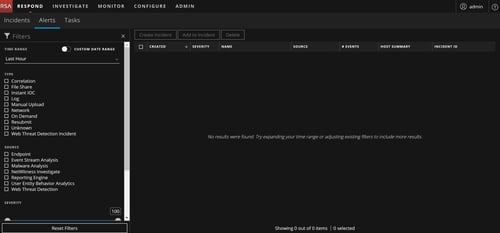
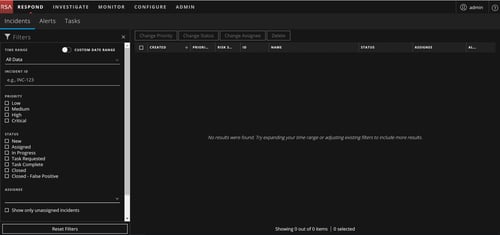
- After refreshing NW GUI, you are able to see that there exist no alerts/incident as shown below.
Product Details
RSA Product Set: NetWitness Logs & NetworkRSA Product/Service Type: Event Stream Analysis
RSA Version/Condition: 11.x
Platform: CentOS
Approval Reviewer Queue
RSA NetWitness Suite Approval Queue