.png?width=180&height=32&name=NW%20Logo%20(2).png)
Issue
How to configure the iDRAC 8 on Dell R630/R730 RSA NetWitness Series Platform 5 appliance?
Tasks
Requires physical access to the RSA NetWitness appliance.
Resolution
To configure the Dell iDRAC 8 on an RSA NetWitness Dell PowerEdge R630/R730 appliance, follow the steps below from the Console at the appliance (a monitor, console and keyboard should be attached).
- Power on the NetWitness appliance.
- During the BIOS boot, press the
key to access the Lifecycle Controller Setup, and can press the key during the memory test to bypass it.
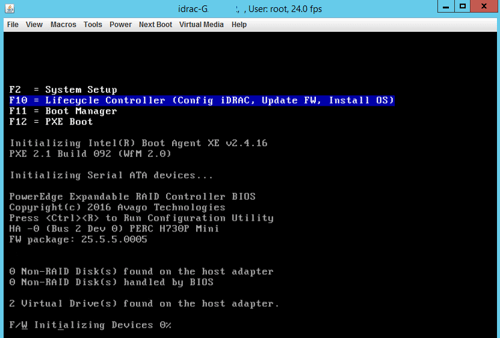
- Enter the RSA BIOS password: rsabios
- When the Dell Lifecycle Controller screen appears select, Hardware Configuration > Configuration Wizards.

- In Hardware Configuration: Configuration Wizards select, iDRAC Settings.
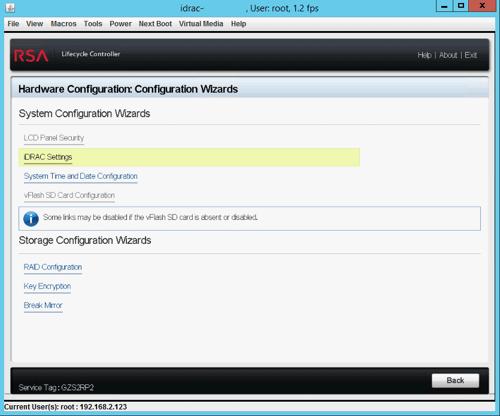
- In iDRAC Settings select, Network.
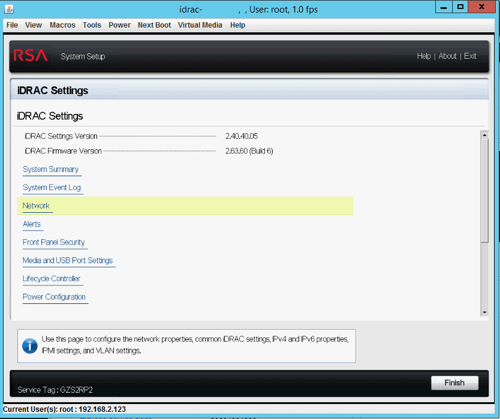
- In iDRAC Settings under NETWORK SETTINGS, ensure that the Auto-Negotiation radio button for On is select.
Without Auto-Negotiation On, the iDRAC cannot try to connect at 1 Gbps speed, the maximum connect speed would be 100 Mbps.

- Still in iDRAC Settings scroll down to IPV4 SETTINGS and enter the Static IP Address, Static Gateway, Static Subnet Mask, and other settings as necessary.
Once configuration settings are complete click the Back button.

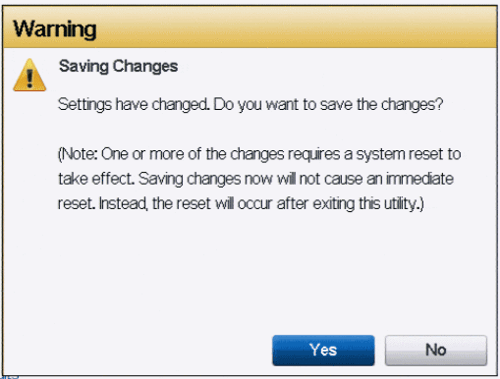
- In the iDRAC Settings screen, click the Finish button, at which time you will be prompted to save.
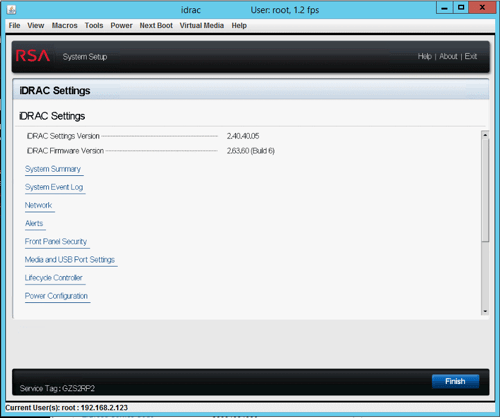
- Click Yes to save.
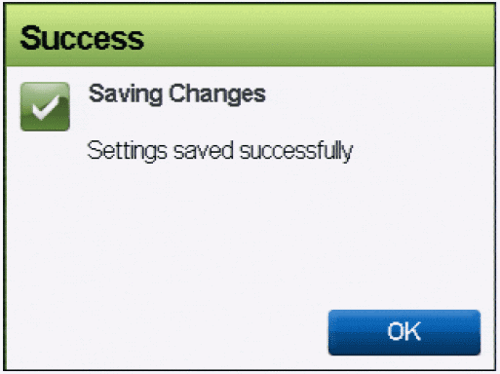
- A "Setting saved successfully" message appears.
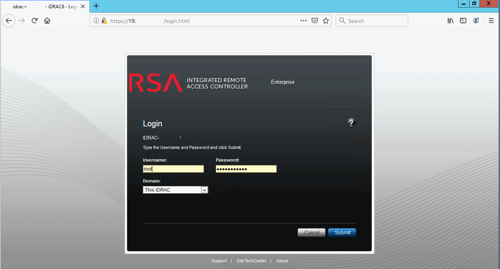
- Confirm the iDRAC configuration is now accessible by browsing to the iDRAC URL, https://
or https:// .
The iDRAC is correctly configured when then iDrac login page displays.

Notes
To configure the iDRAC via the commandline see RSA Knowledgebase article, How do I enable IPMI on Series 2 and Series 3 RSA NetWitness NextGen appliances?
If you are unsure of the default NetWitness iDRAC login details contact RSA Support and quote RSA Knowledge article ID 000026767 - What are the RSA Security Analytics Series 4 appliance iDRAC login credentials?.
Product Details
RSA Product Set: NetWitness Logs & NetworkRSA Product/Service Type: Series 5 Appliance
RSA Version/Condition: 10.6.x, 11.x
Platform (Other): Dell PowerEdge R630/R730, Dell iDRAC 8
Summary
How to configure the iDRAC 8 on Dell R630/R730 RSA NetWitness Platform Series 5 appliance?
Approval Reviewer Queue
RSA NetWitness Suite Approval Queue