.png?width=180&height=32&name=NW%20Logo%20(2).png)
Issue
Since you have upgraded to 11.5 and later version. You can see new "Memory Threshold" setting when creating ESA Rules. Refer to the following screenshots.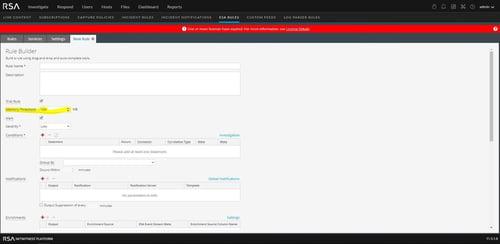
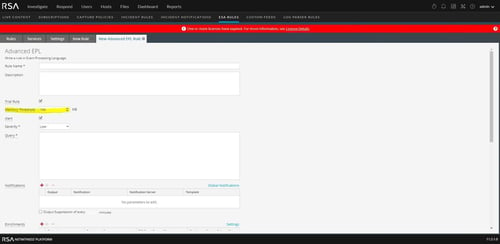
Also, You can refer to the following document about "Memory Threshold" setting.
#######
https://community.rsa.com/docs/DOC-80065
Memory Threshold:
(This option applies to version 11.5 and later.) The maximum memory usage allowed for this rule in MB. Add Memory Thresholds to ESA rules that use memory. For example, if a rule contains windows or pattern matching, configure a memory threshold for that rule. If the configured memory threshold is exceeded, it gets disabled individually and an error is displayed for that rule on the (Configure) > ESA Rules > Services tab.
New rules default to a 100 MB memory threshold. Rules that existed before version 11.5 do not have a default value and a memory threshold is not set.
#######
In some cases if customer wants to disable this setting, currently there is no comment on document for this.
Resolution
Any new rule will have a default memory threshold of 100 MB, but it can be disabled by setting the threshold value to "0" or blanked out.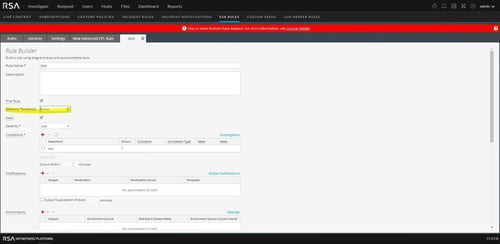
Product Details
RSA Product Set: NetWitness PlatformRSA Product/Service Type: ESA
RSA Version/Condition: 11.5 and later version
Approval Reviewer Queue
RSA NetWitness Suite Approval Queue