.png?width=180&height=32&name=NW%20Logo%20(2).png)
Issue
How to enable the continuous Events view option
Resolution
Follow the steps below to enable the continuous Event view:
Navigate to Profile > Preferences > Investigation > Investigation tab and check the 'Append Events in Events Panel' box > Apply
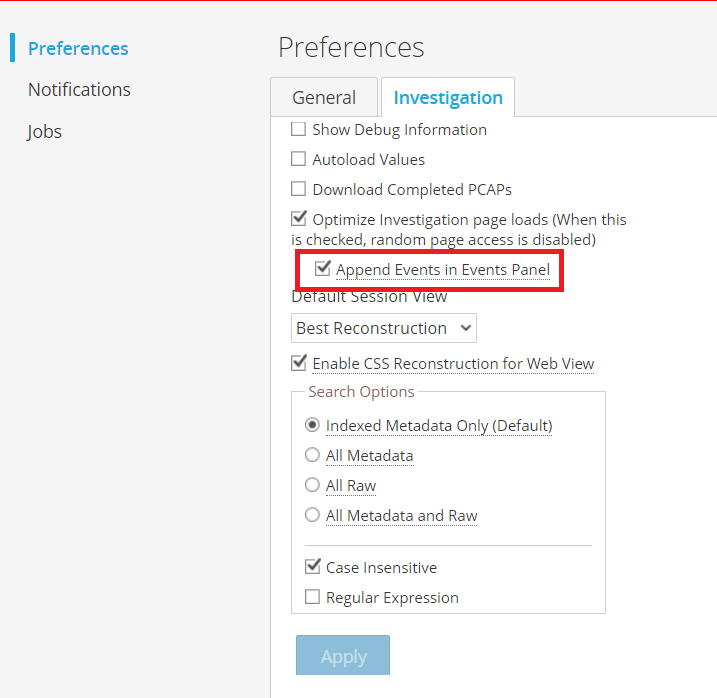
Afterwards, when viewing the event pages, the events will be appended in the current view.
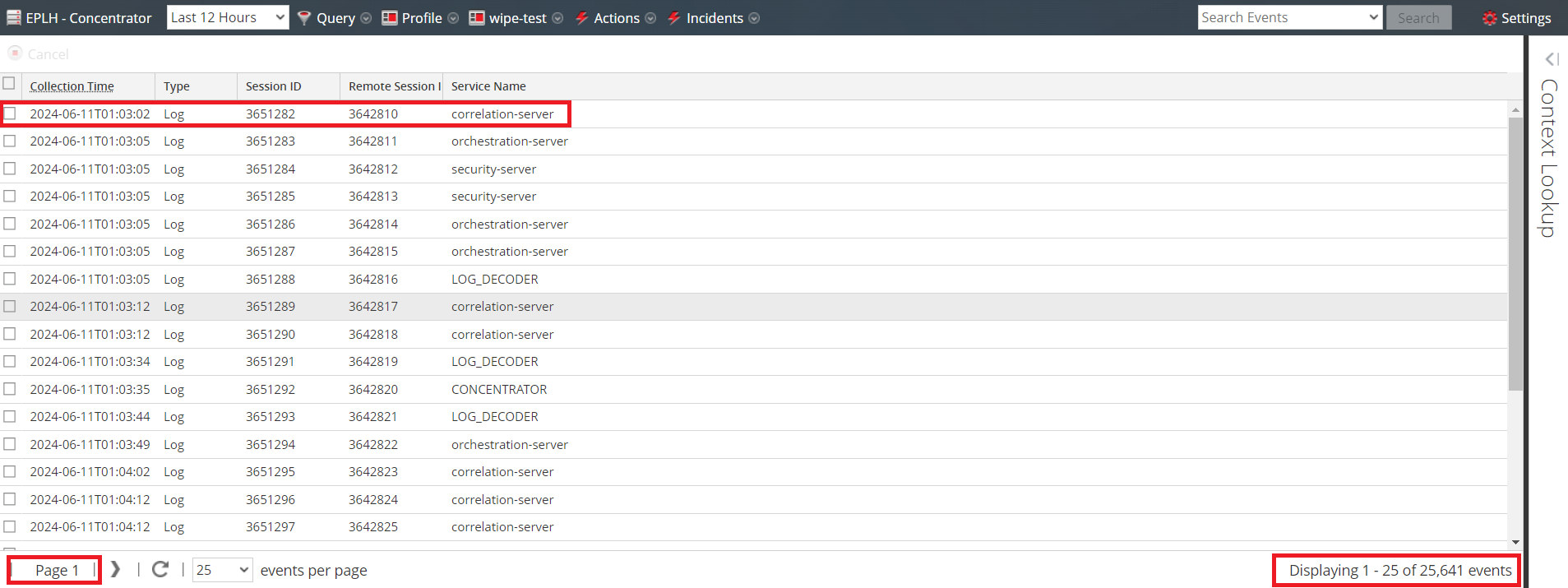
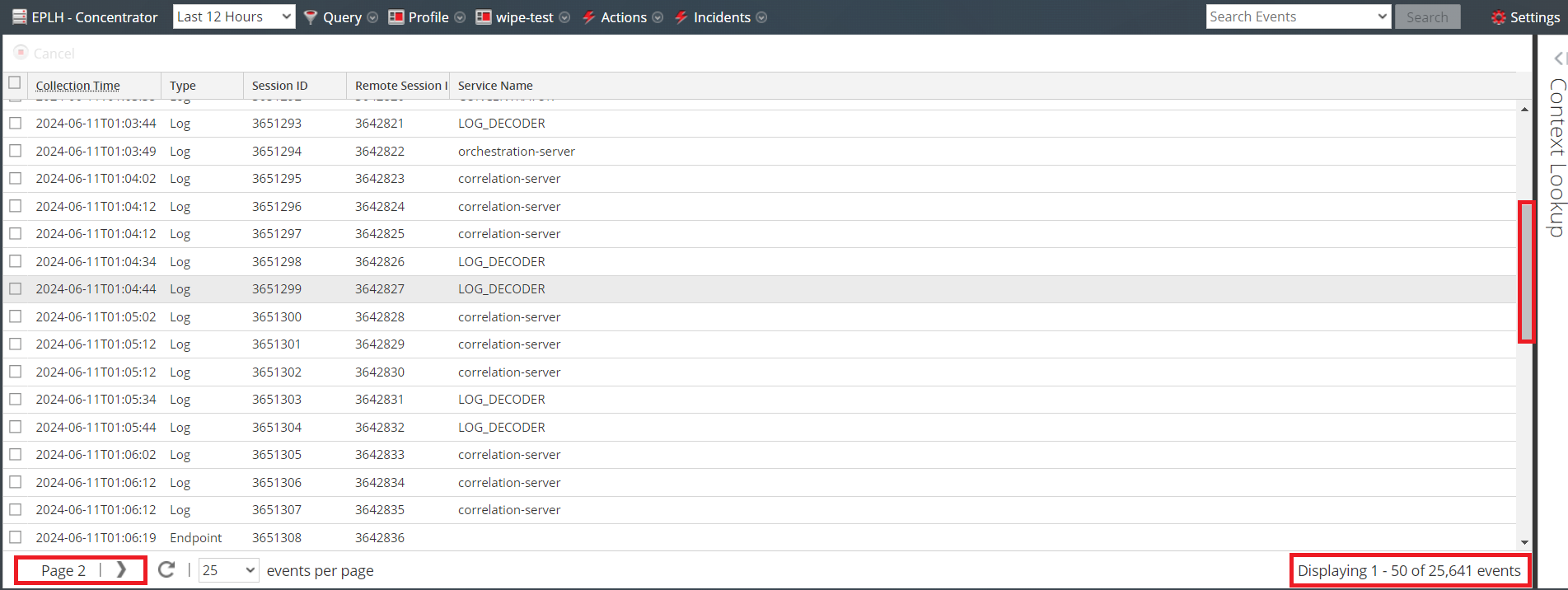
After clicking the next page, an automatic scroll down is made and the number of events increases while staying on the same page.
Product Details
Product Set: NetWitnessProduct/Service Type: User Interface
Version/Condition: 11.x, 12.x
Platform: CentOS, AlmaLinux
O/S Version: EL6
Summary
This article addresses the steps to enable the continuous Events view in Netwitness
Approval Reviewer Queue
Technical approval queue