.png?width=180&height=32&name=NW%20Logo%20(2).png)
Issue
You may face the "No valid licenses found for this license id - XXXXX" issue like the following screenshot when you create Live Account using the RSA Live Registration Portal (https://cms.netwitness.com/registration/).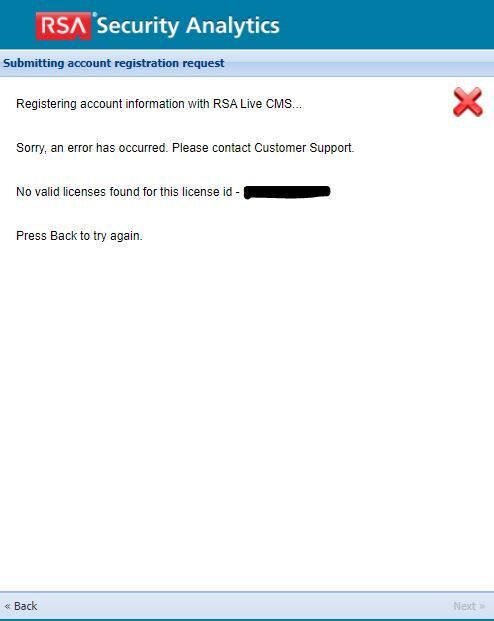
Resolution
Normally, This issue can occur that you try to create a Live Account before you have not added "License Server ID" on myRSA.Refer to the https://community.rsa.com/docs/DOC-45428 document. You should add "License Server ID" on myRSA, map the add-ons to the newly created server, generate a response.bin file from a Download Capacity Response.
After adding the License Server ID, You can register Live Account successfully.
If you are unsure about any of the steps above or experience any issues, contact RSA Support.
Product Details
RSA Product Set: NetWitness PlatformRSA Product/Service Type: Live
RSA Version/Condition:11.x
Approval Reviewer Queue
RSA NetWitness Suite Approval Queue