.png?width=180&height=32&name=NW%20Logo%20(2).png)
Resolution
1) Click on 'Sign In' in the main NetWitness Link Portal: https://community.netwitness.com/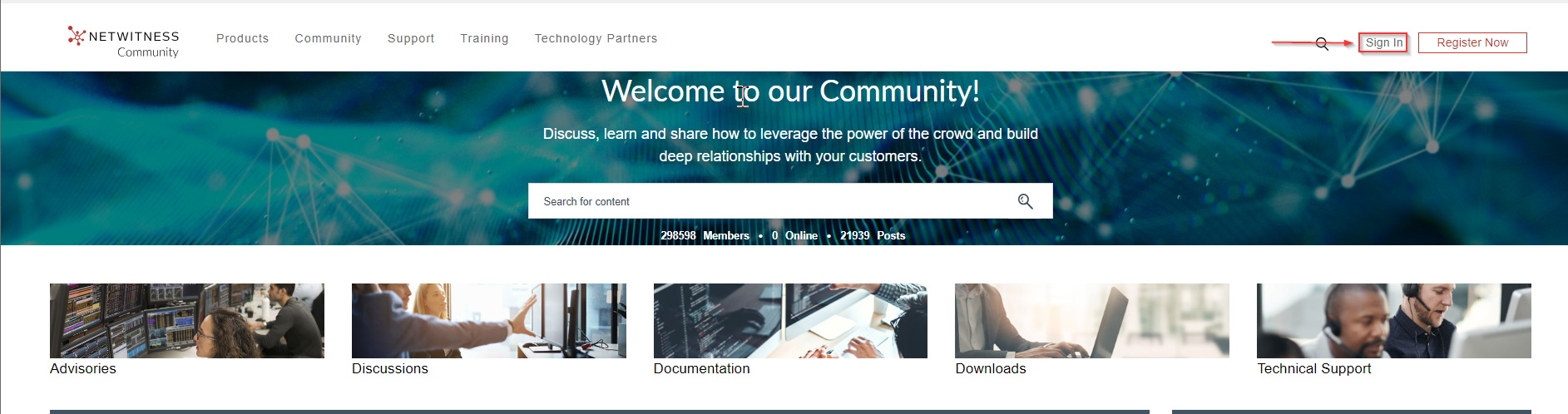
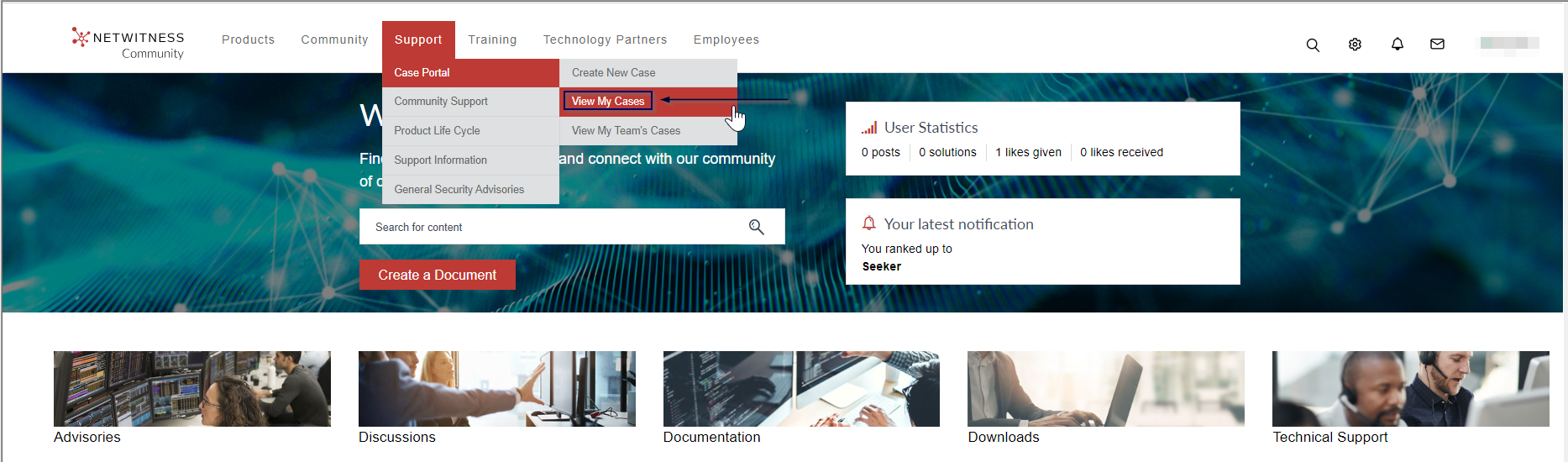
2) Click on Support > Case Portal > View My Cases:
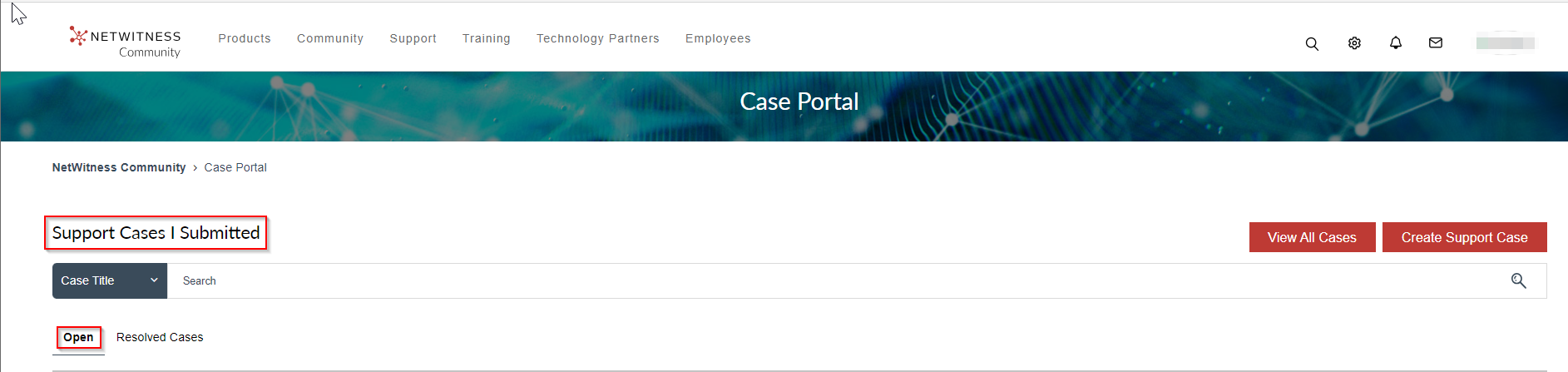
3) Click on 'Open' under 'Support Cases | Submitted' to view currently Open cases
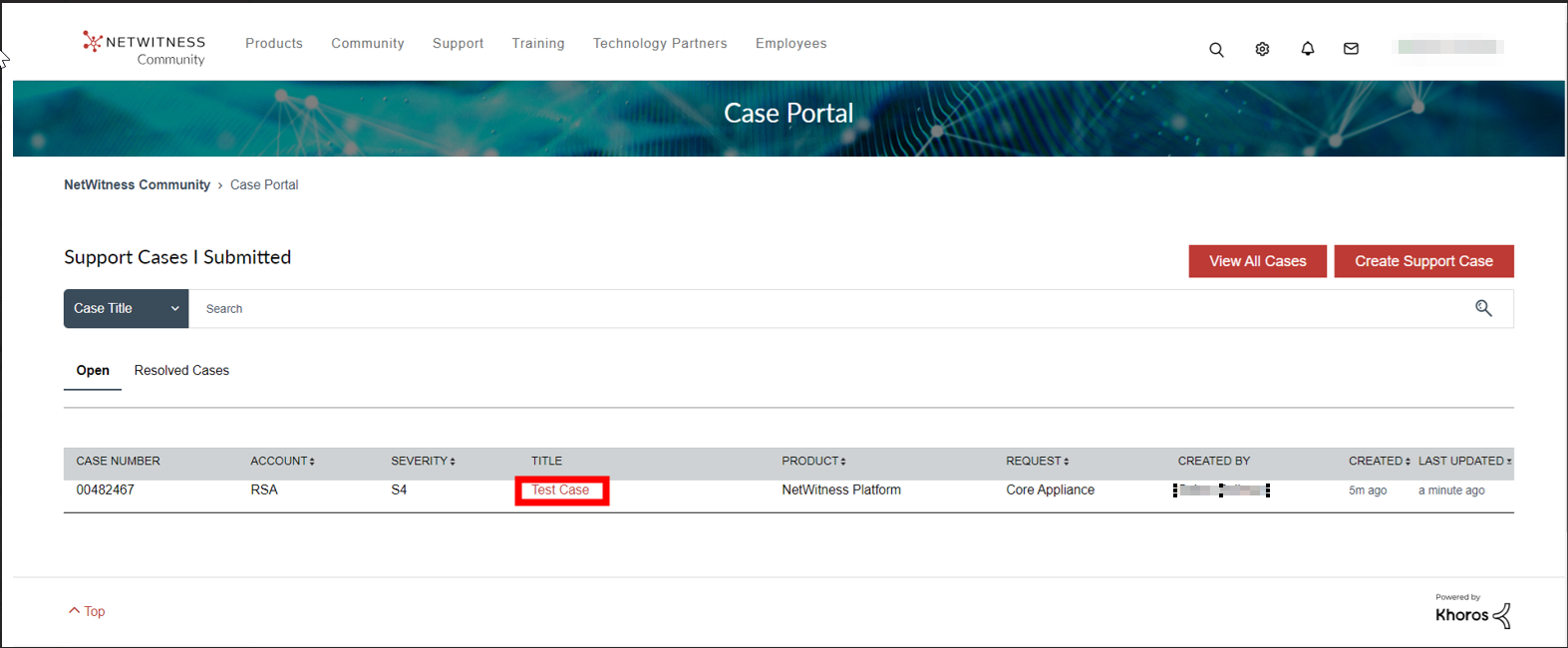
4) Click on the case title you would like to update or comment on:
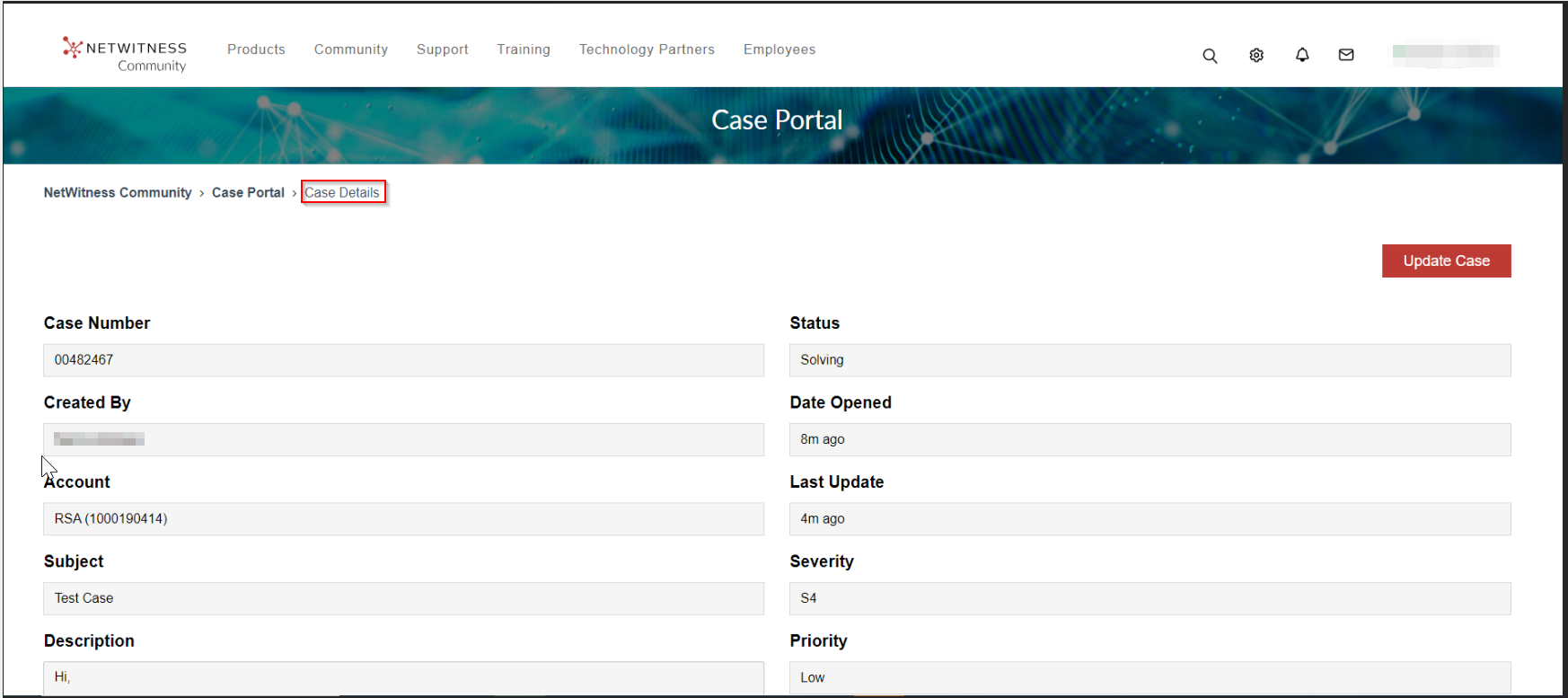
6) You will be directed to "Case Details" page:
7) Scroll down and type your comment:
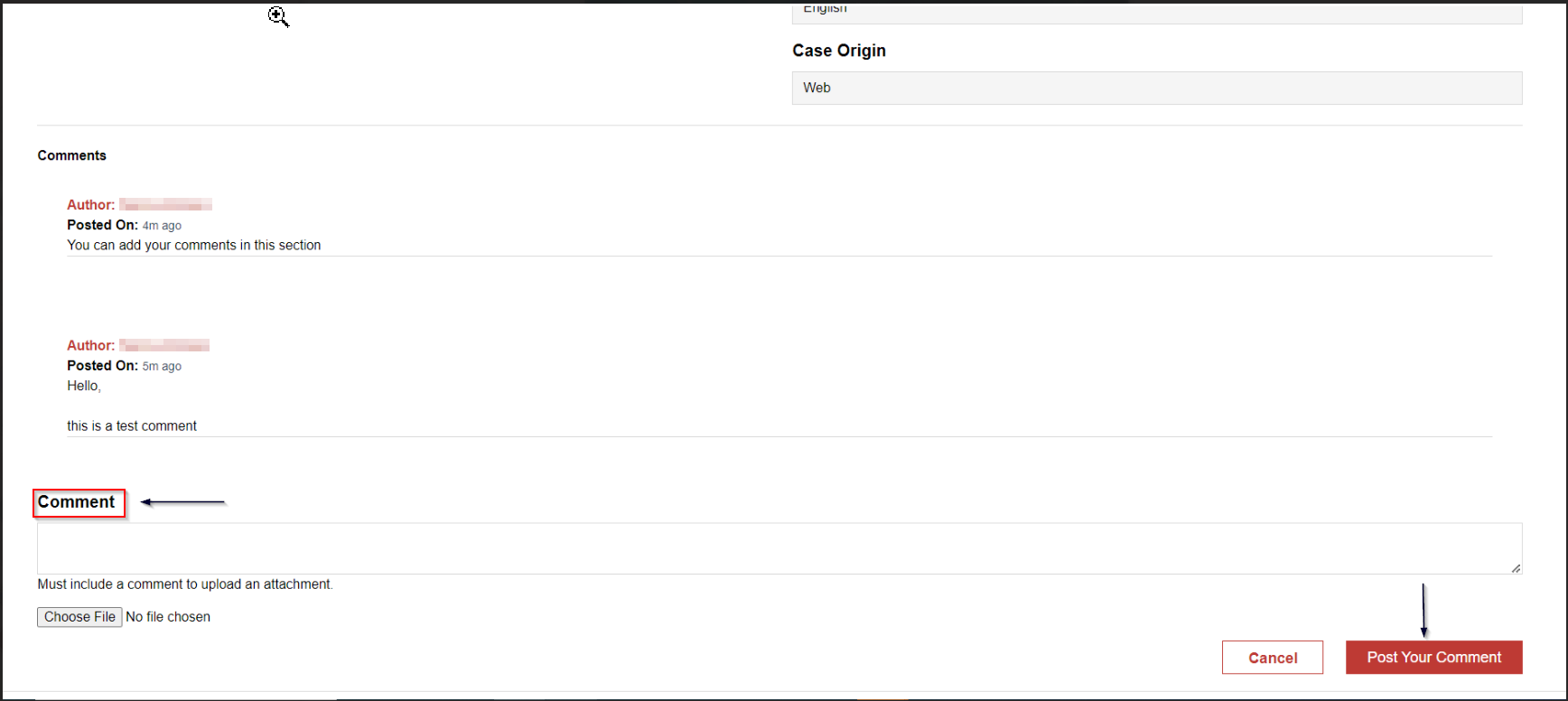
8) Press on "Post Your Comment"
Product Details
Customers managing their NetWitness cases online within NetWitness Community.Summary
This article shows customers how to update or comment on a case within NetWitness community
Approval Reviewer Queue
Technical approval queue