.png?width=180&height=32&name=NW%20Logo%20(2).png)
HTTP Proxy Settings Panel
HTTP Proxy Settings Panel introduces the proxy support features of the  (Admin) > System > HTTP Proxy Settings panel.
Note: Proxy support is only for HTTP and HTTPS proxies and not SOCKS5.
The HTTP Proxy Settings panel provides a user interface for configuring a proxy for use across NetWitness modules and services. The Proxy Settings set up a proxy to be used wherever a proxy is needed in NetWitness. The settings in this panel override any proxy settings configured for an individual service such as Malware Analysis or Live.
Related topics
"Configure Proxy for NetWitness Platform XDR" in Additional Procedures
Quick Look
The following example illustrates an HTTP Proxy Settings Panel.
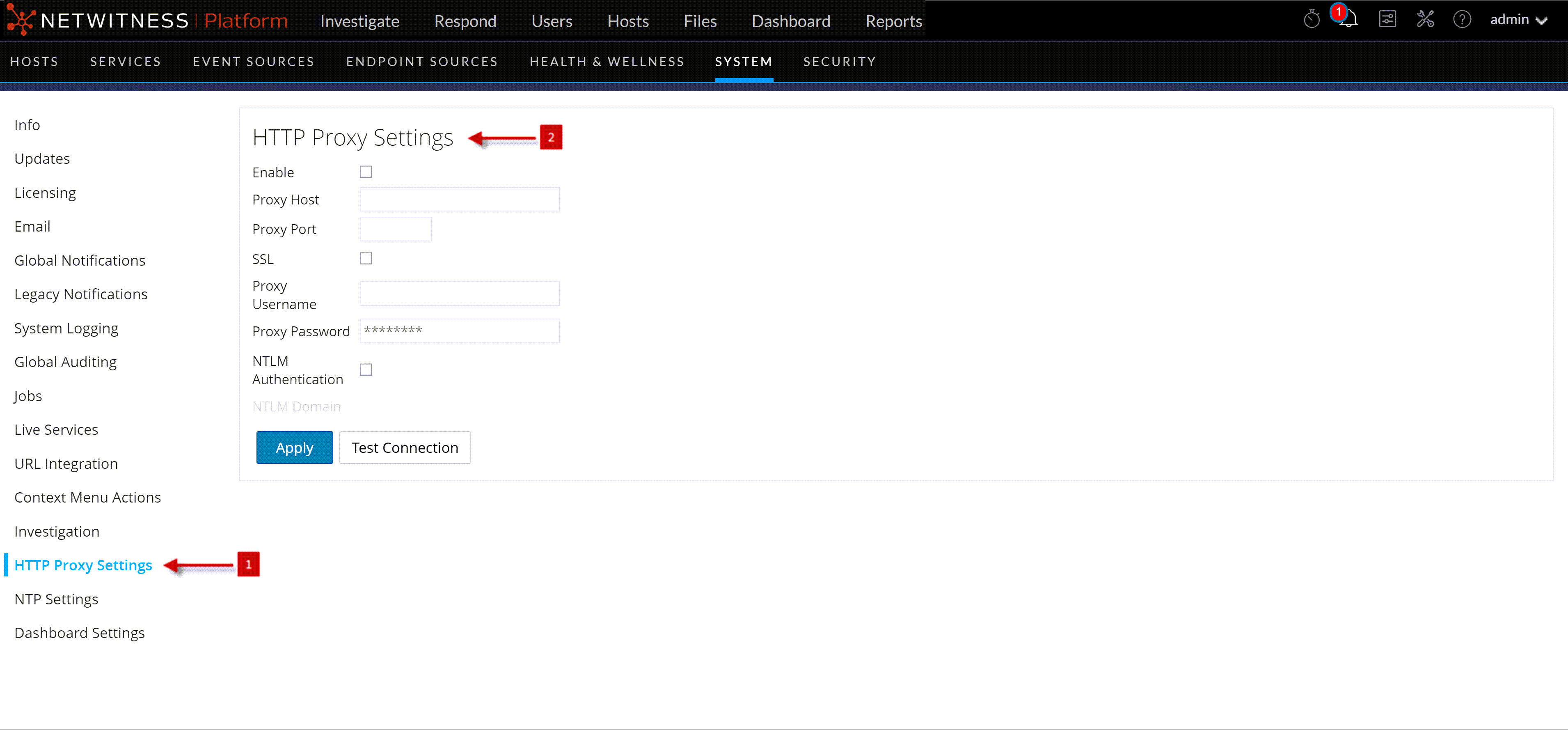
This table describes the features in the HTTP Proxy Settings section.