.png?width=180&height=32&name=NW%20Logo%20(2).png)
Legacy Events View
The Legacy Events view is deprecated in favor of the Events view. In the Legacy Events view a list of events associated with a session is available; this view is optimized for viewing raw events in sequence by time. You can display the events list in several forms, filter events, search for events, and open a reconstruction of an event.
There are two ways to display the Legacy Events view:
- Go to Investigate > Legacy Events. NetWitness runs a default query on the last three hours for the default service (if one is set) or displays a dialog in which you can select a service and then runs the default query. The default query selects all events and the Legacy Events view displays events on the selected service, with the oldest events first.
- From within the Navigate view, double-click an event. The Legacy Events view displays the events on the selected service based on the drill point in the Navigate view.
Note: The Legacy Events view was the original Events view (11.0 to 11.3.x.x). The Legacy Events is no longer needed and it is hidden unless the administrator enables it. By default only the Events view appears in the menu, but when the Legacy Events view is enabled, both the Events view and the Legacy Events view are visible in the menu bar.
What do you want to do?
*You can perform this task in the current view.
Related Topics
- How NetWitness Investigate Works
- Filter Results in the Legacy Events View
- Downloading and Acting Upon Results
Quick LookQuick Look
The Legacy Events view provides three built-in presentations of event data: the Detail view, the List view, and the Log view. The List view and Detail view provide more information for each event including the timestamp, event type, event theme, and size.
- The List View shows corresponding source and destination address and port information for events in summary form in a grid.
- The Detail View shows all metadata collected for the event in a paged view.
- The Log View is optimized for viewing log and endpoint information, and provides more information for each log including the timestamp, event type, service type, service class, and the logs.
You can use queries, the time range setting, and profiles to filter the events listed in the Legacy Events view. From any view type in Legacy Events view, you can extract files; export network events, endpoint events, logs, and meta values, and open the Event Reconstruction panel. In the Detail View you can also open the event in the Events view.
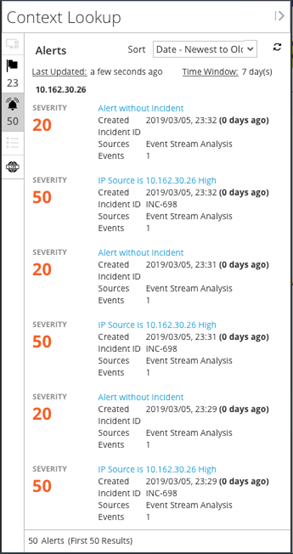
The following figure is an example of events in the Detail View. The Context Lookup panel is visible only if the Context Hub service is configured.
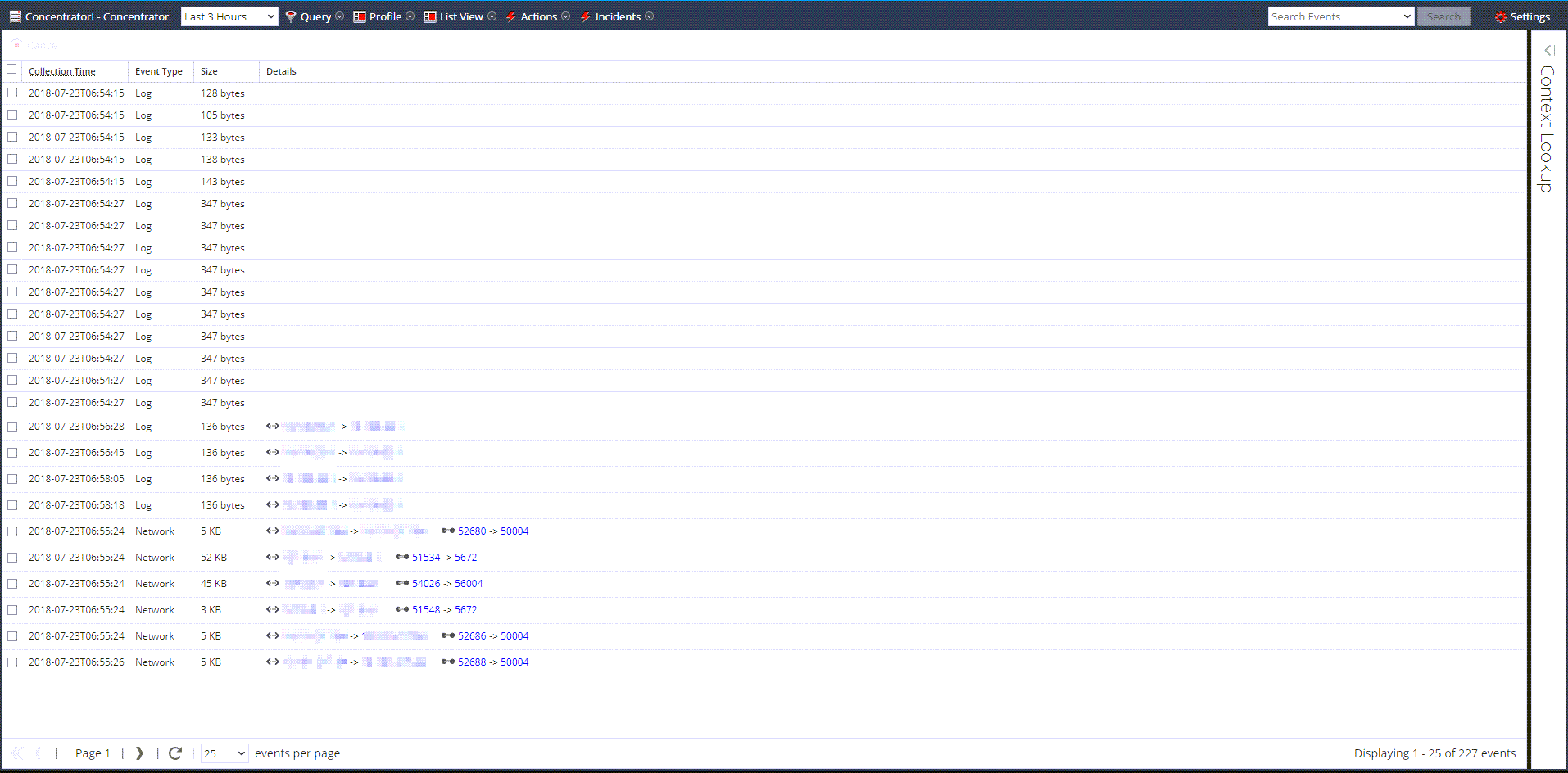
The following figure is an example of events in the List View.
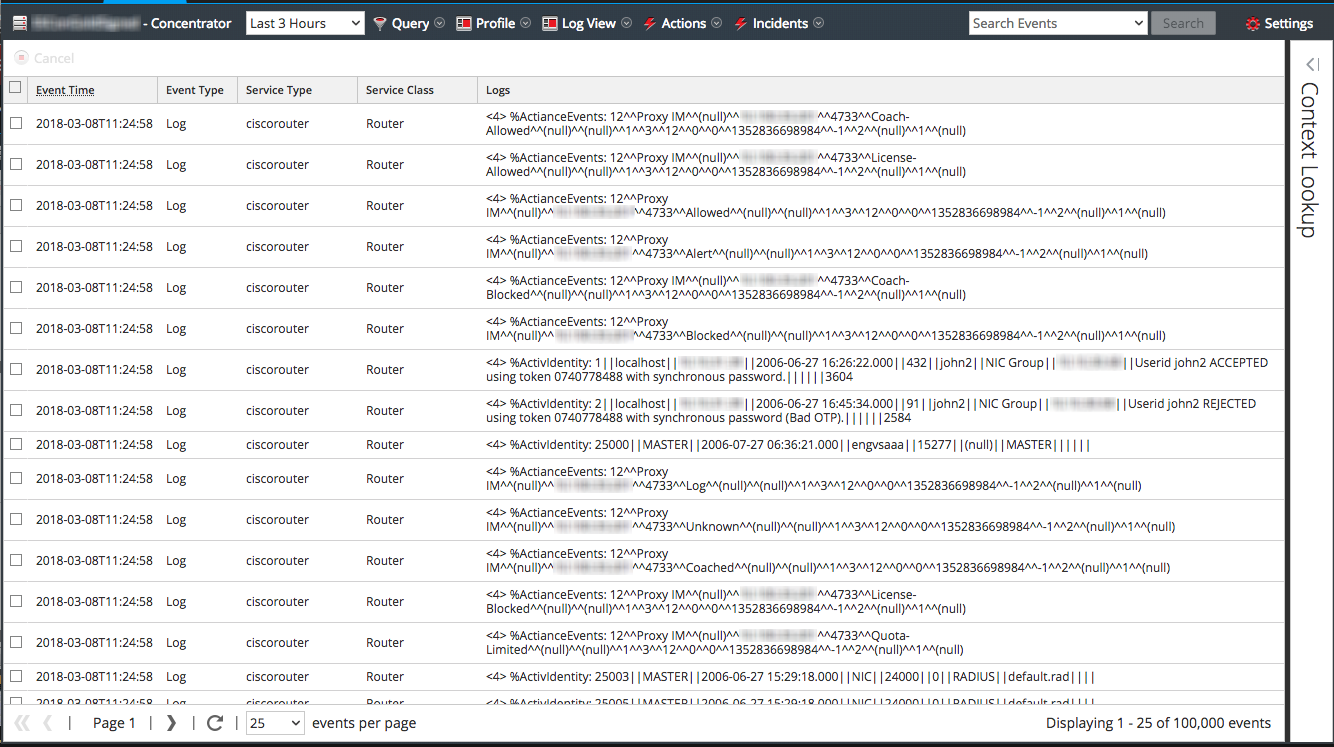
The following figure is an example of the Log View.
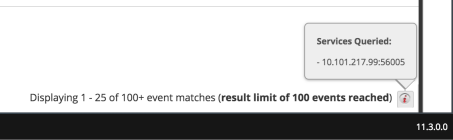
The following figure shows the information added to the footer for Version 11.3 and later.
Detailed DescriptionDetailed Description
The Legacy Events view has a toolbar at the top with the following options.
Other features of the Legacy Events view are described in this table.