.png?width=180&height=32&name=NW%20Logo%20(2).png)
Monitoring Policies Tab
The Monitoring Policies tab organizes thresholds by event source group.
To access this tab, go to  (Admin) > Event Sources > Monitoring Policies.
Workflow
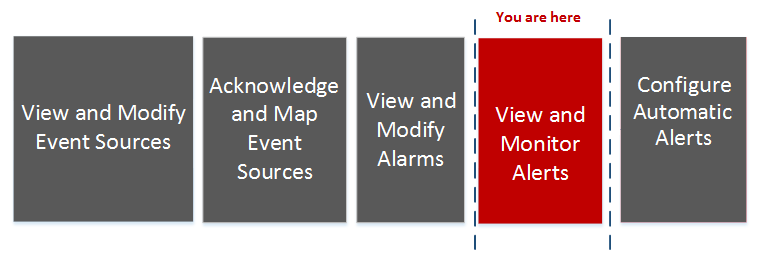
This workflow shows the overall process for configuring event sources.
What do you want to do?
*You can perform this task here.
Related Topics
Quick Look
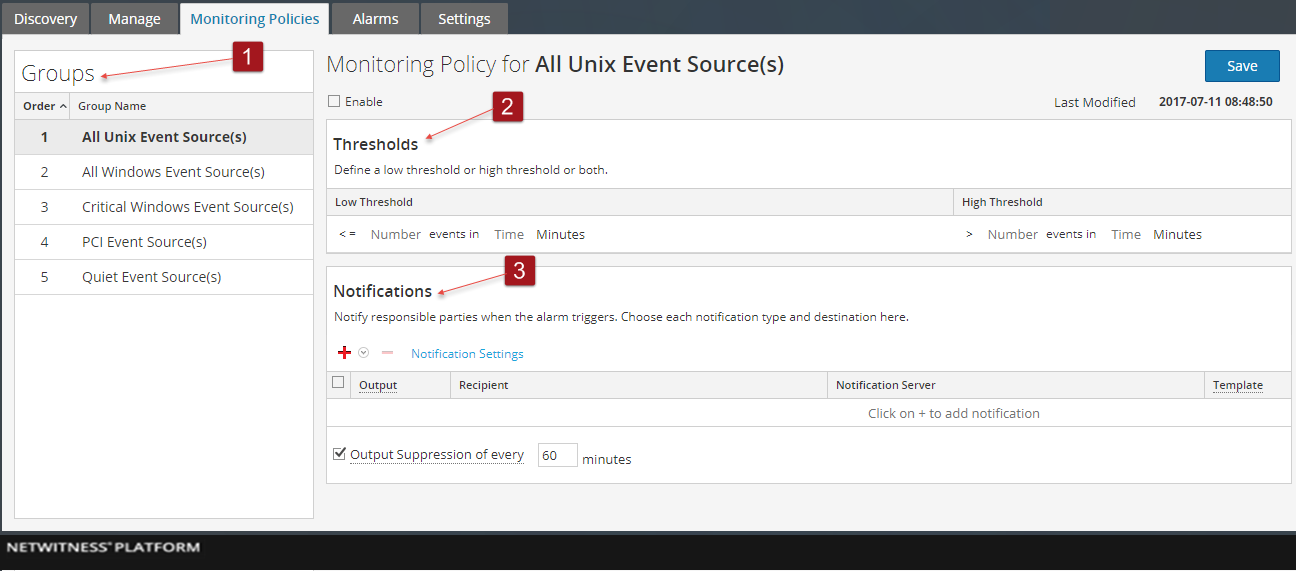
The Monitoring Policies tab consists of three panels:
- Event Groups Panel
- Thresholds Panel
- Notifications Panel
This is an example of the Monitoring Policies tab.
Event Groups Panel
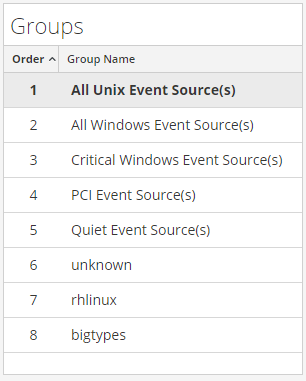
The group selected in this panel determines which thresholds appear in the Thresholds panel. You can define a set of thresholds for each event source group. Notice that the groups are listed in a specific order:
- Drag and drop groups to change the specified order.
- The higher a group is listed, the higher the precedence for that group's thresholds: NetWitness checks the thresholds in the order provided in this panel. Thus, your highest priority groups should be at the top of this list
Thresholds Panel
This is an example of the Thresholds panel for an event source group.
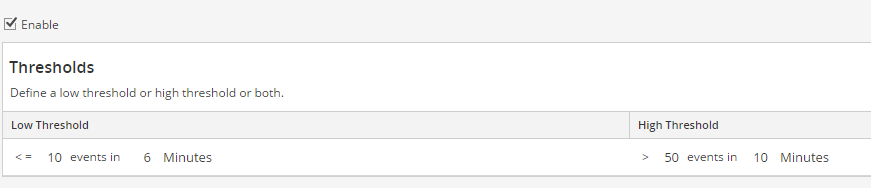
The Thresholds Panel contains the following features.
Notifications Panel
This is an example of the Notifications panel for an event source group.

The following table describes the fields on the Notifications panel
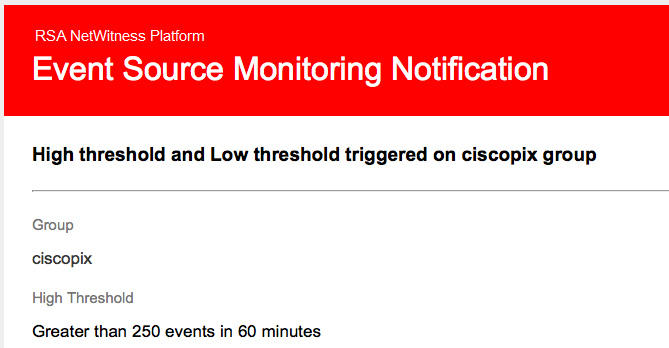
The following are sample notifications, based on the supplied Templates.
-
Email:
For email notifications, the third column, Alarm Type, specifies whether the triggered alarm was based on a user threshold, or the baseline data being out of normal bounds. If you have automatic monitoring or notifications turned off, you will not receive any Automatic notifications. The same is true for Syslog and SNMP, except those notifications are formatted differently.
-
SNMP trap:
11-11-2015 11:57:33 Local7.Debug 127.0.0.1 community=public, enterprise=1.3.6.1.4.1.36807.1.20.1, uptime=104313, agent_ip=10.251.37.92, version=Ver2, 1.3.6.1.4.1.36807.1.20.1=" NetWitness Event Source Monitoring Notification:
Group: PCI Event Source(s)
High Threshold:
Greater than 500 events in 5 minutes
10.17.0.10,ciscopix,Manual
10.17.0.13,ciscopix,Manual
10.17.0.8,ciscopix,Manual
10.17.0.8,ciscopix,Automatic
10.17.0.12,ciscopix,Manual
10.17.0.5,ciscopix,Manual
10.17.0.6,ciscopix,Manual
10.17.0.4,ciscopix,Manual
10.17.0.4,ciscopix,Automatic
10.17.0.3,ciscopix,Manual"
-
Syslog sample:
11-11-2015 11:57:33 User.Info 127.0.0.1 Nov 11 11:57:33 localhost CEF:0|RSA| NetWitness Event Source Monitoring|10.6.0.0.0| HighThresholdAlert|ThresholdExceeded|1|cat=PCI Event Source(s)|Devices| src=10.17.0.10,ciscopix,Manual|src=10.17.0.13,ciscopix,Manual|src=10.17.0.8,ciscopix,Manual|src=10.17.0.8,ciscopix,Automatic|src=10.17.0.12,ciscopix,Manual|src=10.17.0.5,ciscopix,Manual|src=10.17.0.6,ciscopix,Manual|src=10.17.0.4,ciscopix,Manual|src=10.17.0.4,ciscopix,Automatic|src=10.17.0.3,ciscopix,Manual|