.png?width=180&height=32&name=NW%20Logo%20(2).png)
Issue
NetWitness provides metadata items derived from headers in the HTTP/2 stream after append HTTP2="headers=true" (or HTTP2="headers=true extract=all" in 12.x version) to /decoder/parsers/config/parsers.options.
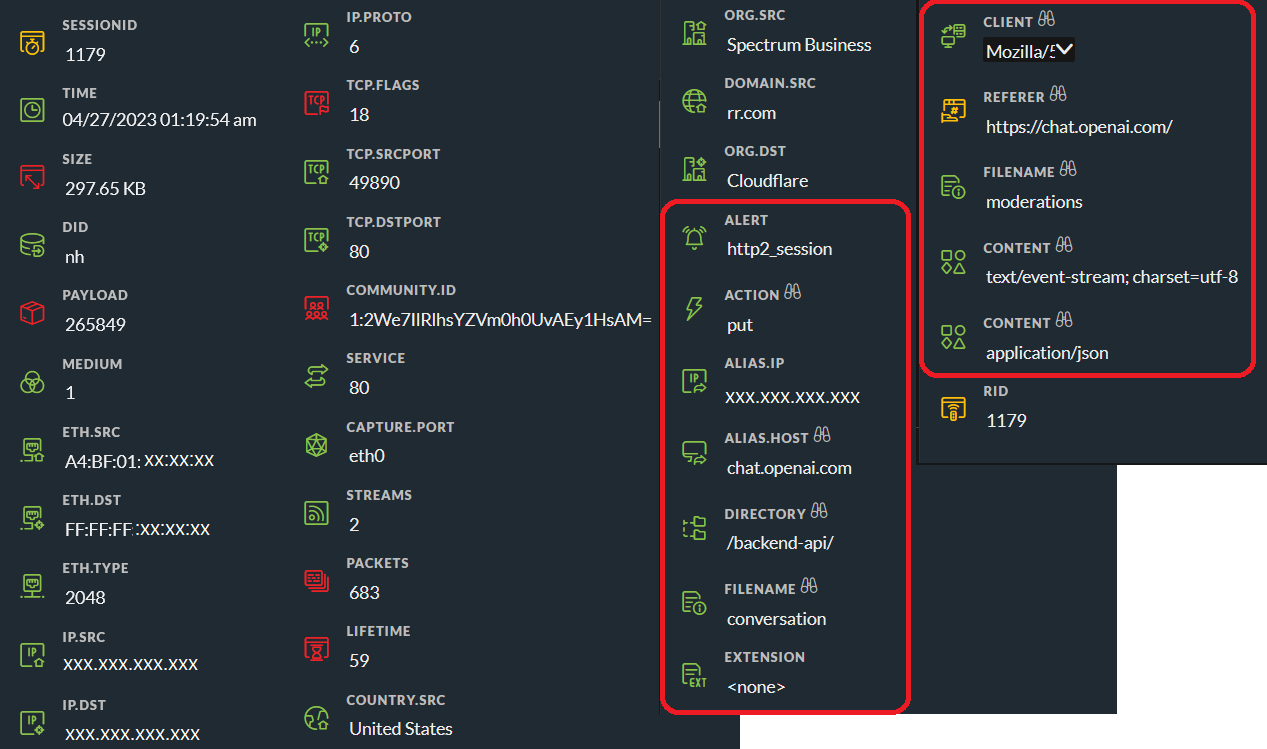
But some users can't see the metadata (for example: action, alert, alias.host, directory, referer) from HTTP2 sessions after configure the parser options.
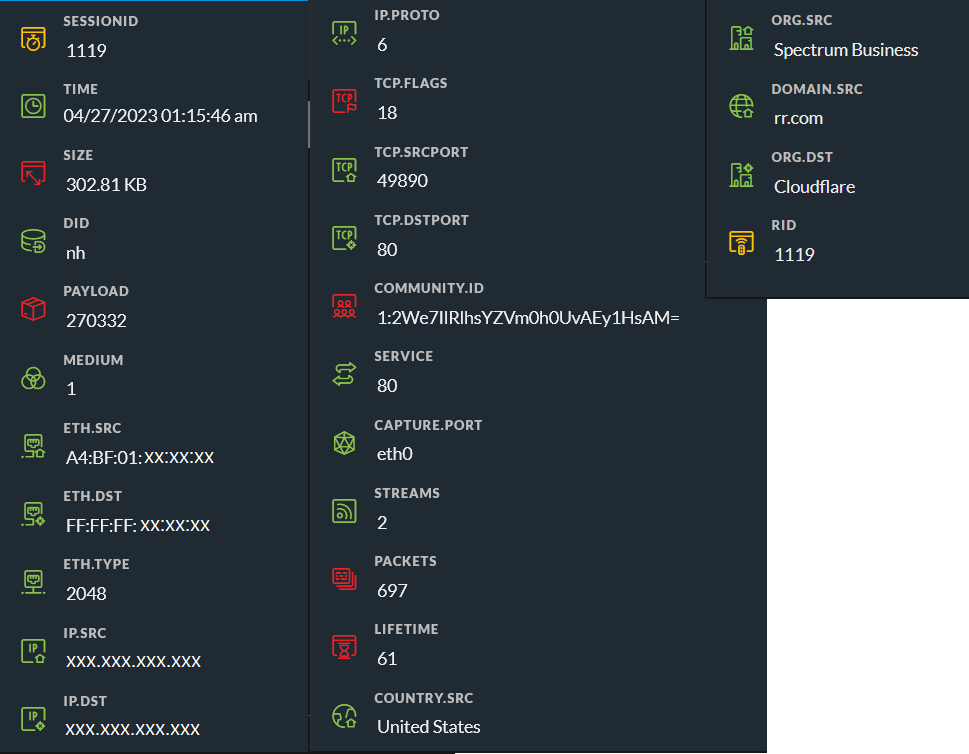
Below image is the example which have HTTP2 metadata.
Cause
A possible case is there is a typo with the double quotes (") in Explore view for where the HTTP/2 Metadata options were entered.
The double quote (") character in some non-English keyboard layouts is similar, but slightly different.
Resolution
-
Go to ADMIN > Services and select a Decoder, and in the actions menu, select View > Explore. -
Expland decoder > parsers and select config.
-
Before :In parsers.options, check and correct the double quote (") character of HTTP2="headers=true".HTTP2= ”headers=true extract=all ”After :
HTTP2= "headers=true extract=all "
-
In the left panel, right-click parsers and click Properties. In the drop-down menu, select reload and then click Send.
Product Details
RSA Product Set: RSA NetWitness PlatformRSA Product/Service Type: NetWitness Respond
RSA Version/Condition: 11.7, 12.x
Platform: CentOS
O/S Version: 7
Summary
NetWitness doesn't display HTTP2 metas after add HTTP2 parsers option
Approval Reviewer Queue
Technical approval queue