.png?width=180&height=32&name=NW%20Logo%20(2).png)
Tags: Documentation
The
Quick Actions option in the
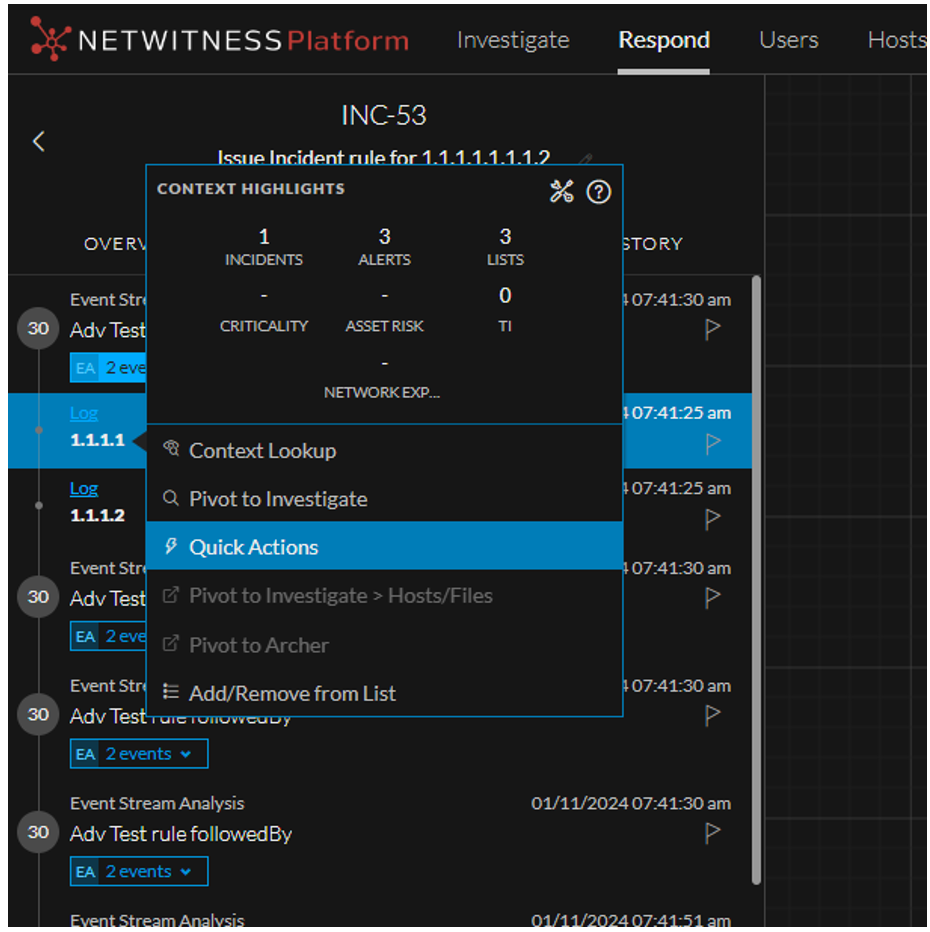
Context Highlights section allows users to use the response action configured for any applicable meta. Users can send the metadata, along with additional parameters, to a third-party tool for further processing.
This option is available when you right-click any context meta in the Investigate, Respond, Users, and Hosts view where Context Highlights appear.
What do you want to do?
Related Topics
Quick Look
The following is an example of Quick Action from the Respond view.
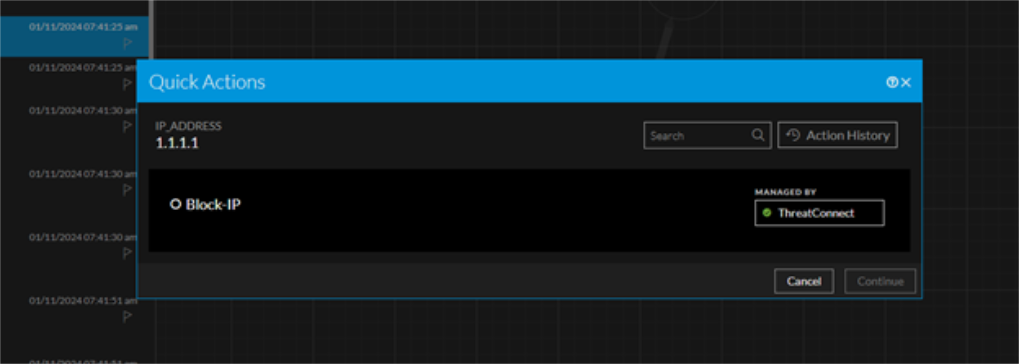
The following figures shows the Quick Actions workflow.
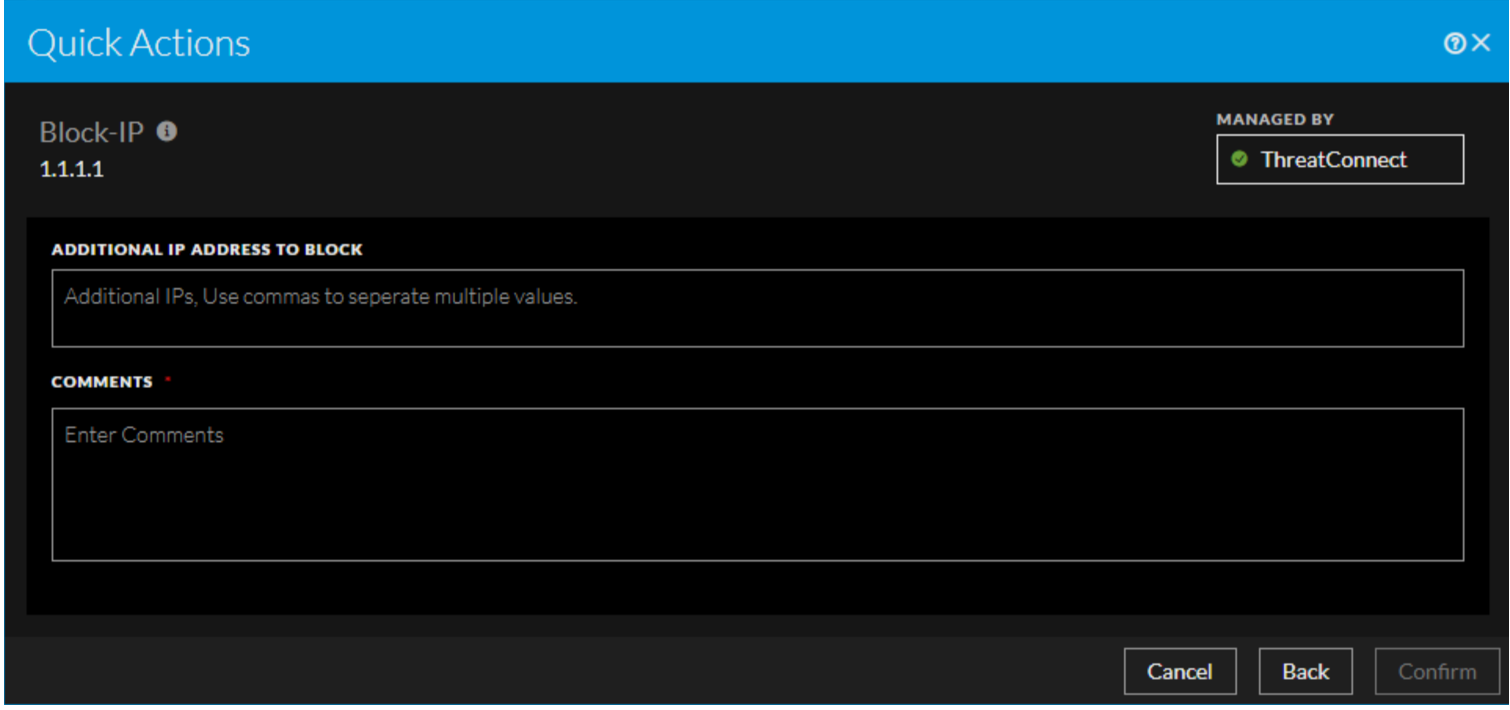
The following table describes the fields in the Quick Actions Panel.
Quick Actions History View
When you click the Action History option in the Quick Actions window, the Quick Action History dialog displays the historical details of the Response Actions executed for that specific meta value.
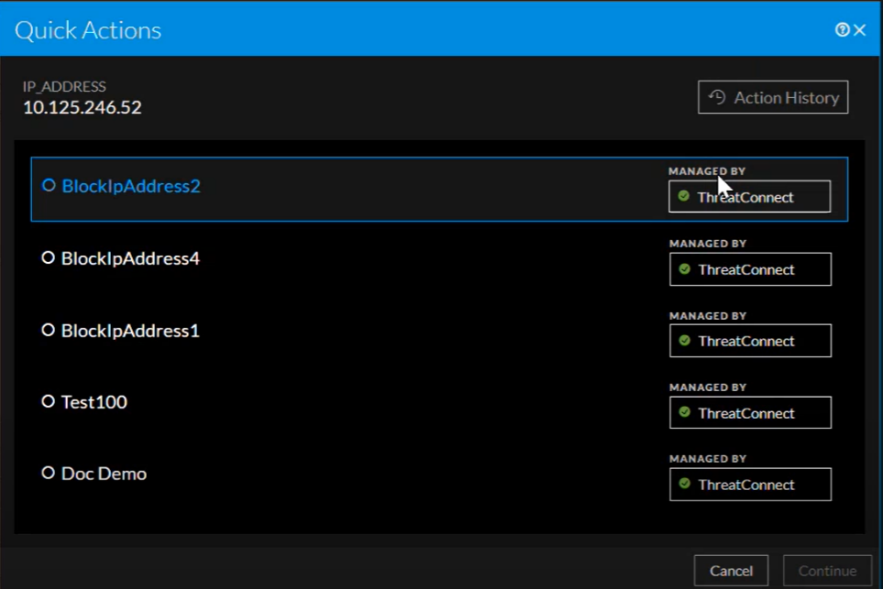
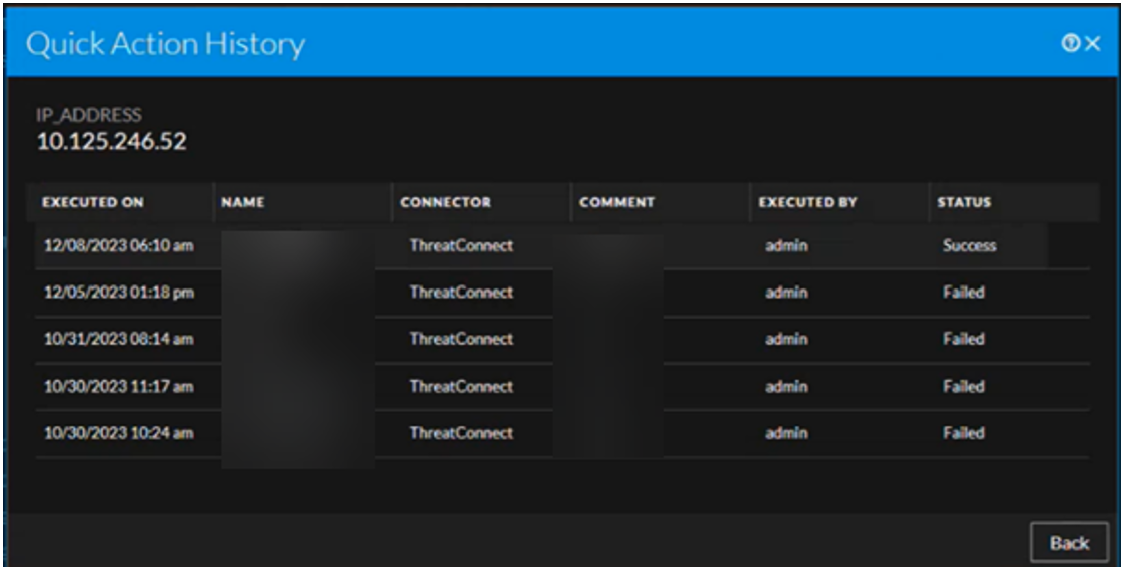
The following table describes the columns in the Quick Action History view.