.png?width=180&height=32&name=NW%20Logo%20(2).png)
Reporting Engine Manage Logos Tab
The Manage Logos option available in the Services Config View > Manage Logos tab, helps you to manage the logos associated with the Reporting Engine. The Manage Logos tab consists of a single panel with a toolbar and a grid that lists the logos.
You can upload the logos that you want to use in your report. After you upload the logo, you can set any logo as a default logo which will be automatically used in all the scheduled reports. You can choose to override the default logo with any other logo listed in this tab when you schedule a report. For more information, see "Select a Logo Dialog" topic in the Reporting Guide.
The supported image formats are:
- .jpg
- .png
- .gif
Workflow
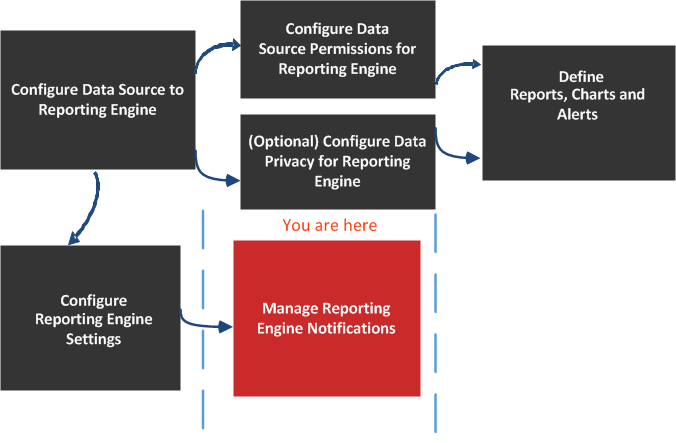
What do you want to do?
*You can complete these tasks here.
Related Topics
Quick Look

You can perform the following actions on the Manage Logos Tab.