.png?width=180&height=32&name=NW%20Logo%20(2).png)
Tags: Documentation
The Response Actions History view consists of a Filters panel, Response Actions History List, and an Overview panel.
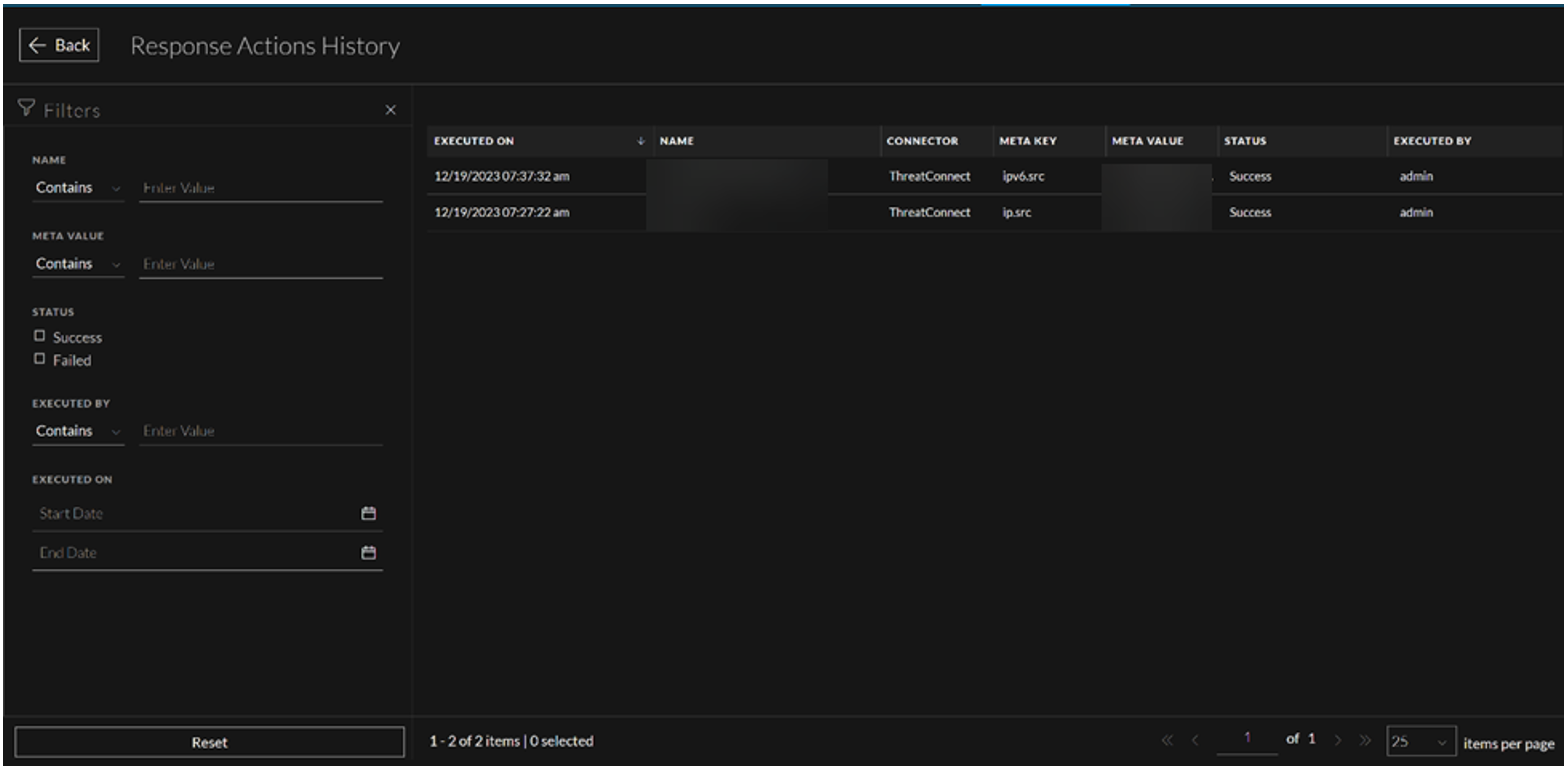
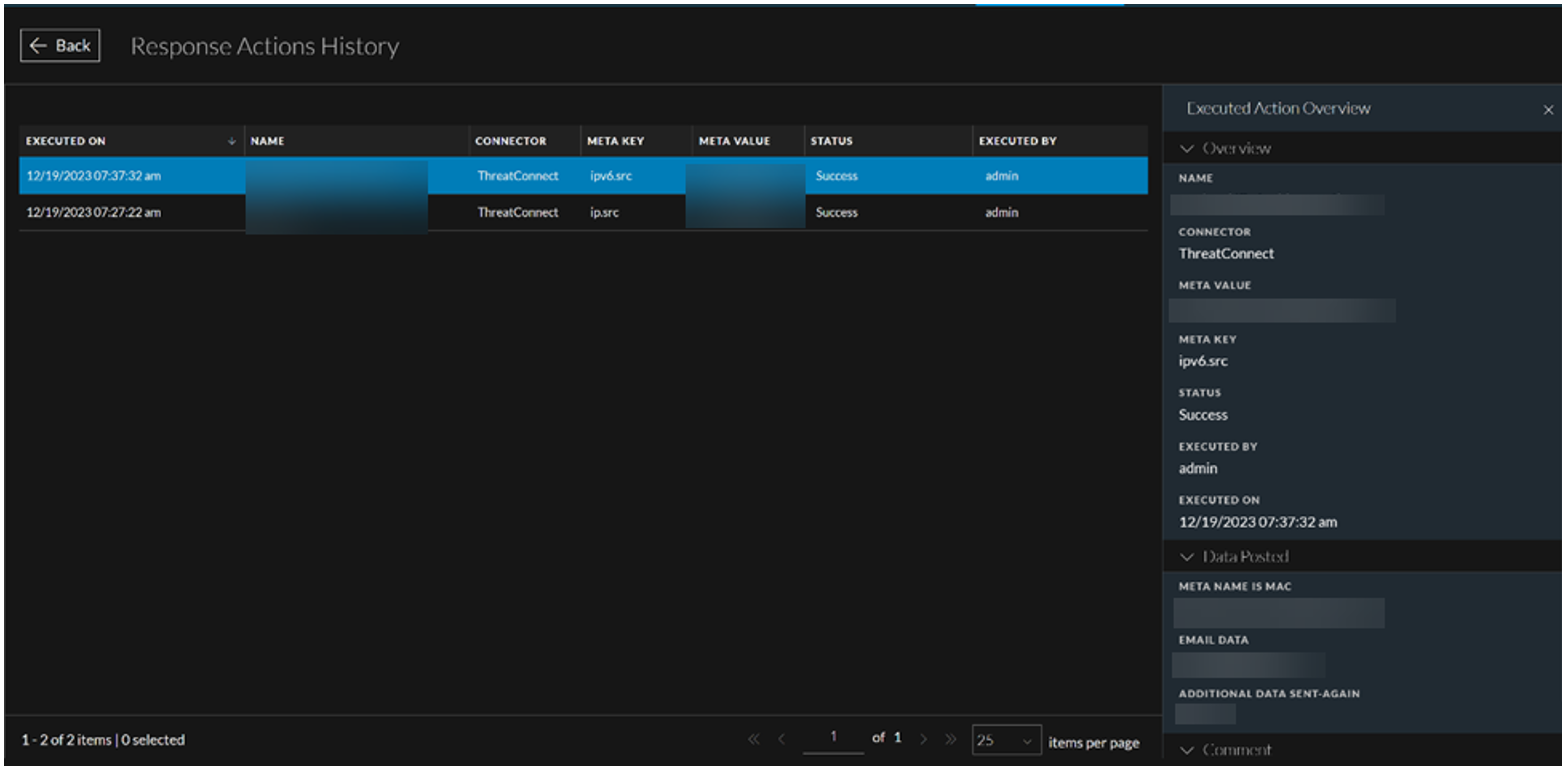
Response Actions History Filters Panel
You can apply the following filters to view the history of the Response Actions of your interest.
-
Response Actions Name
-
Meta Value
-
Response Actions execution Status
-
User who executed the Response Action
-
Time duration between which the Response Action was executed
The following table lists all the fields displayed in the Response Actions History Filters Panel.
- Fields: Name
- Description: Allows you to enter the name of the required Response Action.
- Fields: Meta Value
- Description: Allows you to enter the value of the meta key associated with the Response Action.
- Fields: Status
- Description: Allows you to filter the Response Action on the basis of the execution status. For example: If you could successfully send the meta and other parameters to the connector after executing the Response Action, you can select Success status to filter the required ResponseAction and vice-versa.
- Fields: Executed By
- Description: Allows you to filter the Response Action on the basis of the user who executed the Response Action.
- Fields: Executed On
- Description: Allows you to select the time duration between which the Response Action was executed.
Response Actions History List
The Response Actions History List displays the history of all the Response Actions executed in the NetWitness Platform.
The following table describes the columns in the Response Actions History List.