.png?width=180&height=32&name=NW%20Logo%20(2).png)
Retrieve Hash Information
Archiver provides a command, hashInfo, which you can use to retrieve the hash information for each session, meta, and packet database that meets the session list or date range criteria. The hash information retrieved is in the form of a list of string parameters, each string parameter corresponding to the hash information for a single database file. You can retrieve the hash information of the database files using the Archiver Service Explore view or REST interface of the Archiver service. The hash information thus retrieved is used to compare the database files in the original location and the exported location to validate data integrity.
The following table lists the criteria that you can use to retrieve the hash files from the database.
Procedure
To retrieve hash information of the database files:
- Go to
 (Admin) > Services, click
  , and select Archiver.
 -
In the Actions column, select View > Explore.
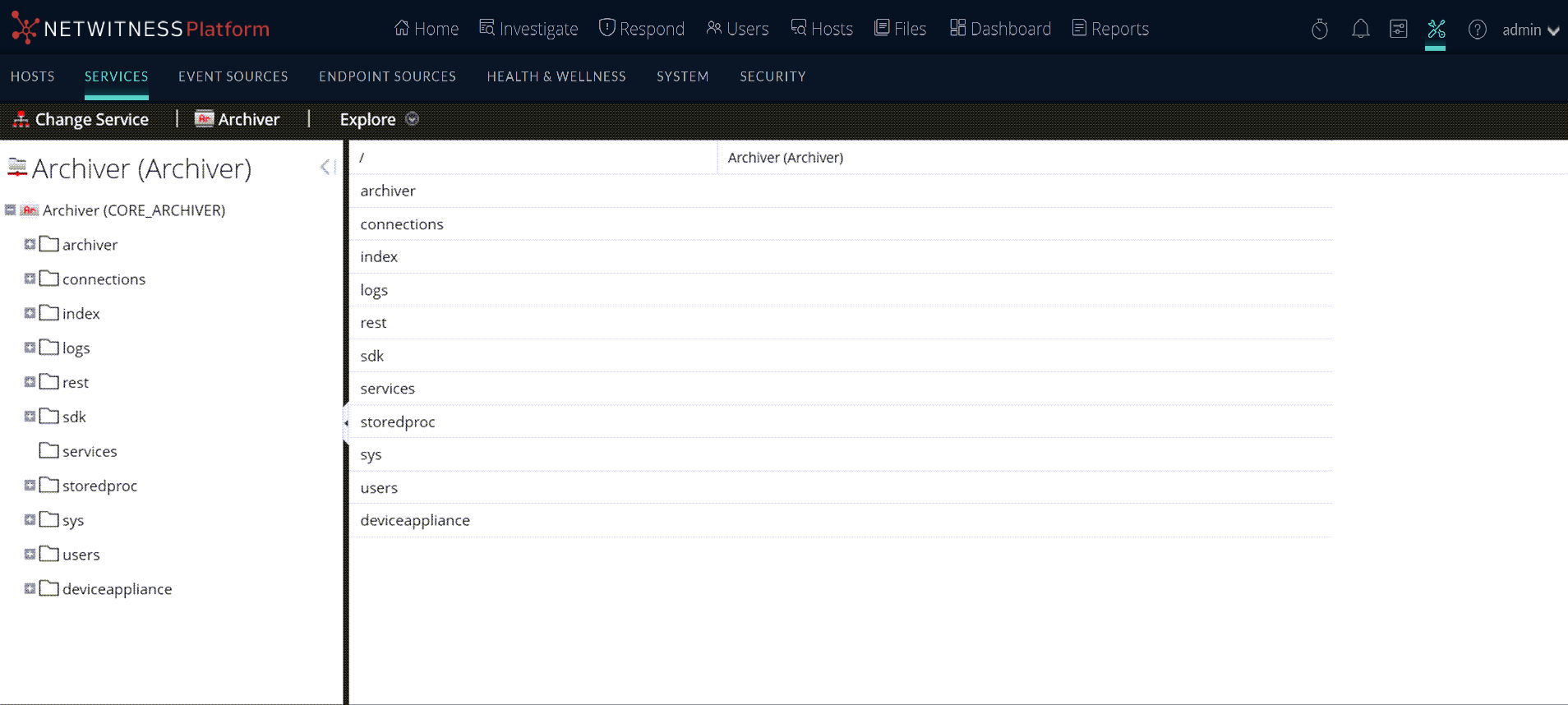
The Explore view of the Archiver service is displayed.
-
In the node tree, right-click on archiver and select Properties.
The Properties dialog is displayed.

- In the drop-down menu, select hashInfo.
- In the Parameters field, type the criteria that you want to use to retrieve the hash information from the database.
-
Click Send.
The output of the command is displayed in the ReponseOutput textbox. In the output, the hash information is shown in the hexHash parameter. You can use this hash information to verify data integrity manually.
Examples
Retrieve the hash information of the database files for the sessions that exist.
Criteria: sessions=100
Output
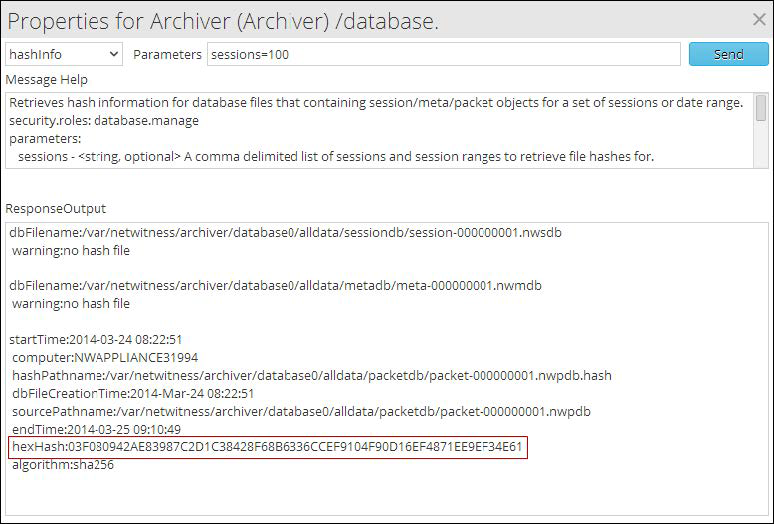
The hash information shown in the hexHash parameter is retrieved and you can use this to verify data integrity manually for session 100.
Retrieve the hash information of the database files for the session ranges that exist.
Criteria: sessions=100,500000
Output
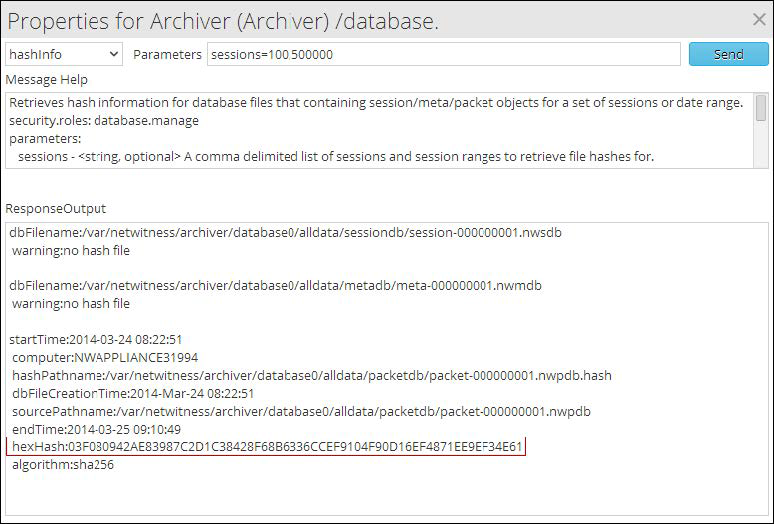
The hash information shown in the hexHash parameter is retrieved and you can use this to verify data integrity manually for session range 100 - 500000
Retrieve the hash information of the database files created in the specified date range
Criteria: beginDate="2017-Mar-25 05:52:15" endDate="2017-Mar-27 05:52:15"
Output
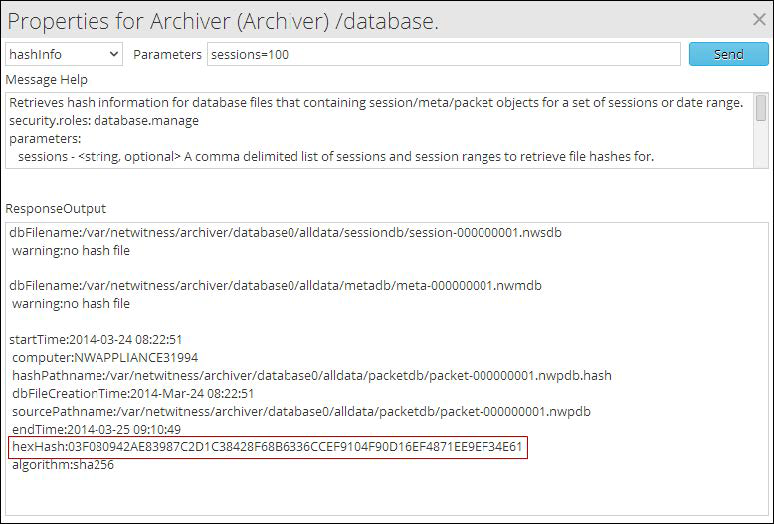
The hash information shown in the hexHash parameter is retrieved and you can use this to verify data integrity manually for the date range specified.